

Designing Flexible Workspaces for Modern Teams
Hybrid work needs spaces that can change quickly. Furniture has to support people moving between home and office without slowing them down.
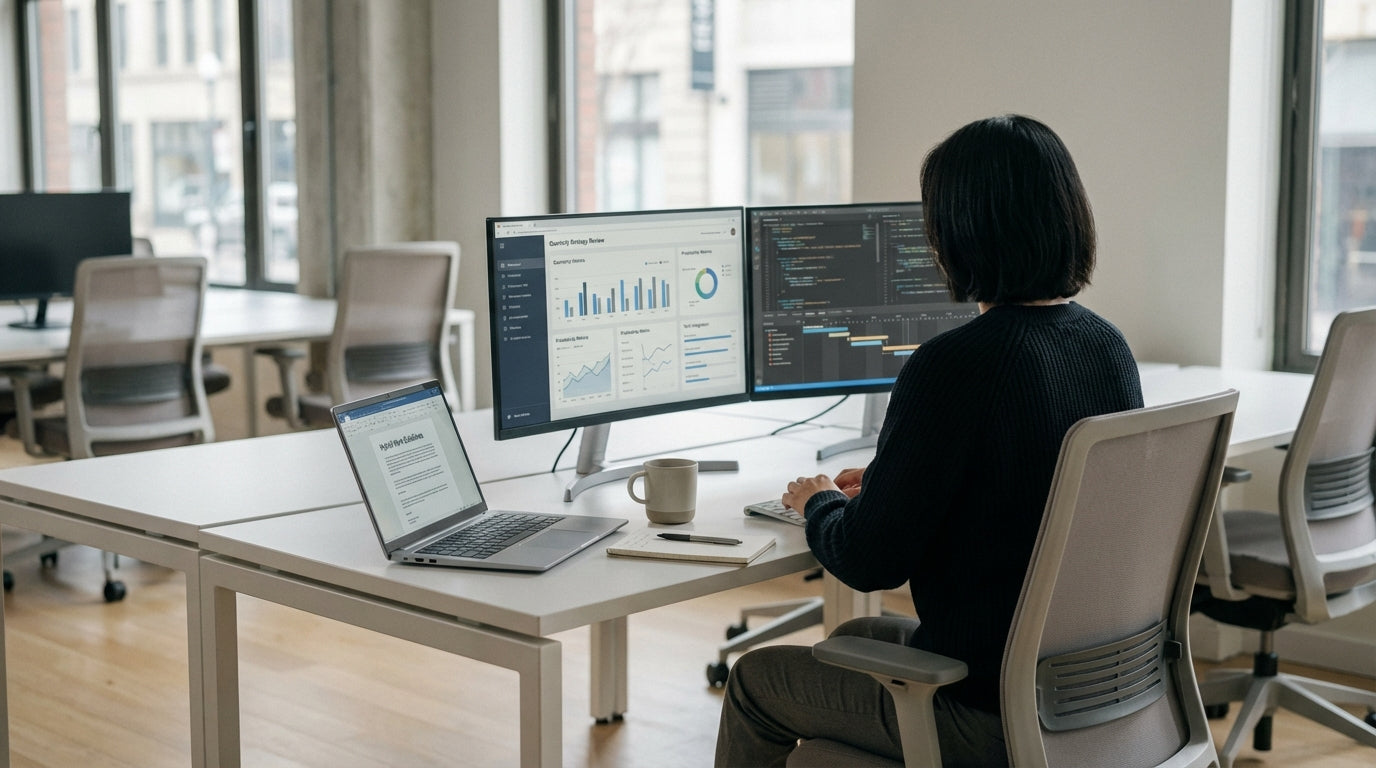
Start by zoning your floorplan into focused, collaborative and social areas. Focus zones work best with dedicated Single Person Workstations that give staff a consistent, ergonomic setup, even if they are only in the office a few days a week. Collaboration zones, on the other hand, should use mobile pieces and modular layouts that can be rearranged for workshops, stand-ups or one‑to‑one catch‑ups.
Quiet, enclosed spaces are now essential for video calls and deep work. Purpose-built Office Pods and Acoustic Pods help control noise and provide privacy without the cost of building new rooms. They’re ideal for staff who need a predictable environment to run online meetings while others are sharing open-plan desks nearby.
At home, flexible layouts matter just as much. Compact Home Office Desks with integrated storage and tidy cabling let employees shift from a spare room to a lounge nook or study corner without clutter taking over. This balance between open and enclosed, fixed and movable furniture is what makes a hybrid-friendly workspace feel organised rather than chaotic.
Prioritising Ergonomics Across Home and Office
Staff move between different locations, but their bodies don’t. Ergonomic furniture keeps everyone healthy and productive, wherever they’re working.
A quality task chair is the cornerstone of an ergonomic setup. Look for adjustable lumbar support, seat depth and armrests so people of different heights can sit correctly. Choosing from a range of dedicated Task Chairs means you can standardise comfort levels in the office and recommend similar settings for remote workers, reducing the risk of back and neck strain.
For hotter Australian climates or non‑air‑conditioned home offices, breathable seating becomes even more important. Mesh Office Chairs allow better airflow and help maintain comfort during long online meetings or concentrated work. Pairing these with Monitor Arms makes it easy to set the screen at eye level, which supports a neutral neck position and reduces eye fatigue from glare.
Encourage a consistent ergonomic standard by sharing a simple checklist with staff: feet flat on the floor, knees at roughly 90 degrees, elbows just above desk height and eyes level with the top third of the screen. Using the same style of workstation and chair both in the office and at home helps people maintain these settings instead of constantly readjusting to new furniture each day.
Supporting Movement with Sit-Stand Solutions
Long hours of sitting are a health risk, even with good posture. Sit‑stand setups encourage movement and help staff stay alert.
Height‑adjustable furniture lets workers shift between sitting and standing throughout the day. With Height Adjustable Workstations, staff can make quick changes at the touch of a button, rather than having to find another space to stand. This flexibility is especially useful in hot‑desking environments, where different people use the same desk on different days and need individual height presets.
Movement doesn’t have to be extreme to make a difference. Alternating between sitting and standing every 30–60 minutes can reduce stiffness, improve circulation and boost focus. Combining electric sit‑stand desks with stable Single Person Workstations and ergonomic seating creates a complete system that encourages people to vary their posture naturally throughout the workday.
At home, not everyone has room for a large electric desk. In these cases, compact Home Office Desks paired with adjustable monitor arms and a separate standing mat can provide a practical compromise. Staff can still change posture regularly while working within the constraints of an apartment, share house or small study.
Creating Spaces for Collaboration and Focus
Hybrid work relies heavily on both in‑person and online collaboration. Spaces need to support group discussions without sacrificing quiet zones.
Meeting areas should be equipped for video calls as well as face‑to‑face sessions. Sturdy, well‑proportioned Meeting Tables give teams a central anchor point for discussions, while nearby screens and cameras help remote colleagues feel involved. Consider cable pass‑throughs and integrated power so that devices can be plugged in without trailing leads running across the floor.
For focused work and confidential discussions, acoustic solutions are essential. Office Pods offer self‑contained rooms for one or two people, ideal for performance reviews, private calls or high‑concentration tasks. Where sound control is a priority, Acoustic Pods with specialised insulation reduce echo and block external noise, creating a quieter environment even in busy open‑plan offices.
Hybrid teams also need informal breakout spaces that encourage quick chats and brainstorming without booking a formal room. These can sit between your focus and collaboration zones, using compact tables and comfortable chairs that can be moved as needed. The goal is to give people a choice: a fully private pod, a structured meeting area, or a casual spot for spontaneous conversations that spark new ideas.
Keeping Tech Tidy and Workflows Efficient
Hybrid work depends on laptops, monitors and constant connectivity. Managing all that tech cleanly keeps workspaces safe and efficient.
Good cable organisation reduces trip hazards and makes desks easier to use. Purpose‑built Cable Management solutions, such as under‑desk trays, floor ducts and cable spines, keep power and data leads neatly routed between floors, desks and devices. This is especially important in shared hot‑desk setups, where multiple users plug in and out each day and clutter can build up quickly.
Screen placement has a direct impact on comfort and productivity. Adjustable Monitor Arms free up desk space and allow staff to position displays at the correct height, angle and distance. They also make it simple to move between single and dual‑monitor setups when people switch from laptop‑only work at home to more complex tasks in the office that need multiple screens.
Combining tidy cabling with ergonomic screens and well‑sized Home Office Desks or shared workstations creates a clutter‑free experience that feels the same in every location. Staff can arrive, dock their laptop, adjust their monitor and start work without hunting for power points or rearranging the space. This consistency is what makes hybrid working feel seamless rather than fragmented, supporting both individual focus and team collaboration.


