

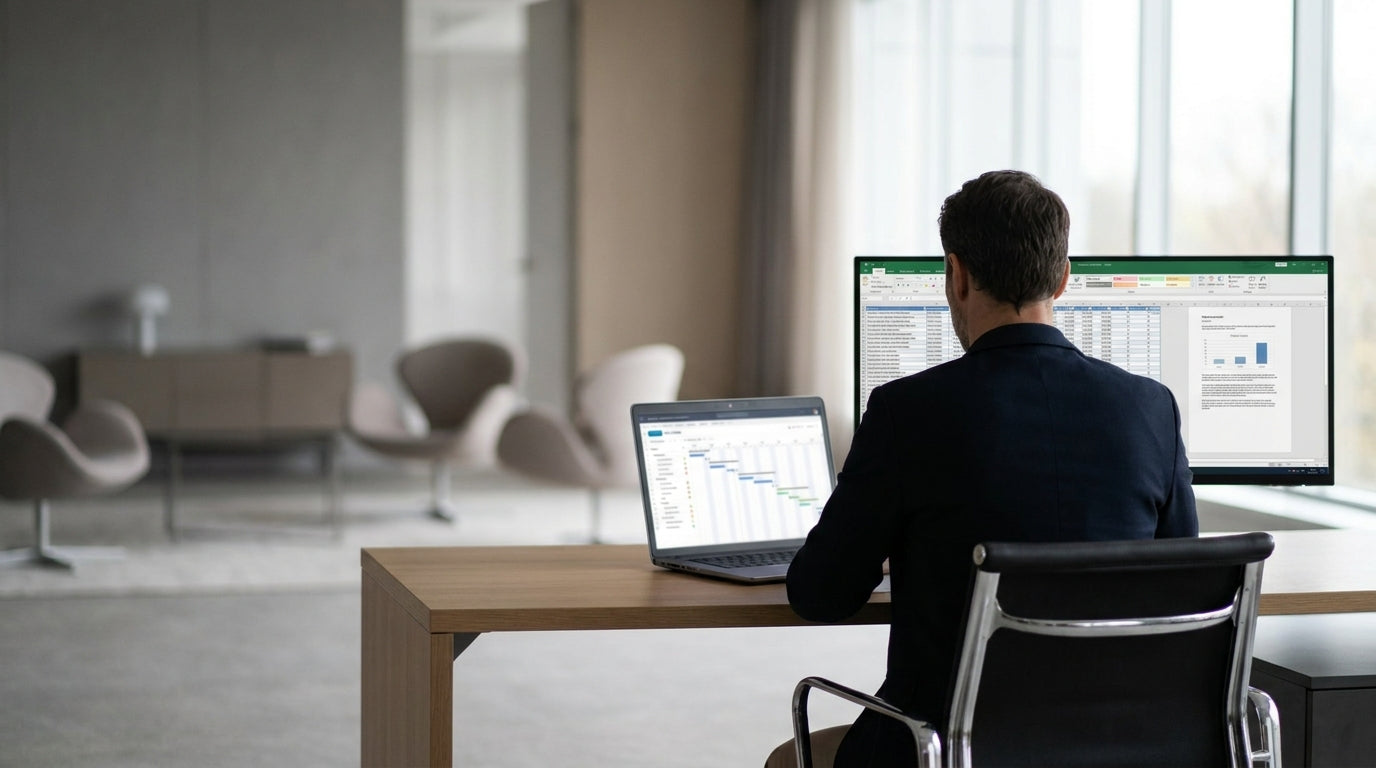
Planning the Layout of a Large Executive Office
A well-planned layout is the foundation of a productive executive workspace. Start by clarifying how the office will be used day to day.
Begin with the room’s dimensions, natural light, entry points and any fixed features such as windows or columns. Sketch a simple floor plan and mark zones for focused work, small meetings, storage and visitor seating. This makes it easier to see where large pieces like Manager Desks and Credenzas / Buffets can logically sit without blocking movement or light.
Think about how people will move through the space. Ensure a clear path from the door to the main desk, and avoid creating tight pinch points around storage or guest seating. If multiple decision-makers share the room, consider using separate Single Person Workstations to give each leader a defined area while keeping the overall layout coherent.
Traffic flow is especially important in large offices that host frequent visitors. Position informal meeting areas and visitor chairs closer to the door, keeping more confidential work zones deeper into the room. This subtle separation helps maintain privacy while still making the office feel welcoming and accessible.
Selecting the Right Executive Desks and Work Zones
The desk is the visual anchor of an executive office, so its size and shape matter. Choose a configuration that supports both focused work and quick discussions.
For traditional leadership spaces, substantial Manager Desks create a strong focal point and clear sense of authority. In larger rooms, you can angle the desk slightly towards the door for better sight lines and a more approachable feel. Where you need extra surface space for multiple screens, documents or equipment, consider integrating L-Shaped Desks to create a defined primary work zone and a secondary side surface for overflow tasks.
If the office sits in a corner of the building, you can take advantage of the architecture with Corner Office Desks. These designs maximise wall space and free up the centre of the room for seating or collaboration areas. They also keep cables and power points concentrated along the walls, helping maintain a cleaner, more professional look in the middle of the office.
In executive suites that accommodate assistants or project leads, mixing a principal desk with one or two Single Person Workstations can keep workflows organised. Place these additional workstations along side walls or near windows so they feel integrated, not tacked on. This approach supports close collaboration while preserving a clear hierarchy and personal space for the primary executive.
Balancing Collaboration and Privacy
Large offices need to support both private work and group discussions. The trick is to create distinct zones that feel connected, not cluttered.
Set up a dedicated meeting area within the office using compact Meeting Tables for quick stand-ups or small team check-ins. For senior leaders who host larger internal sessions or client briefings, a more substantial piece from the Boardroom Tables range can turn part of the office into a mini boardroom. Position these tables away from the main desk to visually separate focused work from collaborative time.
Seating plays a big role in signalling purpose. Use supportive, professional Meeting Chairs around internal collaboration tables to encourage productive discussion. For one-on-one conversations or informal chats with clients, a pair of comfortable Leather Chairs with a small side table can create a relaxed but polished nook near a window or artwork.
Privacy can be enhanced without resorting to heavy partitions. Orient the executive desk so screens and documents are not immediately visible from the doorway, and keep the collaborative area closer to the entrance. This layout allows colleagues to step in for a discussion without intruding on sensitive work, while still making efficient use of the large floor area.
Storage, Surfaces and Visual Order
Well-planned storage keeps a big office from feeling chaotic. Use furniture that doubles as both functional and visual structure.
Credenzas / Buffets are ideal along back walls for storing files, presentation materials and personal items out of sight. Their flat tops provide valuable display or serving surfaces for awards, product samples or catering during internal meetings. By keeping bulkier storage low and horizontal, you maintain open sight lines while still gaining significant capacity.
In meeting zones, slimline Meeting Tables or smaller Boardroom Tables can be paired with under-table cable management to reduce visual clutter. This is especially useful in executive environments where technology is heavily used but should not dominate the room’s appearance. Discreet rollout drawers or mobile pedestals near L-Shaped Desks and Corner Office Desks keep frequently used items close at hand without filling the main work surface.
Seating should also contribute to a sense of order. Matching Meeting Chairs around shared tables and consistent finishes on Leather Chairs in guest areas tie the room together visually. Keeping a restrained palette of materials across desks, chairs and storage pieces helps highlight the size and quality of the office rather than drawing attention to scattered, mismatched items.
Ergonomics, Comfort and Long-Term Flexibility
Executive spaces must be comfortable for long days and adaptable for changing needs. Good ergonomics and thoughtful positioning are key.
Pair substantial desks, including Manager Desks and L-Shaped Desks, with high-quality task seating, complementing them with visitor-ready Leather Chairs where appropriate. Ensure that the primary chair height, monitor distance and keyboard position support neutral posture to reduce fatigue. This is just as important for executives as for any other team member, especially in roles that involve extensive computer and meeting time.
When planning the room, allow enough space around Boardroom Tables, Meeting Tables and Single Person Workstations for chairs to move easily without bumping into walls or other furniture. This improves comfort and reduces distractions during discussions. Maintain access to natural light where possible and use the orientation of Corner Office Desks and secondary seating to minimise screen glare.
Finally, design for flexibility. Large executive offices often evolve as responsibilities grow, teams change or technology updates. Choosing modular pieces like Single Person Workstations, adaptable storage such as Credenzas / Buffets and versatile Meeting Chairs makes it easier to reconfigure the space without starting from scratch. A thoughtful initial arrangement sets you up for years of efficient, impressive and comfortable use.


