

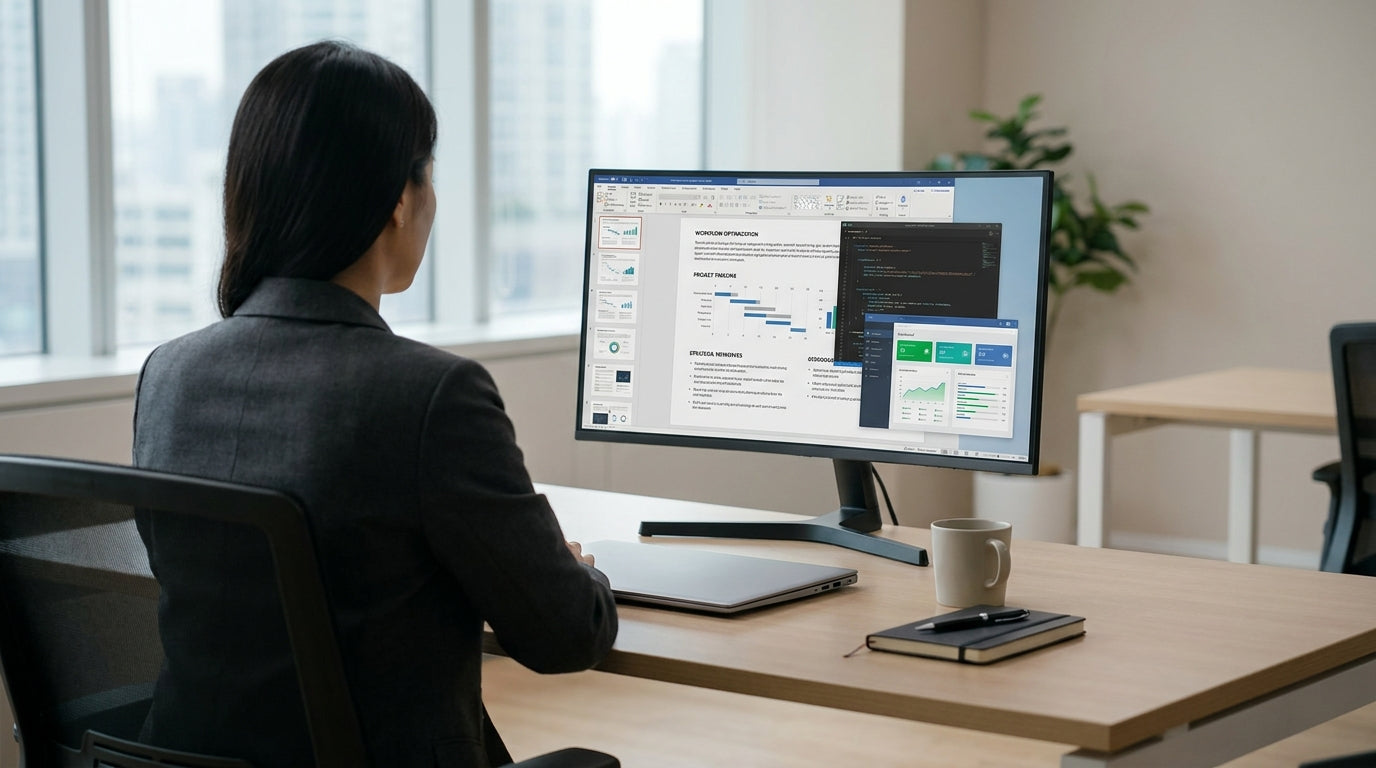
Understanding How Desk Shape Affects Productivity
Desk shape isn’t just about looks; it directly influences how you work, move, and stay organised. Choosing the right layout can reduce clutter, improve posture, and help you focus longer.
Different desk designs naturally suit different work styles. Focused, individual work usually benefits from simple, streamlined layouts, while collaborative or managerial roles may need more surface area and presence. Before you start browsing options, think about the type of tasks you do most: deep computer work, paperwork, meetings, or a mix of everything.
It’s also important to consider your space constraints. Smaller rooms and shared offices call for compact solutions, whereas larger executive spaces can support more expansive shapes. Whether you’re setting up a corporate workstation or refining your home set-up, aligning desk shape with task and room size will give you the best return on your investment.
Lastly, factor in ergonomics. Desk depth, legroom, and how easily you can reach essentials all affect comfort over a long workday. Pairing the right shape with quality chairs, monitor arms, and other workstation components helps create a workspace that supports your body as well as your workflow.
Straight Desks for Focused and Compact Set-Ups
Straight desks are ideal if you need a clean, simple layout that slots neatly against a wall or into a tight room. They’re a strong match for focused, individual work and smaller offices.
For most people who spend the day on a laptop or desktop with minimal paperwork, a linear worktop offers more than enough space. A well-chosen straight desk makes cable management and screen placement straightforward, reducing distractions and visual clutter. This shape also makes it easier to line up multiple workstations in a row, which is useful in open-plan offices and hot-desking environments.
Remote workers and students often benefit from compact designs that don’t dominate the room. Purpose-built home office desks and dedicated student desks usually follow the straight format, with modest depths and integrated storage options. This helps maintain a clear distinction between work and living areas while still giving enough space for books, devices, and a second monitor if needed.
For offices needing flexible layouts, single person workstations based on straight shapes can be rearranged as teams grow or change. Adding accessories such as privacy screens or under-desk storage lets you adapt the same basic footprint to different roles without redesigning the entire floor plan.
Corner and L-Shaped Desks for Multi-Taskers
Corner and L-shaped layouts suit people who juggle multiple tasks or devices at once. They provide more surface area without wasting floor space.
Workers who regularly switch between screens, paperwork, and reference materials often find it easier to stay organised with an extended worktop. A dedicated L-shaped desk gives you a primary zone for computer work and a secondary zone for writing or spreading out files. This reduces the need to stack items and makes it simpler to maintain a logical workflow from one side to the other.
If you’re working in a room corner or want to maximise every millimetre of a small office, corner office desks use otherwise dead space very efficiently. They also open up more legroom and storage options under each side of the worktop. For open-plan environments, modular corner workstations can be configured in pods, giving each team member a defined zone while keeping everyone close enough for quick collaboration.
Home users who need to combine work and personal use on the same station can also benefit from an L-shape. One side can be optimised for your day job with docking stations and monitors, while the other side stays clear for hobbies, planning, or family paperwork. Matching the layout to your daily habits is key: think about where your dominant hand naturally reaches and place frequently used items along that side of the desk.
Executive, Managerial, and Collaborative Configurations
Senior roles and collaborative work often require more presence and surface space. The desk becomes both a working tool and a visual focal point in the room.
For managers who hold frequent one-on-one meetings or need room for physical files, dedicated manager desks offer generous dimensions and integrated storage. These designs usually allow a guest chair to sit opposite the main seating position comfortably, making short discussions and document reviews easier. The shape you choose here should support both your own productivity and the impression you want to create when clients or staff visit your office.
In team-based environments, it’s worth looking beyond standalone desks to modular setups. Linked single person workstations or grouped corner workstations can form clusters that promote communication while still giving individuals enough personal space. Shapes that curve or angle slightly can reduce the feeling of sitting in a straight line, which often encourages more natural conversation and quick check-ins between colleagues.
Don’t forget that collaboration doesn’t always mean open-plan chaos. The right configuration lets you keep a clear, ergonomic workstation while adding shared surfaces nearby for quick huddles or project work. Matching larger executive pieces with carefully placed smaller desks in the same space can create distinct zones for concentration, meetings, and informal catch-ups without needing extra rooms.
Ergonomic and Adjustable Workstations for Flexible Work Styles
Height-adjustable set-ups are ideal if you move between tasks or share a desk with others. They help you maintain better posture and energy throughout the day.
Height adjustable workstations let you switch between sitting and standing, which can ease back strain and improve circulation. Because these systems come in various shapes—straight, corner, and multi-person—you can choose a layout that supports your work style and still gain the ergonomic benefits. For example, a straight sit-stand station works well for focused computer work, while an adjustable corner set-up is great for multi-screen or design-heavy roles.
Flexibility is particularly valuable in shared or hybrid offices where staff rotate through different spaces. Pairing adjustable frames with modular workstation components makes it easier to reconfigure surfaces, screens, and storage as teams change. This means you can support a range of working preferences—from highly mobile staff who like to stand and move, to detail-focused employees who prefer a stable, seated position—without buying entirely new furniture each time.
When planning a flexible workstation, consider cable management, monitor placement, and how easily you can reach accessories in both sitting and standing positions. Matching the desk shape and adjustability to your daily routine, physical needs, and available space will give you a set-up that stays comfortable and productive well into the future.


