

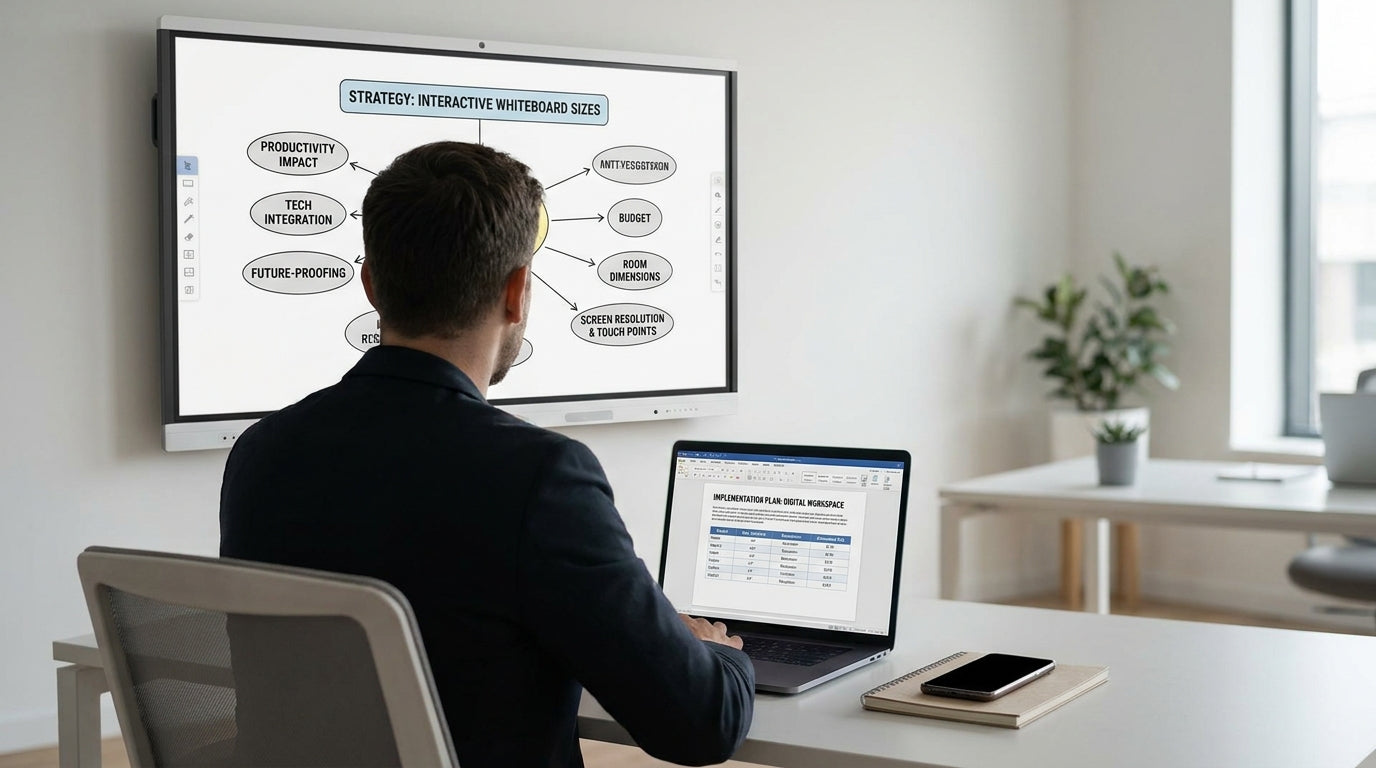
Understanding Screen Size Options for Interactive Whiteboards
Screen size is one of the most important decisions you’ll make when choosing an interactive whiteboard. It affects visibility, user comfort, and how well the board fits your room.
Most modern interactive displays range from around 55 inches through to 98 inches and beyond. Smaller panels suit tight rooms and focused collaboration, while larger screens work best in bigger training rooms and lecture spaces. To avoid guesswork, consider both the physical dimensions of the board and the recommended viewing distance for your audience.
As a rule of thumb, the person at the back of the room should be able to read text on the screen comfortably without squinting. If you’re already using traditional Magnetic Whiteboards or Porcelain Whiteboards, compare their size to your prospective interactive display to understand how much digital “canvas” you actually need.
Matching Screen Size to Room Dimensions and Layout
The right display size depends heavily on your room size and layout. Measuring the space correctly will help you avoid a screen that’s either too overwhelming or too small to be useful.
Start by measuring the width, depth, and ceiling height of your room. In small huddle rooms and private offices, screens in the 55–65 inch range usually provide a comfortable viewing experience without dominating the wall. For standard classrooms and medium meeting rooms, 65–75 inches is often the sweet spot, giving good visibility for 15–25 people.
Larger training rooms and boardrooms may need 86 inches or more, especially if participants sit more than 5–6 metres from the display. Pairing your screen with the right furniture layout is just as important—flexible Training Tables and appropriately sized Meeting Tables can help keep sightlines clear and ensure everyone can see and interact with content comfortably.
Also think about wall space around the display. You may still want room for analogue tools like Planner & Specialty Whiteboards or a side-by-side Glass Whiteboard for quick sketching, so don’t size your interactive panel so large that it crowds out everything else.
Considering User Needs, Accessibility, and Interactivity
Who will use the interactive board, and how, should strongly influence the size you pick. User height, movement, and interaction style all matter.
If students, staff, or visitors of varying heights will write directly on the screen, a height-adjustable solution is ideal. Electric Interactive Whiteboards with motorised lifts let you move the screen up or down so younger students, wheelchair users, and taller presenters can all reach comfortably. A screen that’s technically large enough but mounted too high becomes frustrating to use, especially along the top edge.
Touch technology also affects how size feels in practice. On a 98-inch panel, users may have to walk across the front of the room to interact with different areas, which can interrupt lessons or meetings. In contrast, a slightly smaller but well-positioned screen can encourage more natural collaboration, especially when paired with mobile furniture and supplementary tools such as Mobile Whiteboards that can be moved closer to breakout groups.
Don’t forget accessibility for remote participants. If you frequently run video calls or hybrid training sessions, ensure on-screen content and shared documents remain legible on camera. In some cases, a moderately sized interactive board combined with well-chosen Projection Boards & Presentation Accessories can provide better overall visibility than one oversized display struggling with glare or poor positioning.
Balancing Resolution, Viewing Distance, and Content Type
Screen resolution and viewing distance work hand in hand with size. Bigger isn’t always better if text and graphics appear pixelated or hard to read.
Most interactive panels now use at least Full HD (1080p), with many offering 4K Ultra HD. In a smaller room, a 55–65 inch 4K display gives crisp detail for spreadsheets, CAD drawings, and fine text. In a larger classroom or training space, a bigger 4K screen allows you to show more content at once—such as multiple windows or split-screen annotations—without sacrificing clarity at the back of the room.
Think carefully about the type of content you display most often. If you mainly show large slides, videos, or simple diagrams, you can comfortably use a larger screen viewed from further away. If your sessions involve detailed planning, data analysis, or intricate diagrams, it’s better to prioritise sharpness and comfortable reading sizes over sheer diagonal measurement. You can always supplement the main display with adjacent Magnetic Whiteboards or dedicated Planner & Specialty Whiteboards for timelines, rosters, or task lists.
Lighting conditions also matter. In rooms with lots of natural light or glass walls, avoid placing very large screens where glare is unavoidable. Using matte-finish displays, pairing them with high-quality Projection Boards & Presentation Accessories, or retaining a side Glass Whiteboard or Porcelain Whiteboard can give your team alternative surfaces when reflection becomes an issue.
Planning Your Complete Visual Collaboration Setup
Choosing the right screen size is easier when you think about your whole collaboration ecosystem, not just one device. Digital and analogue tools can complement each other.
Start by mapping out where people will present, discuss, and capture ideas in your space. An interactive panel might be the primary focal point, but traditional boards still play a valuable role. For quick notes, schedules, and ad-hoc diagrams, many teams rely on durable Porcelain Whiteboards, premium Glass Whiteboards, or easy-to-move Mobile Whiteboards. Magnetic surfaces also allow you to attach printouts and documents with ease when the screen is already in use.
If your interactive display is wall-mounted, a pair of side panels—or a combination of Magnetic Whiteboards and planning boards—can extend your usable space for workshops and strategy sessions. Adding specialist boards from the Planner & Specialty Whiteboards range helps keep projects, rosters, or KPIs visible even when the digital screen is switched to another task. Don’t overlook the practicalities either: markers, erasers, and cleaning products from Whiteboard Accessories keep every surface—interactive or traditional—in top condition.
Finally, align your board size with your furniture layout. Flexible Training Tables allow you to reconfigure rooms quickly for workshops, exams, or group work centred around the display. In meeting rooms, choosing the right combination of Meeting Tables and a sensibly sized interactive screen ensures everyone can see, hear, and participate without straining. By planning the entire setup together, you’ll end up with a screen size that genuinely supports engagement, rather than just filling wall space.


