

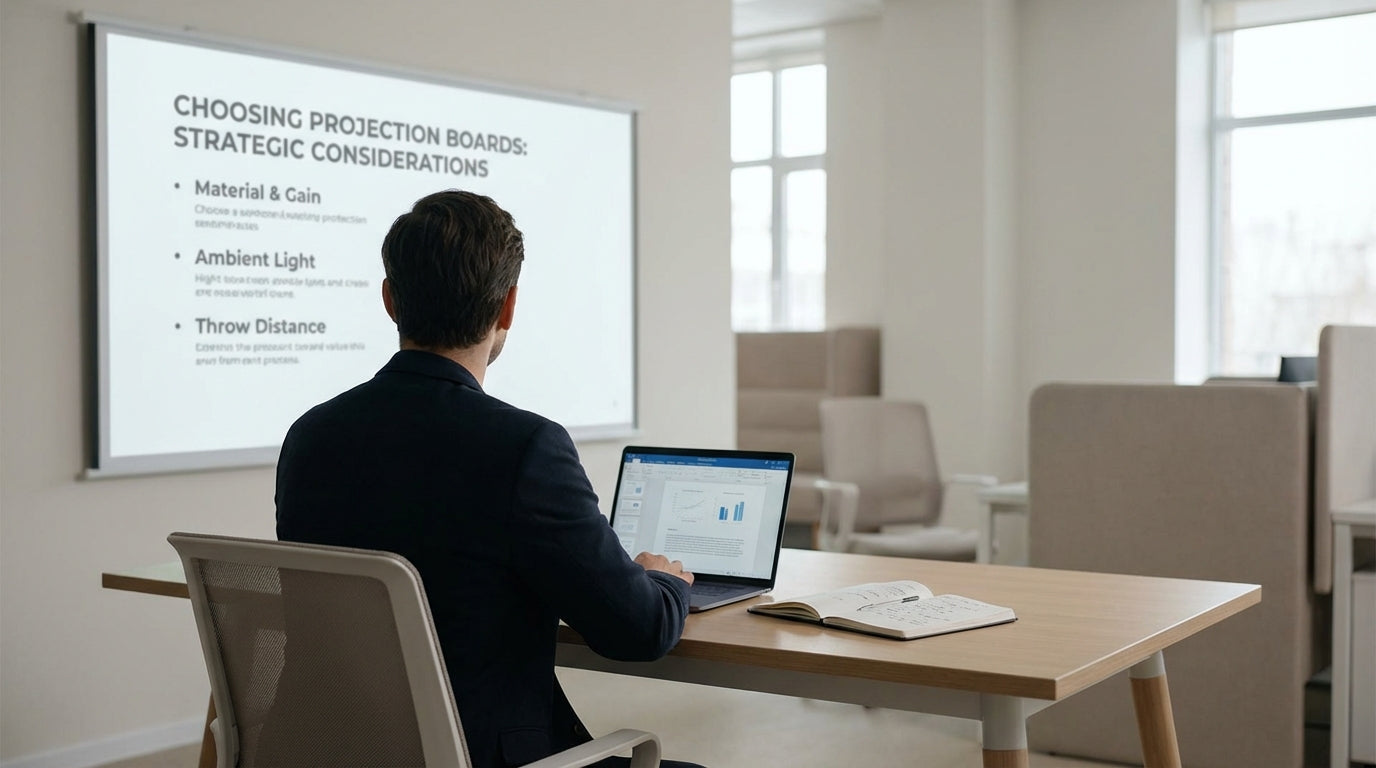
Understanding Modern Projection Surfaces
Choosing the right surface for projected images can make or break a presentation. Beyond the projector itself, the board you project onto determines clarity, colour accuracy, and audience engagement.
Projection-ready boards are designed with a low-glare, smooth finish so images appear sharp from every seat in the room. Unlike standard magnetic whiteboards, they minimise hot spots (bright patches of light) and distortion that distracts viewers. This is especially important in meeting rooms and classrooms where lights can’t always be dimmed.
In many Australian workplaces, projection surfaces now need to handle both digital content and handwritten notes. That’s where hybrid options—boards that work for markers and projection—come in. Paired with tools like lecterns for presenters and projection boards & presentation accessories, you can create a flexible, professional set-up that supports everything from quick stand-ups to formal pitches.
Key Factors to Consider Before You Buy
Before picking a projection surface, think about your room, your audience size, and how often you present. A little planning here saves frustration later.
Start by measuring viewing distance: the further people sit, the larger your visible area needs to be. A good rule of thumb is a width roughly one-sixth of the distance from the board to the furthest viewer. For multi-purpose training rooms, consider combining projection with mobile whiteboards, so you can move written content closer to participants or shift it aside when it’s time to project.
Lighting is another big factor. Bright, open-plan spaces with natural light call for higher-quality projection surfaces that resist glare. In darker rooms, you have more flexibility, but you still want a board that won’t bounce light unevenly. If you also need to keep important information permanently visible—like safety information or schedules—it can be useful to supplement your projection area with noticeboards & display cases mounted nearby.
Finally, think about how interactive you want sessions to be. If you run workshops or brainstorming sessions, pairing your projector with flipcharts or planner & specialty whiteboards gives teams space to map ideas while the main board stays focused on slides, data, or live demos.
Comparing Surface Types and Materials
Not all writing and projection surfaces are created equal. Different materials suit different styles of presenting and different budgets.
Ceramic-steel, often sold as porcelain whiteboards, is one of the most durable options available. The hard, baked-on surface resists ghosting (stubborn marker traces) and scratches, making it ideal for high-use spaces like schools, universities, and busy corporate meeting rooms. Many ceramic boards also offer better contrast for projected images than cheaper melamine boards, so graphs and small text stay readable.
Glass whiteboards are popular for their sleek, contemporary look and brilliant colour reproduction with markers. However, because glass can be more reflective, they’re better suited as writing surfaces beside the projection zone rather than directly behind the projector in bright rooms. For teams who mostly collaborate around diagrams and colour-coded plans, a glass board can be teamed with a dedicated projection surface for the best of both worlds.
If you want projection and full digital interactivity in one solution, electric interactive whiteboards add touch control, annotation tools, and device connectivity. These systems allow you to manipulate content on screen, save notes, and switch sources with minimal fuss. In this set-up, the board itself effectively becomes a large interactive display, removing the need for a separate projector in many rooms.
Matching the Board to Your Presentation Style
The way you present should guide your choice of projection surface. Think about whether you mainly lecture, facilitate workshops, or run training sessions.
For more formal talks or conference-style events, stable mounting and clear sightlines are critical. A fixed projection surface behind a sturdy lectern keeps the presenter’s notes, laptop, and microphone neatly in one place. In contrast, sales teams and consultants who move frequently between rooms or client sites often benefit more from mobile whiteboards that double as projection surfaces, letting them reconfigure the room for each audience.
Trainers and teachers usually need several surfaces working together: a main projection board for slides and videos, plus side spaces for activities. This might mean a central projection-compatible board, with magnetic whiteboards or flipcharts flanking it for group work, and planner & specialty whiteboards dedicated to timetables or learning goals. Keeping these roles distinct helps your audience focus on the right information at the right time.
For workplaces that rely heavily on data visualisation, consider how often you annotate projected material. If you regularly draw over charts or photos, look for a low-gloss projection board that accepts dry-erase markers cleanly without smearing the image. Supplementing that with nearby noticeboards & display cases gives you a place to pin printouts of key slides or dashboards for ongoing reference after the session ends.
Creating a Complete Presentation Environment
A great projection surface works best as part of a complete, well-thought-out presentation space. Consider everything the presenter and audience need from arrival to wrap-up.
Start with the core: pair your projection board with suitable projection boards & presentation accessories such as wall mounts, laser pointers, and cable management. Add a quality lectern so speakers can organise notes and devices without balancing them on makeshift stands. Around the room, mix fixed surfaces like porcelain whiteboards with mobile whiteboards to give participants plenty of space to collaborate without crowding the main display.
In technology-rich meeting rooms, integrating electric interactive whiteboards with traditional tools like flipcharts creates flexible zones for both digital and analogue thinking. Teams can sketch by hand, capture notes digitally, and then pin follow-up tasks to nearby noticeboards & display cases so actions don’t get lost.
Finally, pay attention to aesthetics and clarity. Sleek glass whiteboards and well-laid-out planner & specialty whiteboards can make a boardroom feel more professional and organised. When your projection surfaces, writing boards, and accessories all work together, presenters feel more confident and audiences stay more engaged—whether you’re delivering a quarterly report, running an all-hands, or teaching the next cohort of trainees.


