

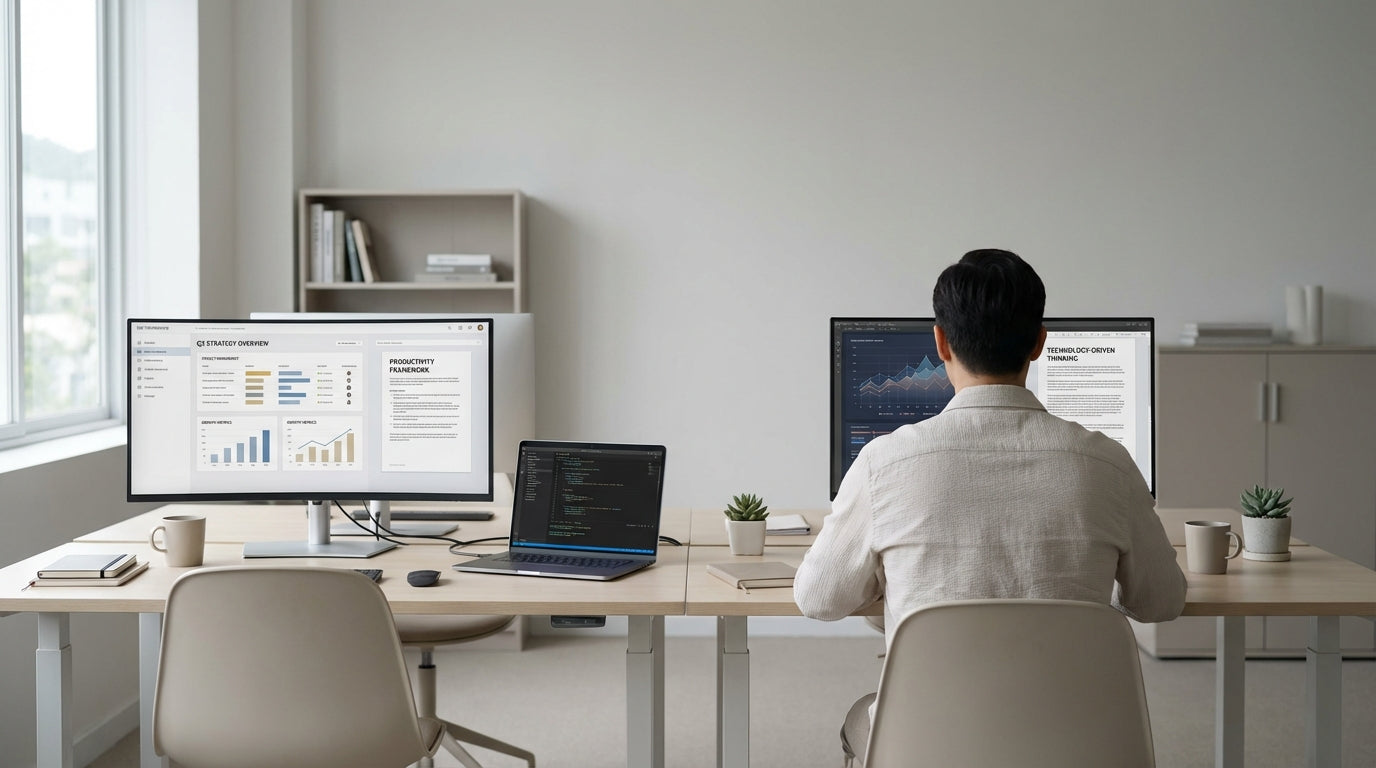
Planning the Perfect Shared Workspace Layout
A well-planned layout is the foundation of a productive shared study or work zone at home. Start by measuring your room and deciding how you both like to work.
Think about whether you prefer to sit side by side, opposite each other, or on separate walls. Side‑by‑side setups often work well with dedicated 2 Person Workstations, which keep things symmetrical and make cable access easier. If you’re working in a spare bedroom or small nook, allocating clear “zones” with your own storage and lighting helps minimise clutter and reduce visual stress.
Consider how natural light enters the room. Position desks so screens are perpendicular to the window to reduce glare during long video calls. A pair of Home Office Desks placed thoughtfully can create a cohesive look while still giving each person a defined area. Leave room for walking paths, and avoid boxing one person into a corner with no easy exit.
Noise is another key planning factor. If one of you spends more time on calls, place that person further from the door or hallway. You can also create soft sound barriers by using bookshelves or storage units between stations, while keeping cable runs neat with dedicated Cable Management solutions so you’re not tripping over cords.
Choosing the Right Desks for Two People
Your desk choice will decide how comfortable and flexible your shared office feels. Select pieces that suit both your working styles and the available space.
For couples who like a clean, versatile look, individual Straight Desks are a simple option that works in most rooms. They’re easy to line up along a wall or place face‑to‑face for a collaborative feel. If the room has an awkward corner or you want more surface for monitors and paperwork, Corner Office Desks and larger L-Shaped Desks make excellent use of otherwise wasted space.
Couples with different height preferences or who like to switch between sitting and standing should consider Height Adjustable Workstations. These let each person set their own ideal working height, helping reduce back and neck strain. You can use two separate sit‑stand desks or a dual station frame designed specifically for shared setups. Pairing them with quality Monitor Arms keeps screens at eye level as the desk moves.
If you prefer an integrated solution, dedicated 2 Person Workstations offer a tidy, professional look with shared framework and coordinated finishes. Many include built‑in modesty panels and collaboration‑friendly layouts, which work well when you both need to spread out documents or sketch together. Whatever you choose, matching your desk surfaces and colours brings a calm, unified feel to the room, even when you’re doing totally different jobs.
Ergonomic Seating and Screen Setup
Good ergonomics protects your body when you’re spending hours at the computer. Both of you should be able to sit comfortably, with screens and keyboards at the right height.
Start with supportive seating. Breathable Mesh Office Chairs are ideal in Australian climates, helping you stay cool through long days. If you need more adjustability for tasks like detailed design work or accounting, look at fully adjustable Task Chairs with lumbar support, tilt, and seat‑height controls. Each person should be able to plant their feet flat on the floor with knees at roughly 90 degrees.
Screen placement is just as important. Using Monitor Arms allows you to position monitors so the top of the screen is at or just below eye level. This reduces neck strain and frees up desk space for notebooks, tablets, and paperwork. Dual‑monitor arms are handy if one of you relies heavily on multiple displays while the other uses a single screen or laptop.
Don’t overlook peripherals. Separate keyboards and mice for each user, ideally wireless, keep your layout flexible. Combined with tidy Cable Management, this helps you reconfigure your desks easily if your needs change. Over time, small ergonomic upgrades make a big difference to comfort and reduce the risk of repetitive strain injuries for both of you.
Smart Storage, Organisation, and Cable Control
Clutter builds up quickly when two people share a room. Smart storage and hidden cabling help your office stay calm and efficient.
Give each person their own storage zone. This might be a mobile pedestal under each of your Home Office Desks, wall shelves above an L-Shaped Desk, or a shared cupboard with clearly labelled shelves. Keeping work papers, tech accessories, and stationery separated prevents confusion and makes it easier to pack up at the end of the day.
Cable mess is a common frustration in dual setups. Invest in purpose‑built Cable Management like trays, spine systems, and clips to route leads neatly under your desks. When combined with desk grommets and Monitor Arms, you can keep power boards and chargers out of sight while still accessible for maintenance. This not only looks better but also prevents tripping hazards and accidental unplugging.
Think vertically to save floor space. Floating shelves, pegboards, and wall‑mounted organisers above Straight Desks keep daily items within reach without crowding your work surface. A shared whiteboard or pinboard can help coordinate schedules, to‑do lists, and reminders so you stay on the same page about meetings, quiet times, and household tasks.
Creating Boundaries, Comfort, and Style
Finally, a successful shared office needs both personal boundaries and a welcoming atmosphere. Aim for a space that feels professional enough for work but still reflects your personalities.
Visual boundaries help you feel like you have your own area even when desks are close together. Positioning two Corner Office Desks back‑to‑back or using low shelving between two 2 Person Workstations can create a subtle division. Noise‑cancelling headphones and agreed “quiet hours” are simple ways to respect each other’s focus time, especially if your workloads differ.
Comfort comes from lighting, temperature, and personal touches. Use a mix of overhead lighting and adjustable desk lamps so you can each set your own brightness. Pair ergonomic seating such as Mesh Office Chairs or supportive Task Chairs with a soft rug and a few plants to soften the room. Greenery also helps absorb sound and makes long days at the screen feel less sterile.
Finish by tying everything together with a consistent colour palette across your desks, storage, and accessories. Matching surfaces on your Home Office Desks or coordinated frames on your Height Adjustable Workstations create a unified, calm backdrop. When your workspace looks and feels considered, it’s easier to switch into “work mode” together, stay productive, and then mentally clock off when you’re done for the day.


