

Understanding the Needs of Engineering Workspaces
Engineering offices place very different demands on furniture than a typical admin workplace. Projects are complex, data-heavy and often highly collaborative, so the workstation layout has to support both focus and teamwork.
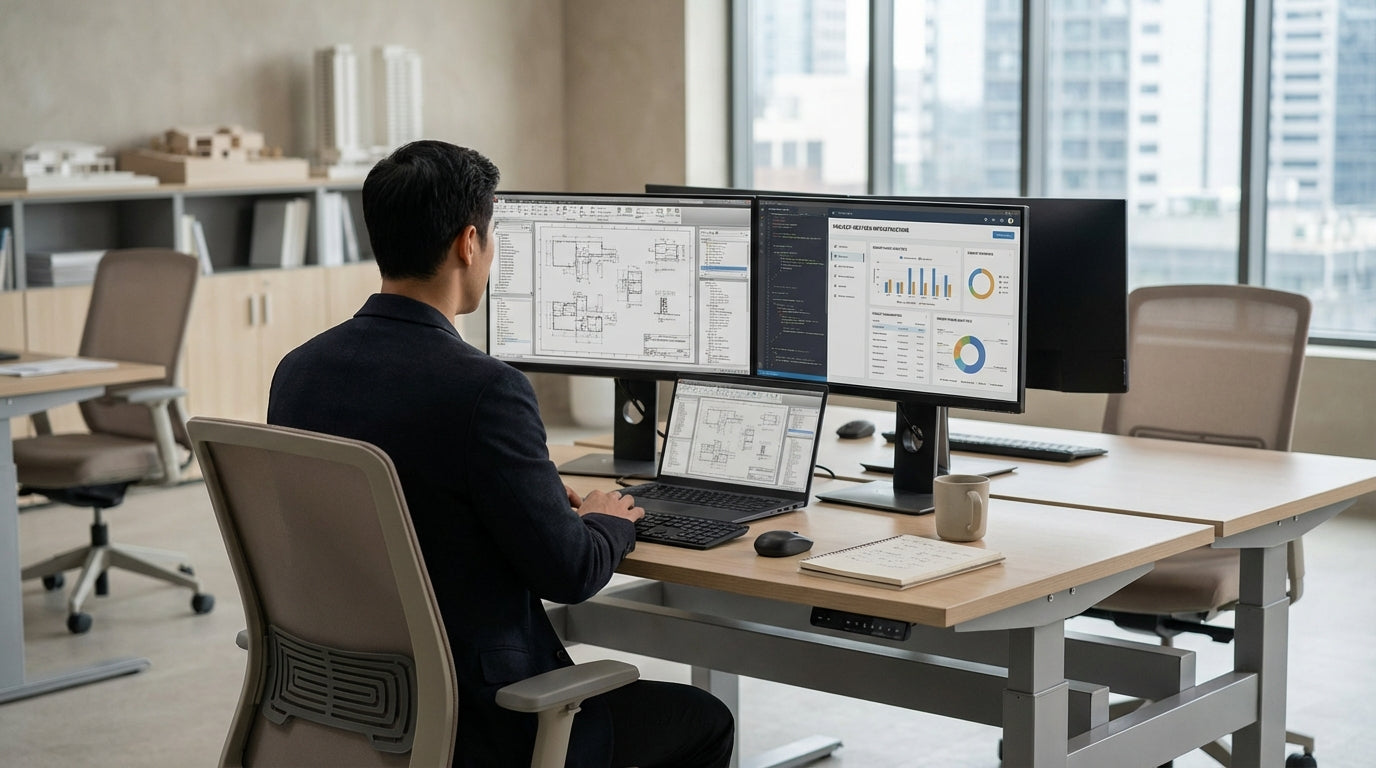
Unlike generic desks, technical work areas must comfortably handle multiple monitors, reference drawings, specialised input devices and frequent switching between digital and paper-based tasks. Cable management, load capacity and durable surfaces are not “nice to have” features; they are essential for safety and productivity. Well-planned workpoints also help engineers transition quickly between design, review and problem‑solving modes without wasting time rearranging their space.
Choosing the right configuration starts with team structure. For individual specialists working on deep-focus tasks, dedicated Single Person Workstations offer the personal space and concentration they need. For project teams working in sprints, larger pods such as 4 Person Workstations or 6 Person Workstations can bring everyone together without sacrificing ergonomics.
Space constraints in many Australian offices also mean you need to balance floor area with functionality. Compact clusters of 2 Person Workstations or 3 Person Workstations can maximise usable space while still providing each engineer with enough room for equipment, documents and personal storage.
Configuring Workstations for Project-Based Engineering
Engineering firms often run multiple projects at once, with teams forming and re-forming around changing priorities. Modular workstation layouts make it easier to reconfigure your office as project demands evolve.
For highly collaborative design teams, bench-style pods built from 4 Person Workstations or extended runs of 6 Person Workstations allow quick conversations, design reviews and shared access to large displays. These linear setups keep sightlines open, which is useful when leads need to visually scan progress or quickly spot who is available for a discussion.
Smaller agile squads and paired programming or modelling roles are often better served by 2 Person Workstations. These let two engineers sit close enough for constant interaction while still having a clearly defined personal area for equipment. Where you need to mix senior and junior engineers, combining a pod of 3 Person Workstations with adjacent single desks can give leads a dedicated place to concentrate while staying close to the team.
In corners and irregular floor plates, Corner Workstations help you reclaim otherwise wasted space and create highly functional individual technical hubs. These are ideal for team members who need more surface area for reference plans, prototypes or testing equipment, and they integrate well into both open-plan and enclosed office layouts.
Workstation Ergonomics for Technical Roles
Engineers spend long hours at their desks, often in front of multiple screens. Poor ergonomics can quickly translate into fatigue, discomfort and reduced accuracy.
Height and posture are critical. With Height Adjustable Workstations, engineers can move between sitting and standing to relieve strain on the back, neck and shoulders. This is especially valuable when analysing drawings or code for extended periods. Ensuring sufficient depth for monitors and correct viewing distance helps reduce eye strain and encourages a neutral head position.
Accessories also play a major role in comfort and efficiency. Quality Workstation Components such as monitor arms, CPU holders, cable trays and integrated power rails keep devices correctly positioned and off the work surface. This frees up space for sketching, note-taking and prototyping while maintaining a tidy and safe environment free from cable trip hazards.
When configuring Single Person Workstations for senior engineers or project managers, allow additional width and depth for dual or triple monitors, plus room for physical files, standards manuals and testing gear. In shared zones, pairing ergonomic seating with well-planned 2 Person Workstations or 3 Person Workstations ensures each user can customise their setup without impacting their neighbour’s comfort.
Balancing Focus, Collaboration and Acoustic Control
Engineering work demands both deep concentration and regular collaboration. The challenge is creating a layout that supports quiet focus without isolating people.
Acoustic control is vital in open-plan technical offices. Partition Workstations introduce screens between users, helping to reduce visual distractions and dampen background noise from phones, printers and conversations. These partitions can be fabric-clad to further improve sound absorption and serve as convenient pinboards for drawings and process diagrams.
Blending partitions with collaborative pods provides flexibility. For instance, you can specify higher screens between 2 Person Workstations in analysis-heavy teams, while keeping lower partitions on 4 Person Workstations that host design stand-ups and daily huddles. Corner layouts using Corner Workstations can be positioned at the edges of the floor to give senior engineers quieter zones for complex calculations and report writing.
For shared equipment areas and hot-desk spaces, robust 6 Person Workstations work well as “project hubs” where teams gather to review models or test results. Surrounding these with individual Single Person Workstations gives team members an easy shift from group discussions back to focused individual work, supporting a balanced workflow across the day.
Planning for Growth, Flexibility and Future Technology
Engineering practices evolve quickly as technology, software and client expectations change. Your workstation strategy should be ready to grow and adapt with the firm.
Modular systems based around compatible Workstation Components make it far simpler to add users, re-route power and data or introduce new equipment. Starting with scalable pods of 3 Person Workstations and 4 Person Workstations means you can extend or reconfigure benches without replacing the whole fit-out. When project pipelines expand, additional 6 Person Workstations can be used to create new team clusters quickly.
Future-ready layouts also consider the increasing role of hybrid work and hot-desking. Combining dedicated Single Person Workstations for core staff with flexible 2 Person Workstations and Height Adjustable Workstations for visiting specialists or contractors gives you the agility to scale up or down without major disruption. Corner and Corner Workstations can be reserved for roles that require consistent presence in the office, such as lab engineers or key project leads.
By choosing a coordinated range that includes partitioned options, ergonomic sit-stand solutions and a full suite of Workstation Components, engineering firms can create a cohesive environment that supports current project teams while remaining flexible enough to handle future technology shifts and new ways of working.


