

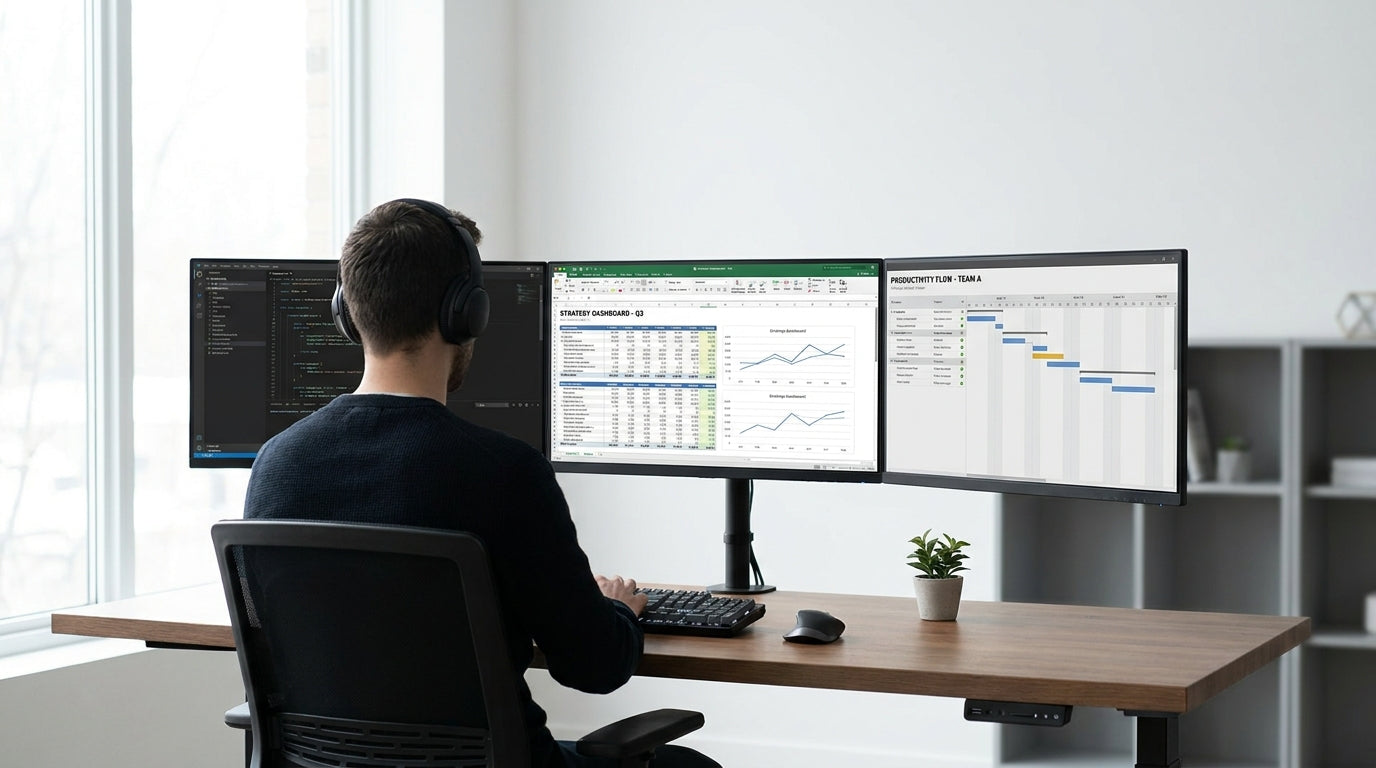
Understanding Space Needs for a Three‑Screen Gaming Rig
A triple monitor gaming setup takes more room than most people expect. Before you buy a new desk, it’s worth measuring your screens and the space you actually have at home.
Most gamers running three 24–27 inch monitors in a straight line will be comfortable with a desk at least 150–160 cm wide. If you prefer 27–32 inch panels or you angle your screens more aggressively, look towards 180–200 cm of width instead. Depth matters too: aim for a minimum of 70–80 cm so you can keep a healthy viewing distance and still have space for your keyboard, mouse pad, and speakers.
The type of desk you choose will influence how efficiently you can use that footprint. Simple rectangular options like Straight Desks are great when you’re lining all three monitors in a row. If you game in a bedroom or shared living area, compact Home Office Desks let you balance gaming performance with everyday usability without overwhelming the room.
Think about more than just the monitors themselves. Allow extra space for your tower, audio interface, steering wheel, flight stick, or charging docks. Choosing a desk category that matches your layout, such as Single Person Workstations, can help you keep everything within reach without clutter.
Recommended Desk Dimensions and Layout Options
Once you know your gear and room size, you can narrow down the best desk dimensions. The right layout will make your triple monitor rig more comfortable and easier to upgrade later.
For most Australian gamers, a width of 160–180 cm is the sweet spot for three 24–27 inch screens. This size lets you position the centre monitor directly in front of you while angling the side ones without hanging them off the edges. If you run larger ultrawide panels or keep your PC tower on the desktop, 180–200 cm gives you extra breathing room.
Depth is just as important for long gaming sessions. A 75–80 cm deep desk offers enough distance to reduce eye strain while leaving space for a full‑size keyboard, extra‑large mouse pad, and console controllers. Many Straight Desks are available in these common sizes, making them an easy, budget‑friendly choice for a three‑screen gaming station.
If you want to wrap your screens around your field of view, consider an L‑shaped layout. Desks like L-Shaped Desks and Corner Office Desks use your room’s corner to create more usable surface without increasing the desk’s footprint into the room. This is ideal for placing your primary monitor on the long run and the two secondary monitors along the return, giving you a cockpit‑style feel without needing a huge wall.
Choosing Desk Shapes for Different Gaming Rooms
Your room layout should guide the shape of your gaming desk. Matching desk design to the space will help you avoid dead corners and cramped walkways.
If you have a long wall or a dedicated gaming nook, a wide rectangular desk is usually the simplest solution. Look for deeper Home Office Desks or sturdy Straight Desks that can handle the weight of three monitors, speakers, and your PC. This style makes it easy to add stands, monitor arms, and accessories without worrying about odd angles.
Gamers working with smaller or awkwardly shaped rooms can benefit from corner‑friendly designs. A well‑sized Corner Workstations setup lets you stretch your monitors along two surfaces, freeing the rest of the room for storage, shelves, or a second seating area. This also naturally brings your screens closer together, which can be more immersive for racing and sim titles.
If you use the same area for work and play, choosing flexible furniture becomes even more important. Height Adjustable Workstations allow you to change from a focused, ergonomic work position to a more relaxed gaming stance in seconds. Pairing these with an L‑shape or corner design, such as compact Corner Office Desks, is a smart way to create separate “zones” on the same surface for different tasks.
Monitor Mounting, Ergonomics, and Desk Stability
Three monitors can crowd any desktop, so how you mount them matters. Good ergonomics will keep you comfortable during long gaming sessions.
Using dedicated mounts like Monitor Arms is one of the easiest ways to free up desk space. Instead of relying on the bulky stands that came with your screens, you can clamp arms to the back of your desk, raise the monitors to eye level, and fine‑tune the angle of each panel. This not only improves posture but also gives you more room for a streaming mic, mixer, or racing wheel in front of you.
When you’re adding a triple arm or multiple single arms, desk stability becomes critical. Look for sturdy frames and thicker tops, which are common in commercial‑grade Single Person Workstations and Height Adjustable Workstations. A solid desk will handle the weight of your monitors and prevent wobble while you’re typing or adjusting your setup.
Ergonomics go beyond screen height and tilt. Make sure your chair can slide under the desk, your elbows rest at roughly 90 degrees, and your main monitor sits directly in front of you with the top of the screen at or slightly below eye level. With corner‑oriented layouts such as Corner Workstations, it’s usually best to place your primary monitor at the centre of the corner and curve the side monitors around your viewing position.
Cable Management and Future‑Proofing Your Gaming Desk
A clean, organised desk makes gaming more enjoyable and your hardware easier to maintain. Planning for cable routing and future upgrades will save headaches down the track.
Triple monitor rigs produce a lot of cables: power, DisplayPort or HDMI, USB hubs, audio lines, and peripheral connections. Using dedicated Cable Management accessories under and behind the desk keeps everything tidy, improves airflow around your PC, and reduces the risk of accidentally pulling a lead mid‑match. This is especially useful with sit‑stand Height Adjustable Workstations, where slack cables need to move smoothly as the desk goes up and down.
Future‑proofing also means choosing a desk large and strong enough to handle extra gear. If you’re considering adding a fourth screen, a racing cockpit, or more streaming gear later, allow for this in your initial width and depth choices. Many L-Shaped Desks and Corner Office Desks offer extra surface area along the return, which can become a dedicated space for consoles or audio equipment.
Finally, think about how your gaming area fits into the rest of the room. Matching your primary surface to other furniture, such as coordinating Home Office Desks or companion storage pieces, will make the space feel intentional rather than improvised. Combined with neat Cable Management and flexible Monitor Arms, your desk can stay clean, adaptable, and ready for whatever your next upgrade brings.


