

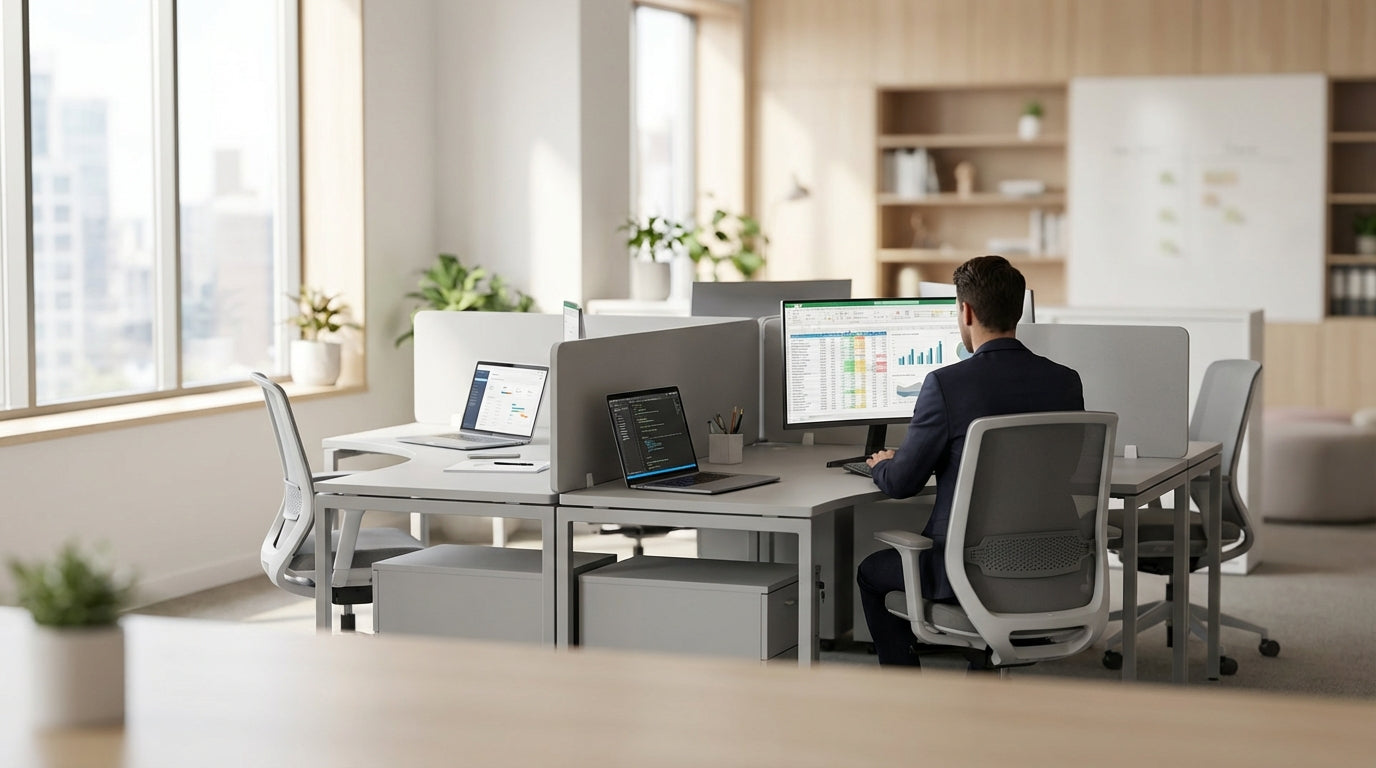
Why 4-Person Workstations Work So Well for Modern Teams
Four-desk clusters hit a sweet spot between collaboration and focus. They make better use of floor space while still giving each person a defined area to work.
In open-plan offices across Australia, compact team hubs are replacing long bench desks and isolated cubicles. A carefully planned pod of four desks allows quick conversations, easy file sharing, and fast problem-solving, without the noise and distraction of a big, shared table. When paired with the right 4 Person Workstations, you can support both teamwork and individual concentration in the same footprint.
These layouts are also cost-effective. You can centralise power, data, storage and privacy screens into one unit instead of buying and cabling multiple separate desks. Using modular Workstation Components means you can refresh, repair, or expand your setup without replacing the entire system, which keeps long-term fit-out costs under control.
From a cultural point of view, small clusters also help build stronger relationships. People see each other regularly, can share updates quickly, and still have a defined boundary that feels like “their” desk. That balance is especially important in hybrid workplaces where some staff are remote and in-office days need to be as productive as possible.
Popular 4-Desk Configurations and When to Use Them
There are several common ways to arrange four workstations, each suited to different teams and tasks. The best choice depends on how much privacy, storage, and face-to-face contact you need.
The back-to-back rectangle is one of the most efficient options: two desks facing two desks, often with central cabling and storage. This style works well in open spaces, especially when combined with Partition Workstations that add acoustic panels between users. For teams that handle both phone calls and screen-based work, this configuration limits visual distractions while still keeping everyone close.
A 90-degree “plus sign” layout, where each person faces outwards from the centre, is ideal when you want everyone to have a clear line of sight to the room rather than each other. Using Corner Workstations with shared centre storage gives each staff member extra surface area for multiple screens or paperwork. This option often suits design, engineering, and project roles where desk space and equipment are more important than constant conversation.
For teams that collaborate heavily, a face-to-face pod with low screens is often best. Minimal dividing panels and shared Desk Mounted Partitions provide just enough separation for focus, but still make it simple to review documents, brainstorm, or run quick stand-ups around the desks. This arrangement can also be paired with nearby Office Pods for private calls or video meetings.
Balancing Privacy, Acoustics and Collaboration
A successful team workstation needs the right level of separation. Too open and people struggle to concentrate; too enclosed and communication slows down.
Acoustic control is usually the first challenge. Screens that are part of Partition Workstations help block direct sound paths and reduce visual distractions. For busy sales or service teams who are on the phone all day, higher panels combined with Floor Partitions can carve out quieter pockets within an open office. This layered approach softens noise without completely cutting teams off from each other.
Visual privacy also matters, especially where confidential information or sensitive emails may be on screen. Low to mid-height Desk Mounted Partitions can shield monitors from passers-by while still allowing colleagues to make eye contact when they look up. Used around four-desk pods, these panels create subtle boundaries that reduce interruptions and make focused work less stressful.
At the same time, teams still need spaces for confidential discussions and deep-focus tasks. Positioning enclosed Office Pods near your four-person clusters gives staff somewhere to step into for important calls or concentration-heavy work. When workers know they can easily move between open collaboration areas and quiet rooms, they’re more likely to use each space as intended, which improves productivity across the whole floor.
Ergonomics and Flexibility in Shared Work Zones
Comfort and adjustability are crucial in any multi-user workstation. Poor ergonomics can cause fatigue, aches, and lower productivity over time.
In team areas where staff may hot-desk or shift seats, Height Adjustable Workstations are a practical investment. Sit-stand desks allow each person to set their own working height within seconds, reducing strain on backs, shoulders, and necks. When four of these are linked into a pod, you can still share power and data while catering to different body types and working preferences.
Thoughtful selection of Workstation Components also boosts comfort and organisation. Monitor arms, keyboard trays, and under-desk storage free up surface space and keep staff in healthy postures. Integrating Cable Management with shared power rails, cable trays and grommets keeps cords away from feet and chair castors, reducing trip hazards and making cleaning easier.
Flexibility is about more than height. Using modular panels, movable Floor Partitions and clip-on accessories, you can fine-tune each four-person hub as roles or teams change. For example, a pod used by developers today could be reconfigured for client services tomorrow with different screens, storage, and privacy levels, all without a full refit.
Planning Your Space: Practical Steps for Australian Offices
Good planning starts before you buy any desks. Measure the room, map traffic flow, and think carefully about how each team works day-to-day.
Begin by sketching where your four-desk hubs will sit in relation to windows, doors, and shared facilities like printers and meeting rooms. Try to keep pods away from main walkways to reduce distractions, but close enough to amenities that staff are not constantly crossing the entire floor. Combining well-sized 4 Person Workstations with sensible circulation space around them helps meet Australian workplace safety and access guidelines.
Next, layer in the details: power points, data, and lighting. Use integrated Cable Management to centralise outlets within each cluster, minimising floor leads and extension cords. If you are mixing seated and Height Adjustable Workstations, check that cords have enough slack for full movement without snagging. Task lighting and natural light should be balanced so that no one is facing glare from windows or overhead fittings.
Finally, plan for growth and noise. Leave space to add extra pods or re-orient existing ones as the business changes. Use a combination of Corner Workstations, Desk Mounted Partitions and strategically placed Partition Workstations to separate quieter teams from louder ones. With a flexible design and modular Workstation Components, your four-person layouts can adapt over time without major disruption or cost.


