

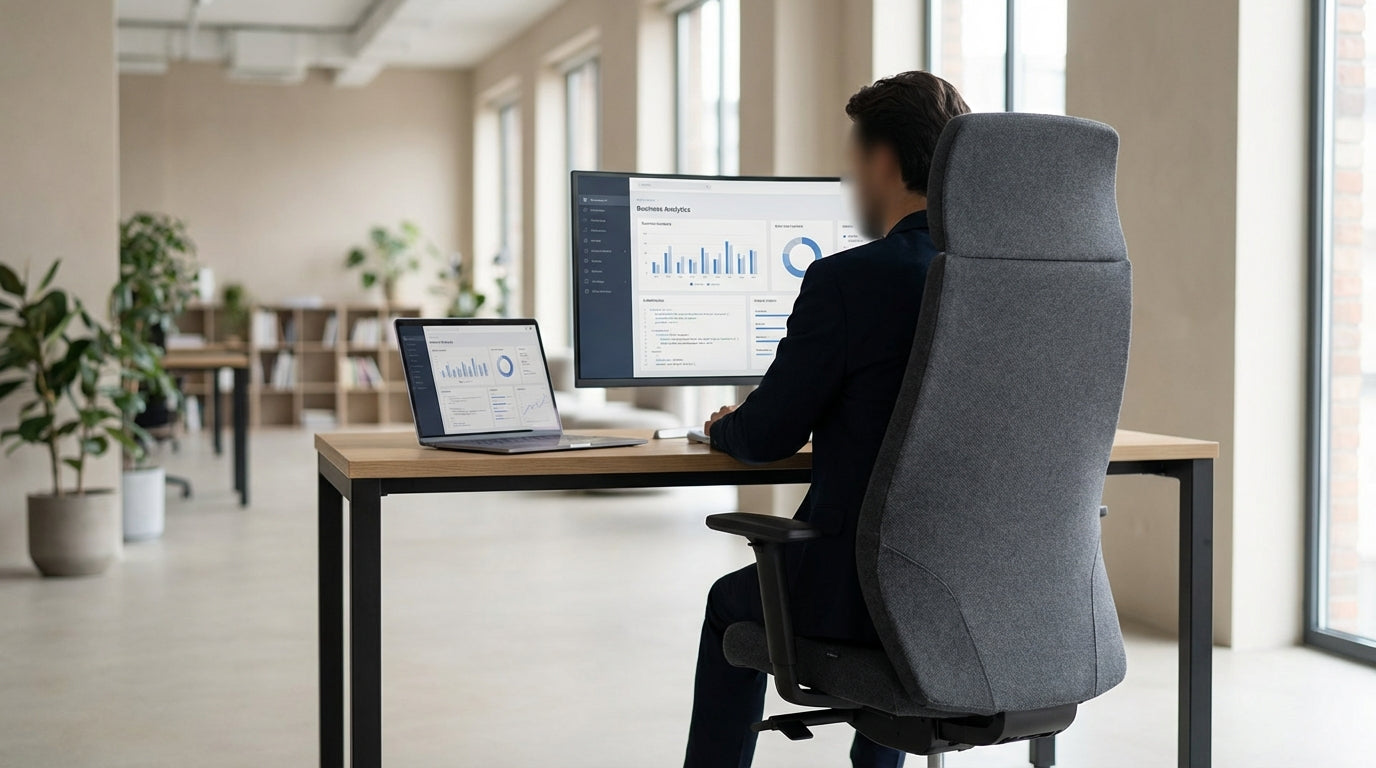
What Makes a Chair Truly Comfortable for Long Days?
Not all premium office seating is built for all-day use. If you regularly sit for eight hours or more, you need more than good looks and basic padding.
Long stretches at a desk put real pressure on your lower back, hips, and neck. A quality ergonomic design supports the natural curve of your spine, keeps your joints at neutral angles, and helps you move easily during the day. Features such as lumbar support, adjustable seat depth, and a reclining backrest aren’t luxuries; they’re essential for avoiding fatigue and strain.
Breathability also matters in the Australian climate. Fabric that allows airflow can make a big difference to your comfort by reducing heat build-up. If you prefer a cooler feel, consider mixing an executive setup with a breathable option like a well-designed Mesh Office Chair for hot days or hybrid work zones.
Finally, don’t overlook the chair base and wheels. A stable five-star base, smooth casters, and a reliable gas lift allow you to move freely and adjust your height precisely. This helps you line up properly with your Single Person Workstation, so your elbows, eyes, and keyboard all sit at the right height.
Key Ergonomic Features to Prioritise
When you’re sitting for long periods, small adjustments make a huge difference. Look for seating that lets you fine-tune your position instead of forcing you into one fixed posture.
Start with lumbar support. Your lower back has a natural inward curve that flattens when you slouch; over time, that can cause pain and stiffness. A good executive model will have built-in lumbar shaping or an adjustable pad you can move up and down. Pair this with seat height adjustment so your feet sit flat on the floor and your knees are roughly at hip height.
Next, check for an adjustable backrest and tilt mechanism. A synchro-tilt (where the back and seat move in a linked ratio) lets you recline slightly while keeping your hips supported, which encourages better circulation and reduces pressure on your spine. Adjustable armrests help you keep your shoulders relaxed and your forearms parallel to your desk. If you regularly swap between focused computer work and meetings, it can also be useful to have a dedicated Task Chair nearby for more upright, short-term sitting.
Seat depth is another often-missed detail. You should be able to sit back against the backrest with a small gap (about three fingers) between the front edge of the seat and the back of your knees. An adjustable seat slide lets you change this depth to suit your leg length. For heavier users or shared workspaces, consider pairing executive models with specialised Heavy Duty Chairs that are rated for higher weight and continuous use.
Materials, Styles, and Durability for Australian Offices
Comfort is crucial, but so are materials that suit your space, climate, and brand. The right finish can also affect how easy the chair is to maintain over time.
Leather is a popular choice in managerial spaces because it looks professional and is easy to wipe clean. Modern Leather Chairs often combine soft cushioning with firm support, which works well for longer seated periods. If you like the executive look but want something cooler and lighter, fabric or mesh-backed designs can provide a more breathable alternative without sacrificing support.
For reception areas or client-facing rooms, matching your main chair to your guest seating can create a cohesive look. Coordinating with purpose-built Visitor Chairs allows you to keep the same aesthetic while using more compact frames for short-term use. In formal boardrooms, pairing your own chair with high-quality Meeting Chairs helps maintain comfort for everyone during longer sessions, presentations, and workshops.
If Australian manufacturing and shorter lead times matter to you, look into locally produced options. Many Australian Made Chairs are designed for local conditions and meet strict standards for durability and safety. These can be a smart investment for businesses that expect heavy daily use, want ready access to parts, or prioritise supporting local industry.
Matching Your Chair to Your Work Habits
Your ideal seating depends heavily on how you actually spend your day. Think about your tasks, not just your title.
If you’re mostly on the computer, you’ll benefit from a chair that supports a slightly forward-leaning posture with good arm support for typing. Those who spend more time on calls or reading may prefer a model with a higher back and headrest that encourages a relaxed recline. For managers and business owners who move between their desk, meetings, and the warehouse or showroom, consider using a premium executive option at the desk and a simpler Task Chair in secondary work zones.
People who stand up frequently or have mobility challenges may need extra assistance. Powered options from the aged care and accessibility world, such as Power Lift Chairs, can support safe transitions from sitting to standing by gently lifting and tilting. While these are not traditional office executive pieces, they can be invaluable in home offices or specialist workplaces where comfort and accessibility are top priorities.
If you hot-desk or share your workspace, flexibility becomes essential. Choosing chairs with simple, clearly labelled levers encourages everyone to adjust the height, tilt, and arms correctly each time. In high-traffic areas like consulting rooms or shared offices, supplementing your main seating with robust Heavy Duty Chairs can keep things safe and comfortable for a wide range of users.
Creating a Complete, Supportive Workspace
Even the best-designed chair can’t do everything alone. Your overall setup needs to work together to support long, productive days.
Start with your workstation layout. Your chair should allow you to sit close to your desk with your arms comfortably supported, your screen at eye level, and your feet flat on the floor. Adjustable Single Person Workstations make this easier by letting you fine-tune desk height or even switch between sitting and standing. When your desk and chair are aligned, you’re less likely to hunch, crane your neck, or twist awkwardly.
Think about how people move through your office as well. In spaces where you regularly host clients, align your own seating with matching Visitor Chairs so guests sit at an appropriate height and distance. In boardrooms and project spaces, ensure that Meeting Chairs provide enough support for long sessions while still being easy to move and reconfigure.
Finally, plan for different use cases across your workplace. Executive and leadership roles may need premium, fully adjustable seating, while focused work pods can use a mix of Task Chairs and breathable Mesh Office Chairs. For staff who spend extended hours seated or have specific support needs, rotating in Heavy Duty Chairs or supportive Australian Made Chairs ensures everyone can work comfortably and safely throughout the day.


