

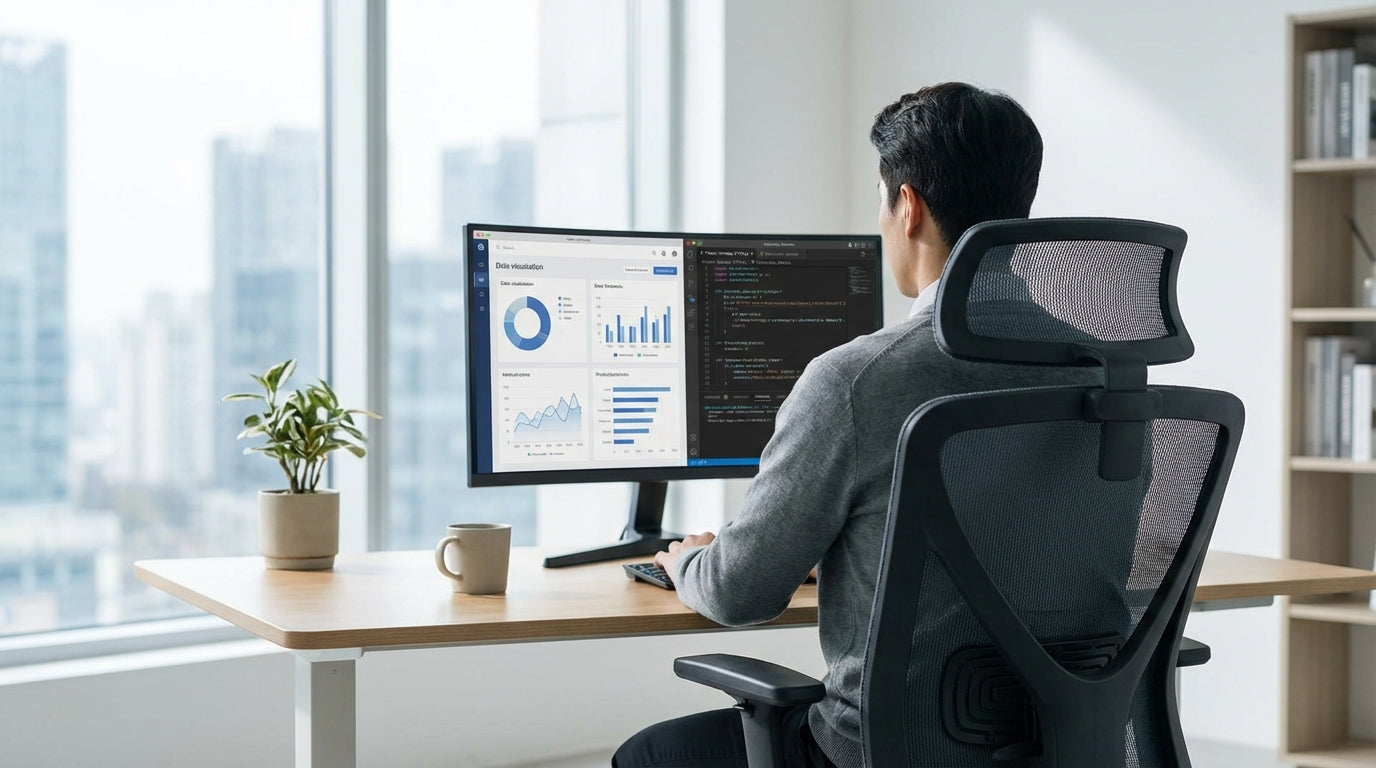
Why Your Home Office Chair Matters More Than You Think
Sitting for long stretches can quickly turn a regular chair into a health hazard. Remote workers in Australia need seating that supports the body, not just the budget.
When you’re clocking up eight or more hours at your desk, the wrong set‑up can lead to back pain, tight hips, sore shoulders and even headaches. A well-designed ergonomic chair helps distribute weight evenly, supports the natural curve of your spine and encourages movement through the day. Pairing the right chair with a suitable desk and accessories is just as important, which is why many remote workers also look at purpose-built Home Office Desks, Monitor Arms and Height Adjustable Workstations to complete their set‑up.
Comfort isn’t just about a soft cushion. It’s about adjustability, support, breathability and durability that can withstand daily use. Investing in quality seating helps you maintain focus, reduce fatigue and avoid the need for expensive treatments later. For many Australians working from home long term, a purpose-built office chair has shifted from a “nice to have” to an essential tool of the job.
Key Ergonomic Features Remote Workers Should Look For
An ergonomic chair should adjust to you, not the other way around. A few core features separate supportive seating from basic office furniture.
Seat height adjustment is non‑negotiable. Your feet should rest flat on the floor, with knees roughly at hip height. Look for a gas lift mechanism that allows you to fine‑tune the height quickly. Many Task Chairs include this as standard, giving you enough range to match different desk heights and body types, which is crucial if more than one person uses the same chair.
Lumbar support is the next critical element. The lower back naturally curves inwards; without proper support, it collapses and strains. Good chairs offer either built‑in contoured backs or an adjustable lumbar pad that can be moved up, down or in and out. Mesh-backed models, such as many Mesh Office Chairs, often contour nicely and allow airflow, helping you stay cool during long video calls or summer afternoons.
Armrests and seat depth also matter more than most people realise. Adjustable armrests let your shoulders relax while you type, rather than hunching toward the keyboard. Seat depth adjustment helps you maintain a two‑to‑three‑finger gap between the front of the seat and the back of your knees, preventing pressure on circulation. Some premium options, including certain Australian Made Chairs, offer all these adjustments in a robust frame designed specifically for local working conditions and body shapes.
Comparing Chair Types for All‑Day Remote Work
Not all office chairs are designed for the same kind of use. Choosing the right type depends on your body, your space and how you work.
Task Chairs are a great all‑round choice for most home offices. They’re built for people who move between typing, reading and calls throughout the day. Typically compact and highly adjustable, they suit smaller study nooks, spare rooms and shared spaces. When paired with a dedicated Home Office Desk, they provide a tidy, efficient set‑up that still ticks the ergonomic boxes.
If you tend to run hot, or your home office doesn’t have perfect air‑con, Mesh Office Chairs are worth a serious look. The breathable backrest reduces heat build‑up and sweat, while still offering solid lumbar support. These chairs are often lighter and easier to move, which is handy if you need to wheel from one workstation to another or pack the chair out of the way when the room doubles as a guest bedroom.
For heavier users or anyone who simply wants something extremely robust, Heavy Duty Chairs are engineered to handle higher weight ratings and more intense daily use. They usually include reinforced frames, stronger mechanisms and thicker cushioning, making them suitable for people who are in the chair well beyond standard office hours. Those with mobility challenges, or who find standing from a seated position difficult, may benefit from Power Lift Chairs, which gently raise and tilt to help you stand without strain. For a more executive look and feel, especially in client‑facing spaces, Leather Chairs offer plush comfort and a polished aesthetic, though it’s still important to check for key ergonomic adjustments rather than focusing on appearance alone.
Setting Up an Ergonomic Home Office Around Your Chair
A supportive chair is only part of a healthy work-from-home set‑up. The rest of your workspace should work in harmony with it.
Start with your desk height. Traditional fixed desks can be limiting if they don’t match your body dimensions, leading you to hunch or reach. Pairing your chair with a desk designed for modern work, such as one from a Home Office Desks range, helps you align your elbows at roughly 90 degrees while typing. If you want to alternate between sitting and standing, consider Height Adjustable Workstations that let you raise or lower the whole surface with a crank or electric motor.
Next, position your screen so your neck stays neutral. Your eyes should land on the top third of the monitor without you needing to tilt your head up or down. Using Monitor Arms makes this much easier, allowing you to adjust height, distance and angle precisely. This simple change can dramatically reduce neck and shoulder tension, especially when paired with a properly adjusted task or mesh chair.
Finally, think about how your chair moves within the room. Ensure there’s enough space behind and beside you to recline slightly, swivel and stand up without bumping into furniture. Position your chair so natural light comes from the side rather than directly in front or behind, helping reduce screen glare and eye strain. Matching your seating with complementary pieces like Task Chairs for secondary workstations or Australian Made Chairs for meeting spaces can create a cohesive, comfortable environment for every part of your working day.
Choosing, Maintaining and Getting the Most from Your Chair
A good office chair is an investment, so it pays to choose wisely and look after it. A few simple habits will keep it comfortable for years.
When selecting a chair, consider your height, weight and how many hours you’ll realistically sit each day. Heavier or taller users should check weight ratings and seat dimensions, making Heavy Duty Chairs a smart option if you need extra capacity. Those wanting locally crafted quality may prefer Australian Made Chairs, which are often designed with Australian standards and working patterns in mind. Think, too, about material: mesh for breathability, fabric for a softer feel, or Leather Chairs for a premium look that’s easy to wipe clean.
Once your chair arrives, take time to dial in the settings. Adjust seat height so your feet are flat and thighs are roughly parallel with the floor. Fine‑tune lumbar support until your lower back feels gently cradled, not pushed. Set armrests so your shoulders stay relaxed, then check your desk, monitor and peripherals. This is where accessories like Monitor Arms and Height Adjustable Workstations can be invaluable, letting you match your workspace to your body rather than compromising in one area.
Ongoing maintenance is mostly straightforward. Vacuum or wipe upholstery regularly to remove dust, and check moving parts for loose screws or wobble every few months. If you’re using your chair heavily – for example, running a business from home, gaming in the evenings or sharing the seat with another family member – it may be worth choosing from robust ranges such as Task Chairs or Mesh Office Chairs, which are designed for repetitive daily adjustment. Combined with a practical desk from the Home Office Desks collection, this approach helps ensure your remote workspace supports your health and productivity for the long term.


