

Why Stand-Up Meetings Need the Right Furniture
Standing meetings are popular because they keep conversations focused and fast. But without the right furniture, they can quickly become uncomfortable and unproductive.
When you design a space for stand-up catch-ups, you’re really designing for movement. People need to shift posture, lean, perch and step away easily without bumping into clutter. Furniture that supports this flow helps teams stay engaged, reduces fatigue and makes it easier to wrap up decisions instead of dragging them out.
Australian workplaces are also moving away from fixed boardrooms towards flexible, multi-use spaces. Instead of a single, heavy boardroom table, teams are choosing a mix of agile options: adjustable benches, high meeting counters and mobile surfaces that can be reconfigured in minutes. This shift demands more thoughtful choices than simply buying “taller tables”.
The best set-up blends ergonomic design, durability and smart cable management with a look that suits your brand. Standing meeting zones can sit within open-plan offices, near collaboration hubs or inside dedicated Office Pods for privacy. The key is to choose pieces that support quick huddles, hybrid calls and workshop-style sessions equally well.
Height-Adjustable Workstations as Agile Meeting Hubs
Height-adjustable desks aren’t just for solo work. They can double as flexible standing meeting points for small teams.
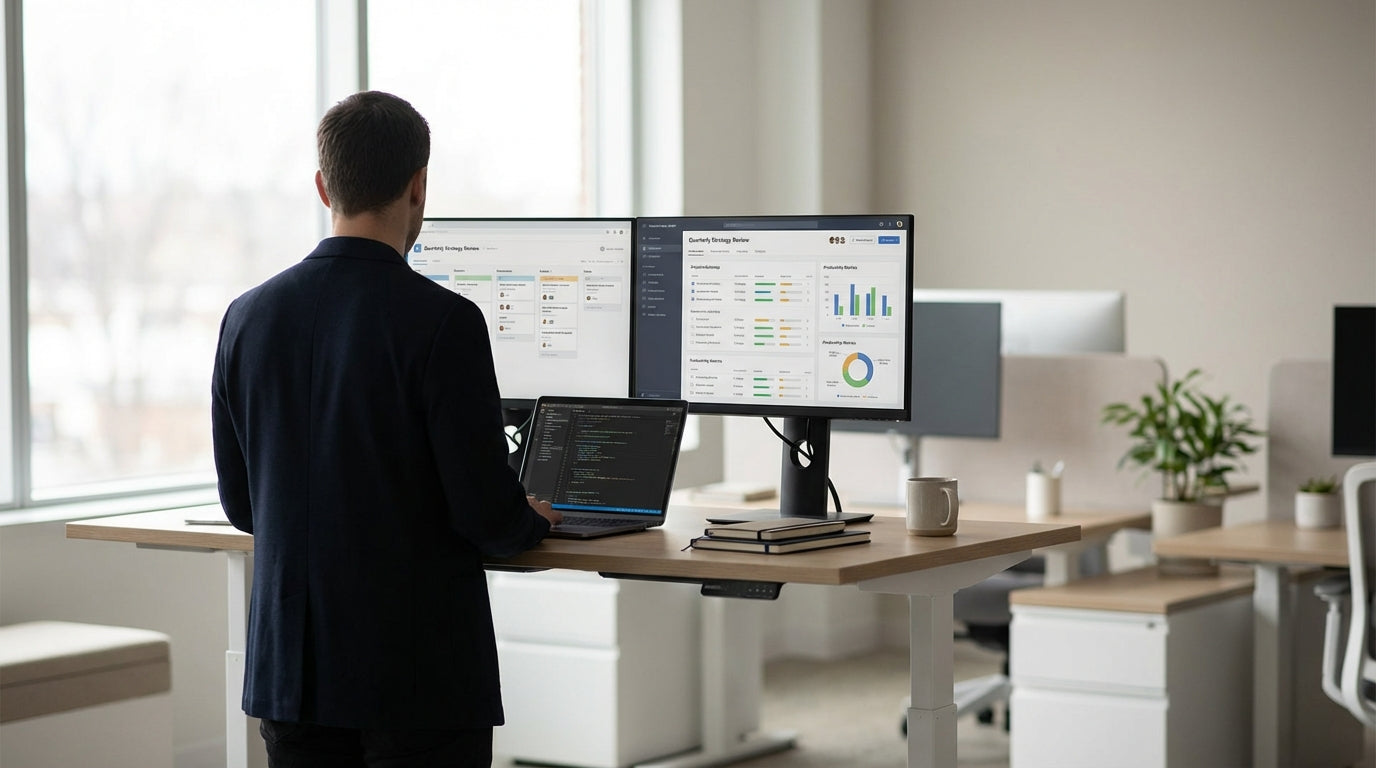
Electric and manual sit-stand desks let you move from seated planning to stand-up stand‑ups in seconds. A cluster of Standing Height Adjustable Workstations can act as an informal project hub where people gather, share screens and then split back to individual tasks without changing zones. This kind of layout is ideal for agile squads using daily scrums or Kanban boards.
Look for models with stable frames, quiet motors and generous weight capacity so they can support monitors, dock stations and shared equipment without wobble. A clean cable pathway is important too; trailing leads around feet are a trip hazard in any standing area. Integrated power and data access also make it easier to run quick video calls with remote team members.
For smaller offices, a single larger workstation can work as a compact “stand-up island” for 2–4 people. Paired with a nearby Mobile Whiteboard, it becomes a mini planning station where you can sketch ideas, park priorities and then roll the board to another area when needed.
Choosing the Right Tables for Standing Collaboration
High tables are at the heart of any standing meeting area. Pick the style that matches how your team actually collaborates.
For structured workshops, training or board-style sessions, look at taller Meeting Tables that provide plenty of surface area for laptops, notepads and shared documents. If you regularly host hybrid meetings, consider integrated power boxes or cable cut-outs so everyone can plug in without clutter. A neutral, commercial-grade finish will better withstand frequent use, cleaning and the occasional coffee spill.
Multi-purpose spaces benefit from modular designs. A set of Office & Meeting Tables can be mixed with Mobile Tables and Flip Top Tables to create different layouts: U-shapes for workshops, rows for training or islands for breakout groups. Castors (wheels) make it easy to move these tables aside after a quick stand-up, returning the space to open floor or project work.
For informal huddles, café-style Bar Tables work well. They encourage short, energising chats rather than long, drawn-out discussions. Their smaller footprint is ideal near kitchens, break areas or corridors where people naturally pass through and can quickly sync without booking a room.
Don’t overlook surface height and depth. Benchtops that are too narrow feel cramped with laptops and notebooks; ones that are too wide make it hard to share documents or see a laptop screen together. Aim for a height that suits the average standing user (around 1050mm is common), and remember that high stools can be added for people who need to perch between conversations.
Tools That Keep Standing Meetings Focused
The right accessories make short, sharp stand-up meetings easier to run and easier to remember. A simple setup can transform a noisy corner into a productive collaboration zone.
A quality Mobile Whiteboard is one of the most valuable tools for planning and problem-solving. Because it’s on wheels, you can move it to wherever the team is gathering rather than forcing everyone into one room. Use it for sprint goals, action lists, diagrams and quick timelines; at the end of the session, simply roll it to another area to keep priorities visible or park it beside a project team.
For presentations and briefings, a sturdy Lectern gives the speaker a clear focal point and a surface for notes, laptops or tablets. Height-adjustable lecterns help ensure a comfortable posture whether the presenter is tall, short or using assistive technology. They also keep materials at eye level, which reduces neck strain during longer updates.
If you’re trying to control noise and distraction in an open-plan setting, self-contained Office Pods are worth considering. These acoustic pods offer a quiet space for stand-up video calls, confidential catch-ups or focused workshops without permanently building new walls. Combine a compact high table with a mobile whiteboard inside the pod to create an instant micro-meeting room that supports both in-person and virtual collaboration.
Design Tips for Healthy, Productive Stand-Up Spaces
Standing meetings should energise people, not wear them out. Good layout and ergonomics help everyone stay comfortable and on task.
Start by allowing enough circulation space around high tables and workstations so people can move freely. Standing shoulder-to-shoulder in cramped corners leads to fidgeting and distractions. Leave room for chairs or stools at the edge for team members who can’t stand for long periods; inclusivity matters more than strictly enforcing “all standing”. Pair high tables with anti-fatigue mats where possible, especially on hard floors.
Position collaboration tools where they’re easy to see. A Mobile Whiteboard should face the majority of the group without glare from windows or lights. If you’re using lecterns or bar-height tables for presentations, think about sightlines to screens and speakers. People shouldn’t have to crane their necks or twist awkwardly to follow the discussion.
Finally, design for quick changeovers. Furniture on castors, flip-top table frames and slimline bar tables make it easy to switch from a stand-up progress check to a training session or social catch-up. By combining adjustable desks, agile tables, whiteboards, Lecterns and flexible Office Pods, you can create standing meeting spaces that support fast decisions, healthy movement and a more engaging way of working across your office.


