

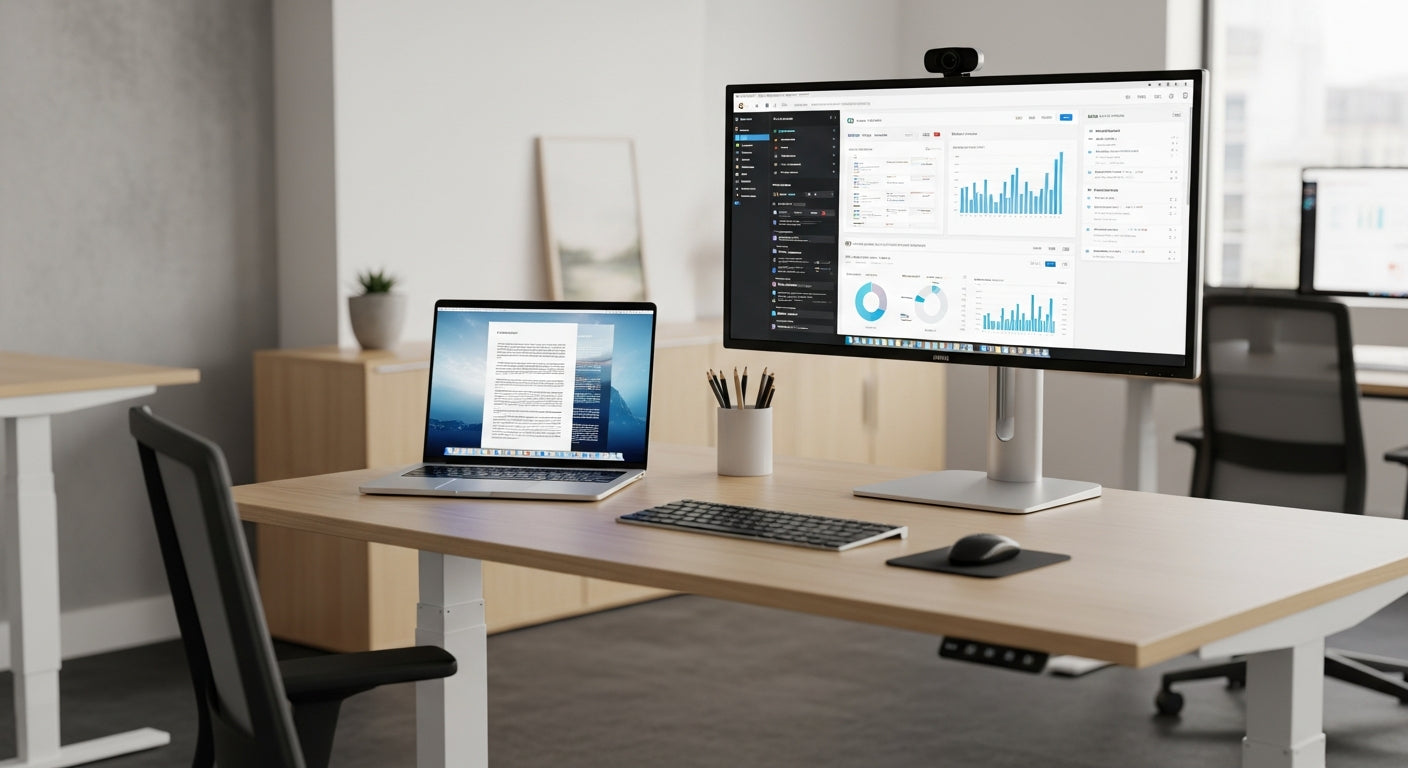
Why sit-stand desks are taking over Australian offices
Sit-stand desks have become a must-have in modern workspaces across the country. They support better posture, energy levels, and long-term health for desk-based teams.
Australian businesses are under growing pressure to improve employee wellbeing while maintaining productivity. Adjustable workstations respond to this by making it easy to switch between sitting and standing through the day, reducing the strain that comes from staying in one position for hours. When combined with ergonomics training and sensible break routines, they can significantly cut the risk of back and neck pain.
There’s also a strong operational benefit. Height-adjustable setups suit a wide range of body types, so hot-desking and flexible seating become simpler to manage. In shared areas, pairing these desks with modular options like Single Person Workstations makes it easy to reconfigure layouts as teams grow or project needs change.
With hybrid work now standard in many sectors, organisations are looking to create consistent experiences across office and home. Compact, adjustable solutions work well in smaller rooms and can be matched with dedicated Home Office Desks for staff who split their time between locations, helping maintain comfort and focus wherever they log in.
Key features to compare before you upgrade your workstation
Not all sit-stand systems are built the same. Before you roll them out, it pays to compare the details carefully.
The first consideration is the lifting mechanism. Electric frames are the most popular in 2026 because they adjust smoothly at the push of a button, while manual crank options suit tighter budgets but require more effort. Look for a wide height range to accommodate everyone on your team, and check the weight rating if you use multiple monitors, docking stations, or heavy desktop PCs.
Desktop size and shape also matter. Straight layouts are ideal for focused, linear setups and pair neatly with existing Straight Desks in traditional rows. If staff need extra surface area for documents or equipment, consider upgrading to more expansive frames that can support L-Shaped Desks or integrating ergonomic Corner Office Desks to maximise every square metre.
Ergonomics isn’t complete without accessories. Adjustable Monitor Arms allow each person to fine-tune screen height and distance, keeping neck and eye strain down when alternating between sitting and standing. Good Cable Management keeps power boards, chargers, and data leads tidy as the desk moves, reducing the risk of snags and making the whole setup look more professional.
Layout ideas: from solo focus pods to collaborative hubs
A well-planned layout makes adjustable desks work harder for your space. The right mix supports both concentration and collaboration.
For focused work, designated zones using Single Person Workstations help reduce noise and distractions. Pairing these with compact height-adjustable frames gives every staff member control over their posture without sacrificing privacy. This approach suits professional services, finance, and any team that spends long stretches on individual tasks.
In open-plan offices, corner and L-shaped configurations can make better use of awkward floorplates. Using Corner Workstations alongside adjustable options that support L-Shaped Desks gives people more room to spread out reference material while keeping technology within reach. This is especially useful for roles that juggle paperwork, multiple screens, and frequent video meetings.
Smaller businesses and co-working environments often prefer flexible clusters that can be rearranged as teams change. Here, combining linear Straight Desks with Height Adjustable Workstations makes it simple to create pods for project teams or client hot-desks. With well-placed Monitor Arms and smart Cable Management, you can keep surfaces clear enough to move people and equipment at short notice.
Ergonomic tips to get the most from your sit-stand setup
Buying the right furniture is only half the job. How people use it day to day matters just as much.
Encourage staff to change position regularly rather than standing all day. A common guideline is to alternate every 30–60 minutes, using the desk’s control panel to make small height adjustments as needed. The goal is gentle movement and variety, not a marathon standing session that leaves feet and knees sore.
Monitor placement is critical when you adjust desk height. With well-positioned Monitor Arms, the top of the screen should sit roughly at eye level, and the display should be about an arm’s length away. When standing, elbows should bend at around 90 degrees with wrists straight on the keyboard to minimise strain on forearms and shoulders.
Clutter can quickly undermine ergonomic benefits. Thoughtful Cable Management stops leads from pulling on devices as the desktop moves, which helps keep everything in a predictable position. Keep frequently used items within easy reach, and use compatible Height Adjustable Workstations to standardise setups across departments so employees can move between desks without constantly readjusting their posture.
Planning your office upgrade for 2026 and beyond
A successful transition to sit-stand furniture needs a clear plan. Think about people, technology, and space together.
Start by mapping how teams actually work: who spends the most time at their desk, who shares spaces, and which roles need extra equipment like dual monitors or document trays. From there, decide where adjustable frames will have the biggest impact and how they will integrate with existing pieces such as Corner Office Desks or dedicated Home Office Desks for remote staff. This prevents piecemeal purchases that don’t align with long-term goals.
Next, check compatibility with current workpoints and accessories. Desks that fit standard widths can often sit alongside your existing Straight Desks, Corner Workstations, and L-Shaped Desks to minimise disruption. Confirm that power and data are positioned to support moving surfaces, and budget for essentials like Cable Management and Monitor Arms so every new setup is both tidy and ergonomic from day one.
Finally, invest a little time in training. Show employees how to set the correct height, arrange their screens, and use Height Adjustable Workstations without interrupting their workflow. With a thoughtful rollout and the right mix of fixed and adjustable options, your workspace will be better prepared for evolving work patterns well past 2026.


