

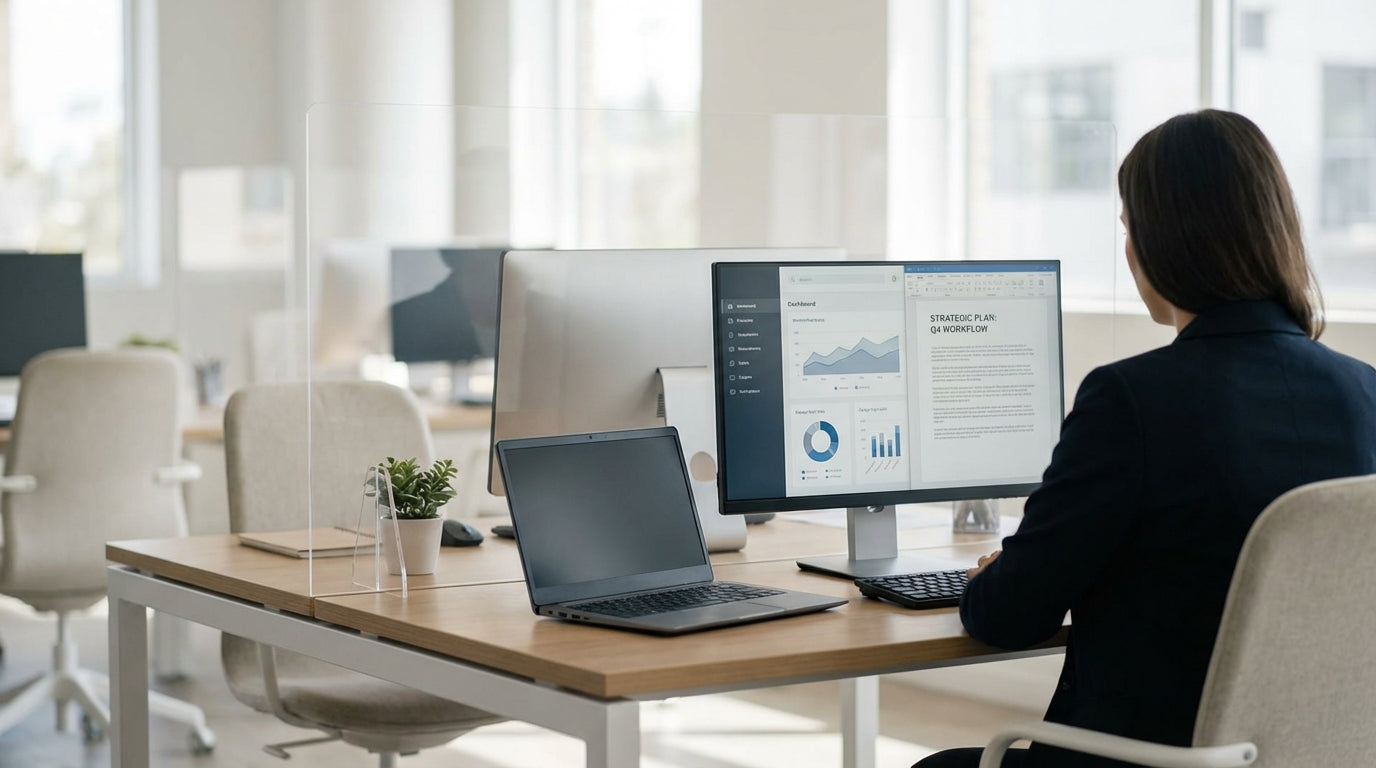
Why Desk Screens Still Matter in Modern Workspaces
Desk-mounted protection screens are now a standard feature in offices, schools, and home workspaces across Australia. The right screen can improve hygiene, privacy, and concentration without turning your desk into a fortress.
Whether you’re setting up a shared office or updating a compact home study, clear acrylic panels have become a popular choice. They provide a physical barrier while maintaining visibility and light, which is crucial in open-plan layouts. When paired with the right workstation style, such as Straight Desks or Home Office Desks, these screens can create a safer and more organised environment without sacrificing aesthetics.
Acrylic is often preferred over glass because it’s lighter, less fragile, and easier to work with when retrofitting existing furniture. It’s also available in a range of finishes—from crystal clear to frosted or tinted—so you can strike a balance between openness and discretion. Understanding these options before you buy will help you invest in desk screens that won’t need replacing in a hurry.
Another benefit is flexibility: acrylic panels can be mounted on individual desks, used between Single Person Workstations, or installed along bench-style layouts for two or more people. With the right Screen Accessories, they can be removed, repositioned, or upgraded as your team or household needs change over time.
Key Factors to Consider Before You Buy
A short checklist before ordering will save you from costly mistakes. Focus on safety, comfort, and how the screen will actually be used day to day.
Start with dimensions. Measure the depth and width of your desk or workstation, allowing space for monitor arms, document trays, and cable cut-outs. For individual setups such as Single Person Workstations or compact Home Office Desks, you’ll want panels that sit securely without overhanging edges. In larger layouts like 2 Person Workstations or long Straight Desks, consistency in height and width across each station helps keep the office looking professional.
Height is just as important. Screens should be tall enough to block droplets from talking, coughing, or sneezing when seated, but not so high that they make it difficult to pass documents or see colleagues. Many workplaces aim for panels that extend 300–400 mm above eye level when seated, but this can vary depending on whether staff spend time standing at sit–stand desks. If your workspace includes Corner Workstations or more enclosed Partition Workstations, you may be able to choose slightly lower panels while still maintaining adequate shielding.
Also consider who will be using the desk. In reception areas and front-of-house roles, people often prefer clear acrylic for open, friendly communication. For focused individual tasks, a combination of clear and frosted sections can help reduce distractions while still allowing eye contact above the screen. Finally, look at how screens attach to your furniture—clamp-on designs suit many Desk Mounted Partitions, while freestanding bases may be better for temporary arrangements or flexible project spaces.
Choosing the Right Acrylic Type, Thickness, and Finish
Not all acrylic panels are made the same. The material’s thickness and finish have a direct impact on durability, cleaning, and privacy.
Thickness is a practical starting point. Thinner panels may flex or vibrate if knocked, especially on longer spans across Straight Desks or multi-user benches. A mid-range thickness is usually ideal for most offices: sturdy enough to resist daily wear but not so heavy that installation becomes awkward. For high-traffic counters or shared 2 Person Workstations, a slightly thicker sheet can feel more solid and premium.
Finish affects both appearance and function. Clear acrylic maintains full visibility and lets natural light flow across the room, which works well in modern open-plan layouts and collaborative zones. Frosted or opaque sections, on the other hand, are useful where privacy is important—for example, in HR areas or focus pods—while still being easier to clean and lighter than traditional full-height panels. In hybrid spaces that combine Partition Workstations with open desks, mixing finishes can visually define zones without building walls.
Edge quality also matters more than many people realise. Smooth, polished edges not only look more professional but are also safer to handle during installation and cleaning. Ask whether the panels are UV-stabilised to minimise yellowing in sunlit offices, especially near windows where Home Office Desks and corner setups are often placed. By checking these technical details up front, you’ll get screens that stay clear, sturdy, and smart-looking for years.
Matching Screens to Different Desk and Workstation Layouts
Your style of desk or workstation will strongly influence the best screen configuration. The goal is a barrier that protects without getting in the way of how people work.
For single-user desks such as Single Person Workstations and slimline Home Office Desks, a simple front-mounted acrylic panel is often enough. This protects the user from visitors or colleagues directly opposite while keeping side access free for storage and movement. If the desk faces a walkway or shared corridor, side returns can be added to prevent exposure when people pass by. Because space is usually tight at home, clamp-on screens that are easy to remove are particularly helpful for multi-purpose rooms.
For longer benching setups and Straight Desks shared by several people, you’ll need a combination of front and side screens. Central dividers between users can help reduce airborne spread while also defining personal zones. On 2 Person Workstations, a single continuous panel between users can be more stable and tidier than separate pieces. This layout is popular where staff collaborate often but still need a defined personal boundary.
Corner Workstations and L-shaped desks pose slightly different challenges. You may need wraparound panels that follow the line of the desk to guard both the main work side and the return. This is effective in call centres or reception back-of-house where people can approach from more than one direction. In more segmented environments using Partition Workstations, lower acrylic panels on top of solid screens keep teams visually connected while increasing vertical separation.
To keep the installation secure and neat, ensure compatibility between your acrylic panels and any existing Desk Mounted Partitions. Choosing from a dedicated range of Acrylic Screens and matching Screen Accessories will usually give a better result than trying to adapt generic panels. This approach keeps mounting systems, colours, and heights consistent across the whole office, which looks more professional and simplifies future upgrades.
Installation, Maintenance, and Long-Term Value
Proper installation and care will extend the life of your acrylic panels. It also ensures they do the job they’re meant to do: provide reliable protection without daily hassle.
Most workplaces opt for clamp-on brackets or screw-fixed channels when installing desk screens. Clamp-on systems are ideal for retrofitting onto existing Straight Desks, Corner Workstations, and 2 Person Workstations because they avoid drilling and can be repositioned easily. Screw-fixed options, by contrast, suit permanent layouts such as banks of Partition Workstations, where stability and a streamlined look are more important than flexibility. Selecting the right mounting hardware from a dedicated range of Screen Accessories helps avoid wobble and uneven lines.
Cleaning is straightforward but should be done with the right products. Acrylic can scratch if you use abrasive cloths or harsh chemicals, so stick to a soft microfibre cloth and a mild, non-ammonia cleaner. In high-touch environments, schedule regular disinfection as part of your standard cleaning routine to maintain hygiene without clouding the surface. Because acrylic is lighter than glass, routine removal for deep cleaning is also easier, particularly for panels mounted on smaller Home Office Desks or flexible Single Person Workstations.
From a value perspective, consider how your choice will adapt if your team grows or moves. Neutral finishes and standard sizes that work across different desk types—from Desk Mounted Partitions to freestanding Acrylic Screens—are easier to reuse when you change your layout. Investing in durable panels and compatible mounting systems up front often costs less than replacing a patchwork of mismatched screens later. Over time, well-chosen acrylic panels can support safer, more comfortable, and more visually consistent workspaces across your entire office or home.


