

Designing Agile Workspaces Around Team Size
Agile teams work best when their physical space matches the way they collaborate. Start by planning workstation layouts around actual team sizes rather than squeezing people into leftover desks.
For product owners or developers who need focus time, a dedicated Single Person Workstation can reduce distractions while still keeping them close to the squad. When you’re pairing developers or have a BA and tester working tightly together, a shared pod from the 2 Person Workstations range makes quick conversations and screen‑sharing simple without needing to book a formal room. These smaller clusters ensure that the people who talk the most sit closest, cutting down on context‑switching and unnecessary meetings.
Most agile squads sit in groups of four to eight, which makes 4 Person Workstations a natural starting point. These pods keep the team visually connected while providing enough space for laptops, extra screens, and physical boards or notebooks. For cross‑functional teams with designers, engineers, and testers working side by side, a larger pod from the 6 Person Workstations or 8 Person Workstations ranges supports fast collaboration across roles without people having to shout across the room.
Think in terms of “neighbourhoods” rather than long, anonymous desk rows. Each squad’s pod should have its own identity and enough room for stand‑up boards, reference material, and quick huddles. This makes it easier for stakeholders to find the right group while still preserving a sense of ownership and team culture around the shared workspace.
Balancing Focus and Collaboration in Agile Pods
Agile ways of working need both quick conversations and quiet concentration. The key is to build in options for each, not force everyone into constant noise.
Desk dividers are an easy starting point. Using Desk Mounted Partitions between monitors can soften sound and visual distractions without breaking up the team’s pod. Pair these with configurable Mobile Partitions so teams can carve out a focus corner, move a screen for a sprint review, or create a small breakout space for planning sessions on the fly.
For individuals who regularly handle sensitive calls or deep technical design work, blending a couple of Single Person Workstations around the edges of the pod gives them a quieter base while staying within easy reach of the team. When more intensive collaboration is needed, such as during backlog refinement or mob‑programming, neighbouring pods of 2 Person Workstations or 4 Person Workstations can be arranged to create a temporary “war room” for a release or incident.
Noise management is crucial in open offices where multiple agile teams share space. Position louder activities, like daily stand‑ups or demos, closer to shared circulation areas, leaving quieter zones for deep work. Combining workstation pods with mobile acoustic screens lets you adapt as the team grows, splits, or changes its way of working across different stages of a product’s life cycle.
Ergonomics, Health, and Flexibility for Fast‑Moving Teams
Agile teams spend long hours at their desks, so physical comfort directly affects quality and speed. Poor ergonomics slows people down and leads to fatigue, injuries, and mistakes.
Height‑adjustable desks are a practical investment for any modern squad. With Height Adjustable Workstations, each team member can move between sitting and standing through the day, which supports better circulation and helps beat the afternoon slump. This flexibility is especially useful in ceremonies like backlog refinement, where standing up together around a shared screen or board keeps energy levels higher and discussions more focused.
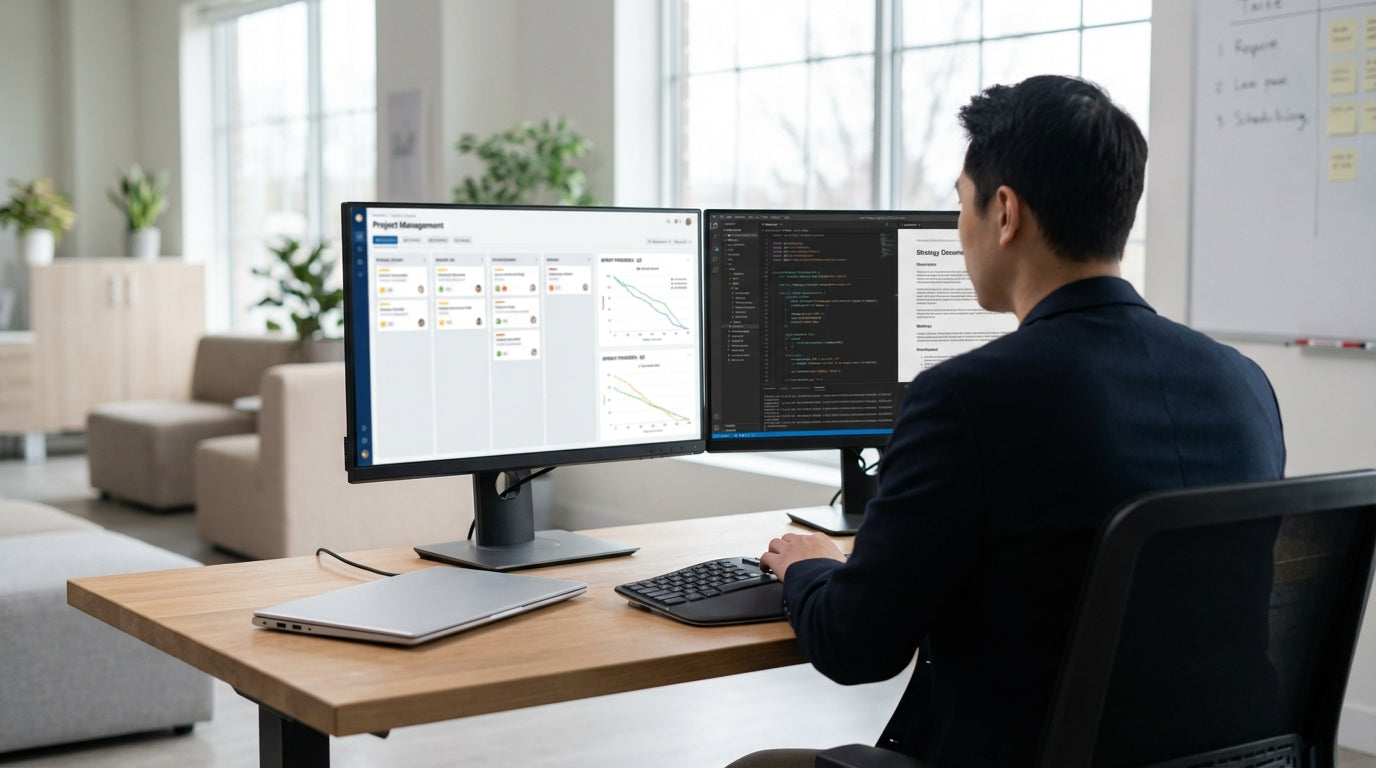
Consider the mix of gear each role needs when you choose the base Workstation Components. Developers often need dual monitors, laptop docks, and cable management to keep their space tidy. Designers might require extra depth for sketchpads or tablets, while testers benefit from space for multiple devices. Starting with modular frames and adding screens, monitor arms, and storage as needed keeps the workspace lean but fully supported.
Encourage micro‑movements and posture changes by making it easy to adjust workstation height and monitor placement. Over the course of a long sprint or release cycle, these small changes add up to less strain and better concentration. When teams know the physical setup has been considered as carefully as the tooling and process, it reinforces a culture of sustainable delivery rather than short‑term heroics.
Creating Visual Flow for Agile Ceremonies
Agile ceremonies rely on shared understanding, and that means information needs to be easy to see at a glance. The workstation layout should make sprint boards, priorities, and blockers visible without clutter.
Start by arranging team pods so everyone can quickly see your main board or digital display from their seats. Pods made from 4 Person Workstations or 6 Person Workstations work well when they’re oriented towards a single focal wall or screen. This lets teams glance up to check the sprint burndown or Kanban flow without switching apps or digging through dashboards, keeping work visible and aligned.
Mobile Partitions can double as rolling whiteboards or pin‑boards for story maps, release plans, and architecture sketches. When a planning session starts, simply pull the partition next to a pod of 8 Person Workstations and let the whole group collaborate in place. After the session, wheel it back to a position where the key outcomes stay visible for the rest of the sprint, reinforcing priorities without another meeting.
Desk‑level organisation matters too. Use appropriate Workstation Components such as cable trays, modesty panels, and shared power rails to keep the surface clear for notebooks, sticky notes, or tablets used during stand‑ups. The aim is to remove friction: everyone should be able to move from deep work to a quick ceremony and back again with minimal setup, keeping the team’s flow largely uninterrupted.
Scaling Agile Layouts as Teams Evolve
Agile environments rarely stay static. Teams grow, split, and re‑form around new products, so your workstation setup needs to adapt without major disruption.
Modular pods give you the flexibility to reconfigure without starting from scratch. For example, two neighbouring 4 Person Workstations can form a single eight‑seat squad, then be separated when the product roadmap demands two smaller teams. Likewise, combining 2 Person Workstations with larger pods creates space for rotating specialists, such as data analysts or architects, who support multiple squads but still need a consistent base.
Investing in a consistent family of frames and Workstation Components pays off as you scale. Being able to add extra tops, re‑use Desk Mounted Partitions, or shift power rails without replacing everything keeps costs down and minimises environmental waste. Mobile Partitions are particularly useful during restructures or office moves, allowing you to quickly carve out new team zones while maintaining some acoustic privacy.
Finally, revisit the layout at the end of key milestones such as major releases or annual planning cycles. Gather feedback from squads on what’s helping or hindering their delivery and adjust the mix of Single Person Workstations, collaborative pods, and Height Adjustable Workstations. Treat the physical environment like any other agile asset: iterate, measure the impact on focus and collaboration, and continuously refine to support high‑performing teams across the business.


