

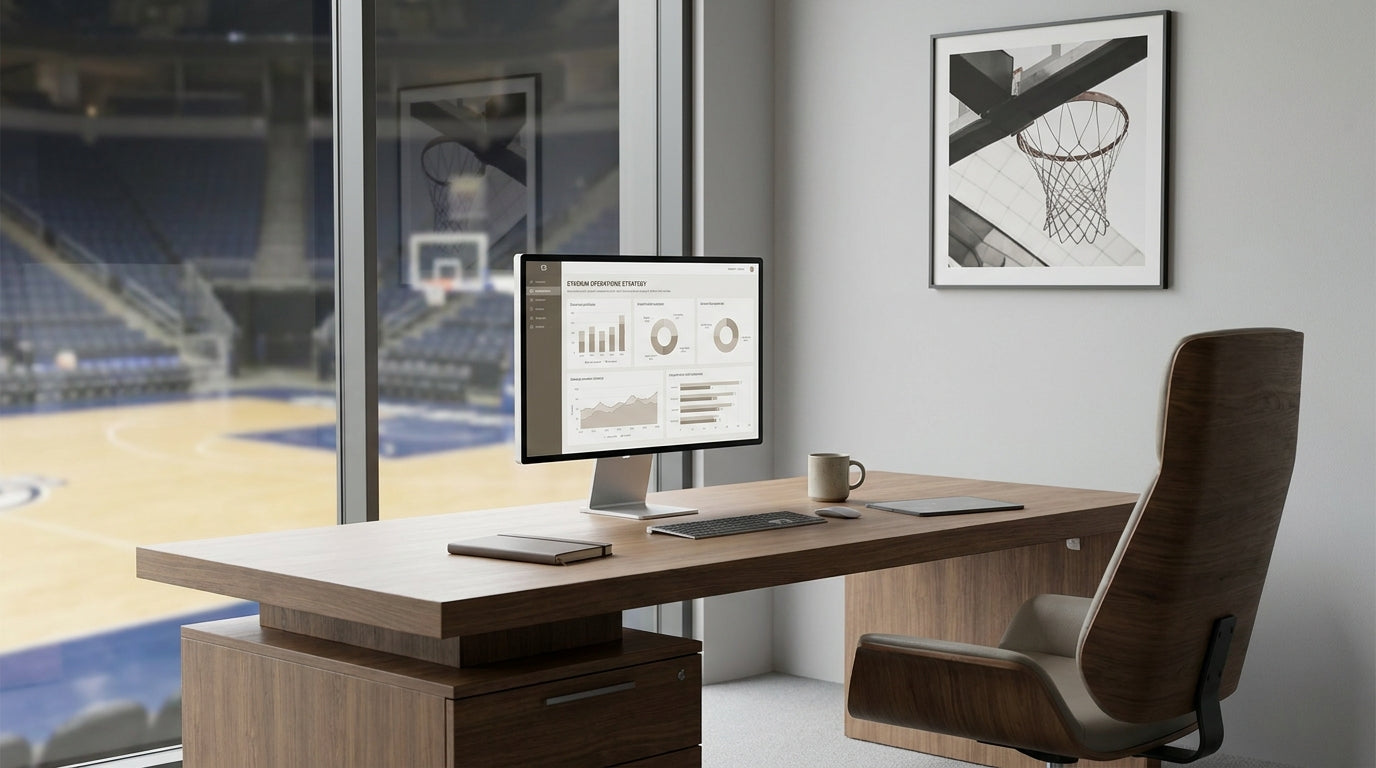
Designing Productive Admin Workspaces in Basketball Arenas
Behind every successful basketball stadium is an admin team that keeps operations running smoothly. The right furniture layout can make these back-of-house spaces more efficient, professional, and comfortable.
When planning admin areas in a sporting venue, it’s important to think beyond basic desks and chairs. Staff coordinate ticketing, memberships, sponsorships, media, and game-day logistics, often under time pressure. Thoughtfully selected workstations, storage, and seating support focus, fast communication, and easy movement between departments. A clear floor plan also helps new staff and contractors navigate on busy event days.
Stadiums need flexible offices that can scale for peak periods such as finals or large events. Modular pieces like Single Person Workstations allow teams to add or reconfigure seating without major disruption. This adaptability is crucial when an arena hosts concerts, conferences, and community events in addition to basketball games.
Durability should always be a priority. High-traffic venues demand furniture that can withstand heavy daily use, last multiple seasons, and still look professional for visiting sponsors and league officials. Choosing commercial-grade products ensures that desks, chairs, and storage maintain their structure and appearance despite constant use.
Choosing Desks and Workstations for Stadium Operations
Desk selection in stadium admin offices should reflect the varied roles within the organisation. Different tasks benefit from different layouts, storage options, and levels of privacy.
Operations managers, membership coordinators, and ticketing teams often work with multiple screens, phones, and paperwork. Options such as L-Shaped Desks provide extra surface area for monitors and documents while still fitting neatly along a wall. Where corner space needs to be maximised, Corner Office Desks can turn otherwise unused areas into efficient work hubs.
For open-plan admin zones handling day-to-day administration, Straight Desks in uniform rows help keep cable management, walkways, and supervision simple. Pairing them with Single Person Workstations that include modesty panels and integrated storage can create a sense of personal space without closing off communication. This balance is useful when staff need to focus while still responding quickly to colleagues during busy pre-game periods.
Senior staff and department heads usually require extra meeting and storage capacity at their desk. Dedicated Manager Desks often include more generous workspace and built-in drawers, making it easier to keep sponsorship contracts, game schedules, and confidential documents organised. These larger desks can also double as an informal meeting spot when external visitors are on site.
When planning desk layouts, consider cable paths for screens, phones, and stadium systems. Position power outlets and data points near workstations and avoid blocking access with storage or seating. Keeping cables organised reduces trip hazards and makes it easier to swap equipment between game nights, events, and off-season activities.
Seating for Comfort, Focus, and Long Game Nights
Admin teams in stadium offices spend long hours on screens, phones, and radios. Quality seating is essential for comfort and productivity over back-to-back events.
Ergonomic Task Chairs with adjustable height, lumbar support, and tilt help staff stay comfortable through extended shifts. During finals or double-header fixtures, employees may be seated for most of a day, so cheap or non-adjustable chairs can quickly lead to back and neck strain. Investing in supportive seating helps reduce fatigue, errors, and absenteeism across the season.
For meeting spaces within the admin area, consider how long people will be seated and how often chairs are moved. Lighter, stackable Meeting Chairs offer flexibility for pre-game briefings, volunteer inductions, and sponsor presentations. In more formal settings such as executive presentations or league hearings, pairing these with quality Boardroom Tables creates a professional environment that reflects well on the club and venue.
Noise management is another factor. Chairs that roll smoothly and don’t creak help keep shared offices quieter, especially when media teams are on live calls or customer service is handling phone enquiries. Choose fabric and finishes that are easy to clean but still comfortable, as stadium offices often deal with food, drinks, and high visitor turnover on event days.
Meeting, Collaboration, and Private Work Zones
Stadium admin offices must support both fast collaboration and focused work. Different work modes call for distinct furniture choices and layouts.
Formal meetings with sponsors, league officials, and broadcasters are best held in a dedicated space. A well-sized Boardroom Table provides a central point for presentations, contract signings, and season planning sessions. Matching this with comfortable Meeting Chairs and reliable AV equipment helps create a setting that feels professional and organised, even when the arena outside is buzzing with fans.
For day-to-day collaboration, small huddle spaces can be more practical than large formal rooms. These areas can be used by game-day coordinators, marketing teams, or community program staff to run quick stand-ups before events. Sound-controlled Office Pods are particularly useful here, providing portable, semi-private rooms for calls with sponsors, player managers, or interstate partners without needing to build permanent offices.
Private work zones are vital for roles requiring concentration, such as finance, HR, or data analysis. Combining Corner Office Desks or L-Shaped Desks with acoustic partitions or pods can reduce noise from the rest of the operations floor. This configuration allows staff to handle sensitive tasks like payroll, contract reviews, and reporting while still remaining close enough to respond quickly during live events.
When planning these zones, clearly separate quiet areas from high-traffic corridors leading to the court, media rooms, and player facilities. Thoughtful zoning reduces interruptions and keeps people moving efficiently between offices, changing rooms, and hospitality spaces on busy nights.
Storage, Organisation, and Long-Term Flexibility
With memberships, merchandise, equipment, and paperwork to manage, stadium admin offices need robust storage solutions. Good organisation reduces clutter and saves time on game days.
Lockable Office Cupboards are ideal for storing confidential files, branded merchandise, and event materials. They also help keep shared spaces tidy, which is especially important when sponsors or league representatives pass through admin areas. Position cupboards close to the teams that use them most, such as placing membership storage near customer service or marketing resources near media staff.
Blending open shelving with closed cupboards allows quick access to frequently used items while keeping sensitive documents secure. For example, an operations team might keep clipboards, radios, and lanyards on open shelves for fast collection before games, while financial records and HR files remain locked away. Combining these with tidy Straight Desks or Manager Desks that offer integrated drawers further supports day-to-day organisation.
Future flexibility should be part of every stadium office plan. Using modular Single Person Workstations, movable Office Pods, and freestanding storage allows admin areas to grow or shrink as club staffing changes from pre-season to finals. With the right mix of furniture, basketball venues can adapt quickly to new competitions, expanded community programs, or upgraded media operations without needing a full office rebuild each time.


