

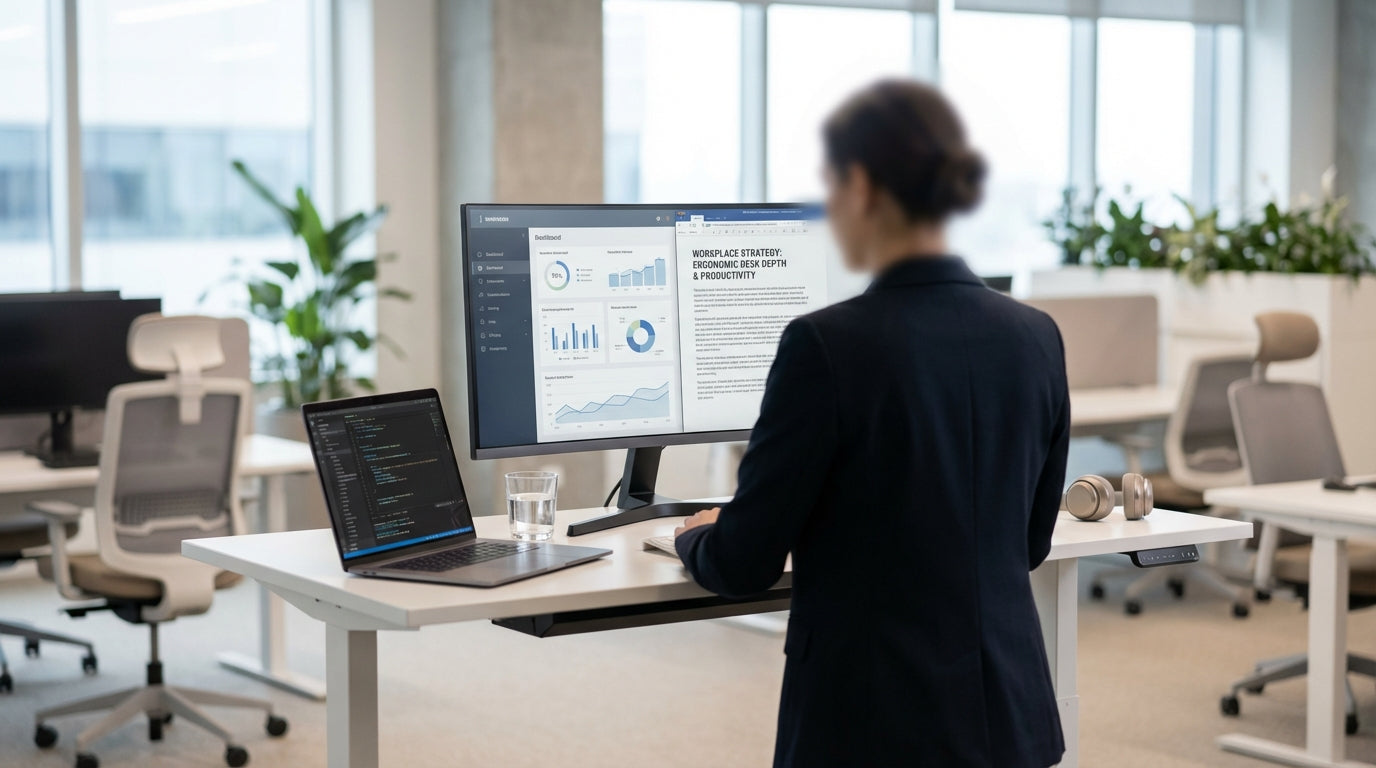
Why Desk Depth Matters More Than You Think
Desk depth is one of the most overlooked parts of an ergonomic workstation. Get it wrong and you end up with neck pain, eye strain, and a constantly cluttered surface.
Depth is simply how far your desk goes from front to back. Too shallow and your monitor sits too close, your keyboard is cramped, and there’s no space to rest your forearms. Too deep and you may lean forward awkwardly, or push your chair in so far that your legs and knees feel jammed. The ideal depth balances safe viewing distance, comfortable arm support, and enough room for your daily work gear.
Australian offices often default to whatever size fits the room, but ergonomics should come first. By understanding recommended measurements and how they apply to your body, you can choose smarter from options like Straight Desks, Corner Office Desks and compact student setups. The right depth helps reduce fatigue, supports healthy posture, and makes your workspace feel cleaner and more organised.
Recommended Desk Depths for Comfort and Productivity
For most adults, a depth of 700–800 mm suits ergonomic working. This gives enough space for screens, keyboards, and paperwork without forcing you to lean forward.
Around 700 mm is usually the minimum if you use a full-size keyboard and an external monitor. This depth lets you keep the monitor roughly an arm’s length away, which reduces eye strain and helps your neck stay in a neutral, upright position. Many Australian office standards and commercial workstations are designed around this measurement because it works well for a wide range of body sizes.
If you use larger monitors, dual screens or frequently spread out documents, 750–800 mm is often more comfortable. The extra space means your keyboard and mouse can sit far enough from the desk edge to allow forearm support, while still keeping monitors in a safe viewing zone. You’ll see these deeper dimensions commonly in Single Person Workstations and higher-end Manager Desks, where more equipment and paperwork are in use.
For tighter spaces, depths of 600–650 mm can work, but only if you’re using a laptop or a smaller screen and sit slightly closer. These compact sizes are popular in Student Desks and some Home Office Desks where floor space is limited. In these setups it becomes even more important to have an adjustable chair and, ideally, a monitor arm so you can fine‑tune your viewing distance.
Matching Desk Depth to Your Body, Chair and Monitor
The “right” depth is not only about the furniture; it’s about how you fit into it. Your body size, chair and monitor setup all affect what will feel comfortable.
Start with your chair. When you sit with your hips slightly above your knees and your feet flat on the floor, your elbows should bend at roughly 90 degrees when your hands rest on the keyboard. With a suitable desk depth, your forearms can lightly rest on the desk edge without you having to hunch your shoulders or reach forward. If you constantly perch on the edge of your chair to get closer to the keyboard, your desk is either too deep or your monitor is too far back.
Next, consider your monitor distance. A simple rule is to sit about an arm’s length away from the screen, with the top of the display around eye level. On a 700–800 mm deep surface, this is usually easy to achieve with standard monitor stands or with height-adjustable arms. Deeper desks are helpful if you’re using two or three screens, particularly on Height Adjustable Workstations, because you can place screens far enough away while still keeping your keyboard within a relaxed reach.
Your height also matters. Taller users with longer arms are generally more comfortable on deeper worktops because they can keep their shoulders relaxed while maintaining the right monitor distance. Shorter users may find 600–700 mm works better, especially on compact L-Shaped Desks or space‑saving Straight Desks. Whatever your size, if you feel yourself leaning forward or pulling your neck towards the screen, it’s a sign to reassess your depth or your monitor placement.
Choosing Desk Styles and Depths for Different Workspaces
Different desk shapes suit different rooms and tasks, and depth is a key part of that decision. Think about both how you work and how your room is laid out.
For a simple, linear setup along a wall, a standard 700–800 mm deep Straight Desk is often the most practical option. It provides a clear front-to-back space for keyboard, monitor and paperwork in a straightforward line. These desks suit most corporate offices and home study areas where you want a tidy, minimalist look without sacrificing ergonomic space.
If you need more surface area without using up extra floor depth, consider a corner layout. Corner Workstations and Corner Office Desks let you keep the main working zone at an ergonomic depth, while using the return side for storage, printers or secondary tasks. Similarly, L-Shaped Desks offer a generous wrap‑around surface that keeps the primary work area in the ideal depth range while still giving you extra room for files and equipment.
In smaller homes or study nooks, Home Office Desks and Student Desks with 600–700 mm depth can be very effective, as long as the monitor distance and chair height are set up correctly. For more senior roles or executive spaces, deeper Manager Desks create a more substantial presence and extra space for meetings, while still keeping the immediate working zone within ergonomic reach.
Fine-Tuning an Ergonomic Setup Around Your Desk
Once you’ve chosen a suitable depth, small adjustments make a big difference to comfort. Treat your desk as the base and build the rest of your ergonomics around it.
If you’re using sit-stand furniture such as Height Adjustable Workstations, make sure your chosen depth still feels stable at full height. Keep heavier items closer to the centre and avoid placing bulky gear right at the front edge where it can clutter your working zone. At both sitting and standing heights, your elbows should stay at about 90 degrees and your wrists straight while typing.
Monitor arms are particularly useful when you’re working with multiple screens on deeper Single Person Workstations or wrap‑around Corner Workstations. They let you fine‑tune viewing distance without changing where your keyboard and mouse sit. Aim to keep often‑used items, like your mouse, phone or notebook, within a comfortable reach radius so you don’t have to stretch across the desk repeatedly.
Finally, listen to your body as you work. If your shoulders ache, you might be reaching too far across a deep surface; if your eyes feel strained, your monitor may be too close on a shallow one. With the right depth and thoughtful positioning, whether on compact Home Office Desks or larger Straight Desks, your workstation can support you for long, productive days without unnecessary discomfort.


