

Why Natural Light Placement Matters for Your Workspace
Natural light can make or break how comfortable and productive you feel at your desk. Getting the position right reduces eye strain and helps you stay focused for longer.
When you sit in the wrong spot, glare on your screen forces your eyes to work harder and can quickly lead to headaches or fatigue. Good daylight positioning, combined with the right type of desk – from compact Student Desks to full-sized Home Office Desks – allows you to see clearly without needing harsh overhead lighting all day. It also improves your mood by keeping your body in sync with the natural day–night cycle.
For Australian homes and offices, daylight is often strong and direct, especially in north-facing rooms. That makes considered desk placement even more important. Instead of relying on trial and error, you can apply a few simple layout rules to harness natural light and keep your monitor comfortably readable.
Beyond comfort, there’s a practical benefit: using daylight well can reduce your need for artificial lighting and cut power use. With a thoughtful layout and flexible furniture like Height Adjustable Workstations, you can fine‑tune your position as the seasons and sun angle change.
Positioning Your Desk Relative to the Window
Where your desk sits in relation to the window has the biggest impact on glare and comfort. The aim is to get plenty of daylight without shining it straight into your eyes or directly onto your screen.
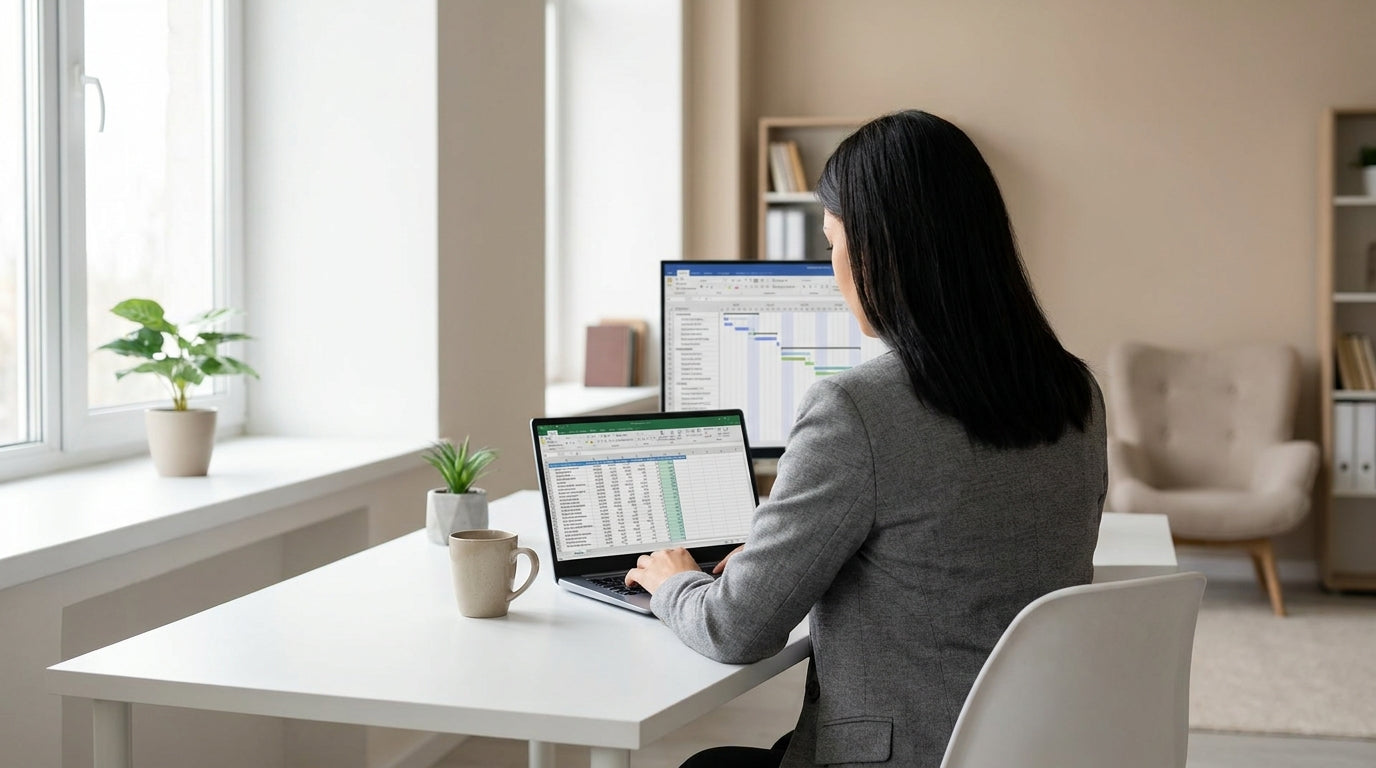
As a rule of thumb, placing your desk so the window is to your side – ideally at 90 degrees – offers a good balance of light and visibility. If you’re right-handed, many people prefer the window on the left to reduce shadows when writing; left‑handed users often flip this. Linear layouts such as Straight Desks and Single Person Workstations make this side‑on setup easy, keeping the monitor facing away from strong light sources.
Avoid facing the window directly whenever possible, especially with a bright Australian sky, as your eyes will constantly adapt between the outdoor brightness and your screen. Sitting with your back to the window can be just as problematic, because strong backlighting creates reflections and makes your monitor look washed out. If your room layout forces one of these positions, consider sheer blinds plus an adjustable monitor setup using Monitor Arms so you can tweak height, angle, and distance.
In smaller rooms or shared spaces, desks that wrap into a corner – such as Corner Office Desks and L-Shaped Desks – let you angle your work surface precisely between direct sun and darker areas. This helps soften the light across your work zone without losing the brightness that keeps you alert.
Managing Glare, Shadows, and Ergonomics
Even with good desk placement, you’ll still need to manage glare, shadows, and posture. This is where small adjustments and the right equipment make a big difference.
Glare happens when a bright light source reflects off your screen or glossy surfaces. To control it, angle your monitor slightly away from the incoming light and keep the top of the screen roughly at or just below eye level. Mounting your display on Monitor Arms gives you fine control over tilt and height, which is especially useful if more than one person uses the same desk or if you alternate between sitting and standing at a Height Adjustable Workstation.
Shadows are another issue, particularly if you do a mix of typing and handwriting. When the main natural light comes from the same side as your writing hand, your body can cast a shadow across your notebook or documents. Choosing flexible layouts like Corner Workstations or compact Student Desks lets you nudge your position closer or further from the window to reduce these dark spots. Supplementary task lighting with a warm, adjustable desk lamp can then fill in any gaps without overpowering the daylight.
Ergonomics – the science of fitting work to the person – should stay front of mind when chasing natural light. Your chair height, desk height, and monitor position should let you sit with relaxed shoulders, elbows at roughly 90 degrees, and your feet flat on the floor. Whether you’re using standard Home Office Desks or more specialised Single Person Workstations, avoid leaning forward towards the window or hunching away from it to dodge glare, as these habits can quickly lead to neck and back pain.
Choosing the Right Desk Style for Your Light Source
Your choice of desk can either support or limit how well you use natural light. Matching the desk style to the room and window layout makes it much easier to get a comfortable, well‑lit setup.
In narrow rooms with a single window, streamlined Straight Desks are ideal for sitting side‑on to the light without cluttering the space. For home offices that double as living areas, a more compact footprint from the Home Office Desks range helps you tuck the desk near the best light source while still leaving room to move around. Students working in bedrooms can take advantage of lightweight Student Desks, which are easy to shift a little closer to or further from the window as needed.
If your room has windows on two walls, or a large corner window, it can be worth investing in an L-Shaped Desk or a dedicated Corner Office Desk. These designs wrap your workspace around the light source, allowing one side of the desk to serve as your main computer area and the other as a writing or reading zone with softer light. For busier setups with multiple screens, Corner Workstations let you keep monitors in the darker portion of the room while keeping your paperwork in the brighter, naturally lit area.
Height‑adjustable options, such as Height Adjustable Workstations, offer extra control over how the light hits your eyes and screen throughout the day. Standing for part of your workday changes the angle between your eyes and the window; being able to raise or lower your desk helps you dodge glare bands that move across the room as the sun shifts. Combining these with Monitor Arms creates a highly adaptable setup that you can fine‑tune in seconds.
Practical Layout Tips for Australian Homes and Offices
Australian daylight is bright and can be harsh, so a few localised layout tricks go a long way. Think about sun direction, heat, and seasonal changes when you decide where to put your workstation.
In much of Australia, north‑facing windows get the most consistent sun, while west‑facing windows can be intense in the afternoon. If your main workspace sits near one of these, consider positioning your desk slightly further into the room so you still benefit from daylight without sitting in direct beams. This works well with larger Single Person Workstations or modular Corner Workstations, which give you extra surface area to keep your monitor out of the sun’s direct path.
Heat gain is another factor. Sitting right beside a hot window in summer is uncomfortable and makes your computer work harder to stay cool. Sheer curtains or blinds can diffuse the light while reducing heat, and you can still keep your desk aligned side‑on to the window for even illumination. For flexible home setups, pairing Home Office Desks with portable task lighting means you can shift your workspace slightly as the seasons change without losing good visibility.
Finally, remember that your desk doesn’t have to be fixed forever. Compact pieces such as Student Desks and simple Straight Desks can be re‑oriented between term time and holidays or as your workload changes. Test a layout for a week, pay attention to when your screen is hardest to see, and then adjust your angle, curtain use, or monitor position with the help of Monitor Arms until the space feels bright, comfortable, and easy on your eyes all day.


