

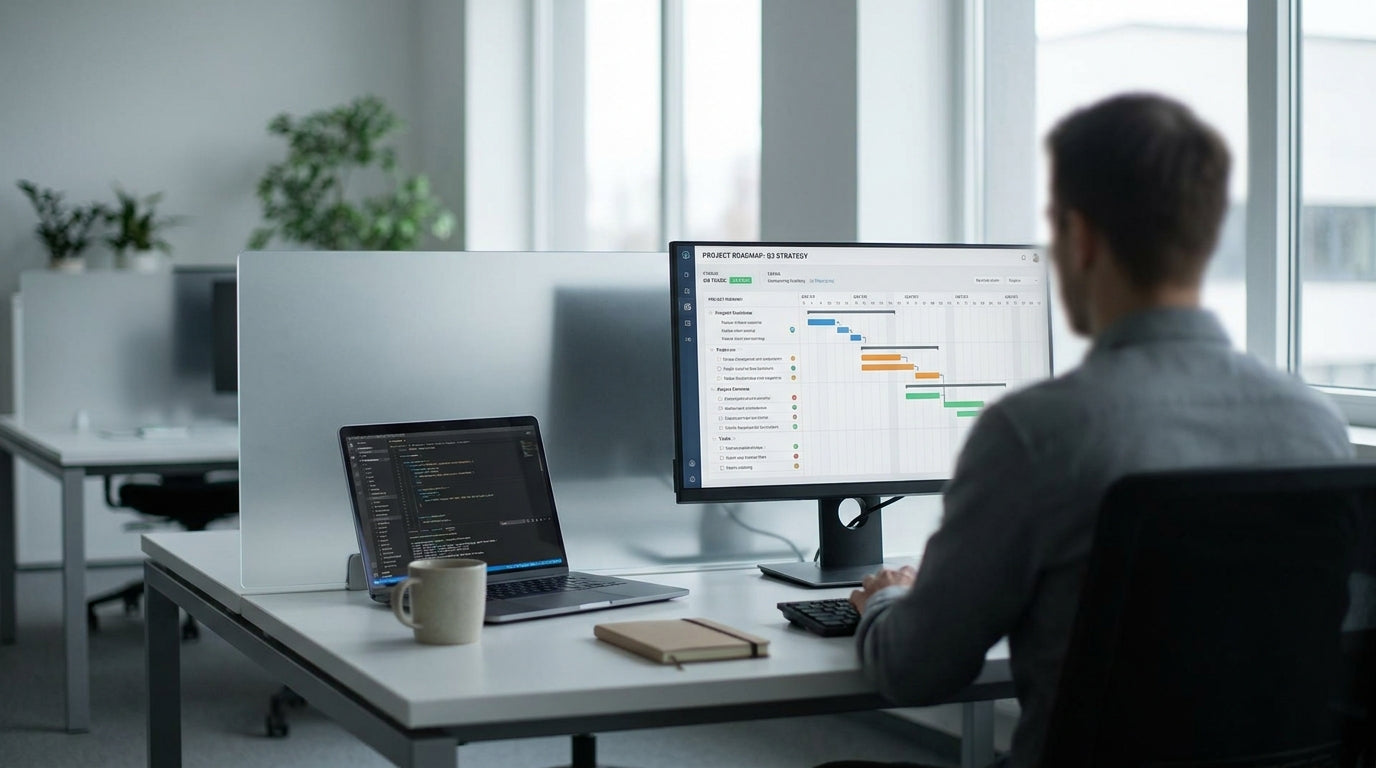
Why Desk Divider Height Matters in Modern Offices
Divider height has a big impact on privacy, noise levels, and how teams collaborate. Getting it wrong can leave staff distracted or feeling boxed in.
In Australian offices, screen height is now a deliberate design choice rather than an afterthought. Businesses are balancing openness with the need for focus, especially in hybrid and hot-desking environments. The right partition height can support concentration, define personal space, and still allow easy communication across pods and benches.
Height also interacts with the furniture you choose. A 1200 mm screen feels very different on a compact workstation than on a deep bench or shared table. That’s why it’s important to consider your desk style, from Single Person Workstations to larger 2 Person Workstations, before locking in divider measurements.
On top of that, different types of screens – such as Desk Mounted Partitions, freestanding panels and Acrylic Screens – each have their own typical height ranges. Understanding how these options compare helps you choose a consistent, functional setup across your entire floor plan.
Common Height Ranges Used in Australian Workspaces
Most commercial fitouts use a set of practical height bands. These ranges support either seated privacy, partial standing privacy, or full visual separation.
For seated privacy at standard desk height (around 720–750 mm), many offices use desk screens between 300 mm and 450 mm above the worktop. When mounted on the desk, this usually gives a total height of roughly 1000–1200 mm from the floor. This is enough to block direct eye-line for seated staff while still keeping the space light and open.
For greater acoustic and visual control, especially in call centres and focus areas, screens often extend to 1500–1650 mm from the floor. These are commonly seen in Partition Workstations where staff need more separation but still require easy access and airflow. Full-height options of 1800 mm and above are typically used along traffic corridors or between different teams to create a stronger sense of zoning.
Freestanding and Floor Partitions often follow these same bands but can be more flexible when paired with Screen Accessories like feet, connectors and stabilisers. This makes it easier to adapt existing heights as workstation layouts or team sizes change over time.
Choosing Heights for Different Types of Partitions
Not all office screens serve the same purpose, so their ideal heights can vary. Matching height to function is key to a comfortable, efficient workspace.
Desk Mounted Partitions typically sit 300–500 mm above the desktop. Lower screens are ideal for collaborative teams that need quick conversations across the bench, while higher options suit roles that require concentration, such as finance or data entry. On shared setups like Workstation Components configured into pods, mid-height dividers often provide the best blend of privacy and visibility.
For spaces that change frequently, such as project rooms and training areas, Mobile Partitions in the 1500–1800 mm range are common. These allow you to roll in temporary boundaries to create break-out zones, extra meeting spaces or quiet corners. Taller mobile panels also help manage line-of-sight distractions in open-plan offices without needing a full refurbishment.
Clear or frosted Acrylic Screens are often used where hygiene or easy cleaning is a priority, such as reception counters and shared touchdown desks. These are usually set high enough to intercept face-to-face interaction – often 400–600 mm above the worktop – while preserving natural light and visibility across the floor.
Balancing Privacy, Collaboration and Ergonomics
The “right” screen height depends on how your team works. It should support focus without cutting people off from each other or from daylight.
For highly collaborative teams, lower desk screens (around 300–350 mm above the desk) encourage conversation and quick problem-solving. This setup works well with benching systems and small clusters like 2 Person Workstations, where staff sit face-to-face or side-by-side. You still gain a defined personal area, which helps reduce visual clutter and gives users a place to pin notes or mount accessories.
Where confidentiality or deep-focus tasks are common, such as HR or legal teams, higher partitions (450–600 mm above the desk or 1500 mm+ from the floor) are more effective. These create a semi-enclosed feel that reduces interruptions and minimises sound travel, especially when combined with fabric or acoustic materials. In open-plan settings, mixing higher screens around perimeter desks with lower screens in central collaboration areas can keep the space feeling cohesive.
Ergonomics also plays a role. Screens must sit high enough that a person’s natural line of sight is not directly into a colleague’s monitor, yet not so high that they block task lighting or make it hard to communicate. When you configure new Single Person Workstations or multi-user Partition Workstations, consider trialling different heights before committing across the entire floor.
Practical Tips for Selecting Divider Heights for Your Office
A few simple checks can help you choose an effective divider height for your space. Measure how people actually work, not just how the floor plan looks on paper.
Start by walking through the office at both seated and standing eye level to identify common sightlines and distraction points. Note where screens need to interrupt vision – for example, between a quiet desk zone and a busy corridor – and where openness is more valuable, such as near windows or informal collaboration areas. This will guide whether to use mid-height Floor Partitions or taller panels in key locations.
Next, review existing furniture and future plans. If you expect to reconfigure frequently, consider a mix of Mobile Partitions and modular Workstation Components so heights can evolve as teams grow. Add-on items from the Screen Accessories range – such as brackets, clamps and extension panels – can help you fine-tune the final screen position without replacing whole systems.
Finally, test with a small pilot area before rolling out dividers across the entire office. Set up a sample run of Desk Mounted Partitions at two different heights and ask staff about privacy, noise and comfort after a few weeks. Their feedback, combined with observation of how spaces are actually used, will give you a reliable guide for choosing screen heights that support productivity and wellbeing over the long term.


