

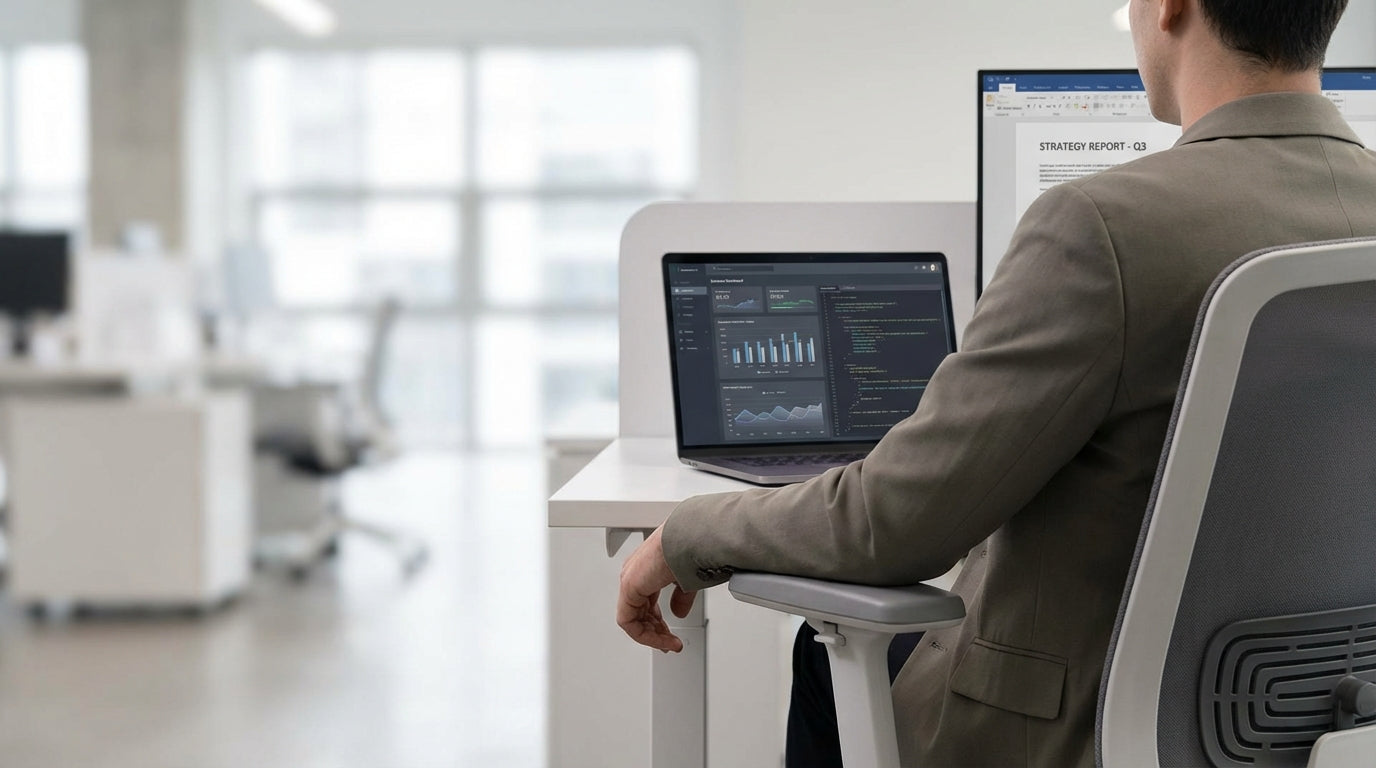
Why Armrest Height Matters More Than You Think
Armrests aren’t just a “nice to have” – they play a major role in posture, comfort, and productivity. The right height can reduce neck, shoulder, and wrist strain throughout your workday.
When armrests are set up correctly, your elbows sit close to your body and form roughly a 90–100 degree angle, with your shoulders relaxed rather than hunched. This position helps support the natural curve of your spine and stops you from leaning on the desk or slouching forward towards the screen. Over long days at your workstation, that small adjustment can make a noticeable difference to fatigue and aches.
Poorly set armrests can do more harm than good. If they are too high, you may shrug your shoulders, leading to tightness in the neck and upper back. If they are too low, you tend to slump, which compresses your lower back and can contribute to long-term discomfort. Getting the basics right is especially important if you spend most of your day in a task chair or similar office seating.
Well‑designed office seating – including mesh office chairs, leather chairs, and ergonomic Australian made chairs – allows you to fine‑tune arm height, width, and pivot. That flexibility lets you match the chair to your body rather than forcing your body to adapt to the chair.
Typical Ranges and Industry Guidelines
Most modern office chairs use similar armrest height ranges, but there are important variations. Understanding these ranges helps you choose a chair that actually suits your body and desk setup.
In general, standard armrests on office seating adjust from about 18–29 cm above the seat (roughly 7–11.5 inches). This allows the majority of adults to support their forearms comfortably while keeping their shoulders neutral. On some ergonomic models, you may see slightly broader adjustment ranges to accommodate shorter and taller users, as well as more compact workstations.
Different chair categories may shift these ranges. For example, drafting chairs designed for higher benches or sit–stand desks often have taller gas lifts and correspondingly higher arm options, so that your arms are still supported when the seat is raised. In contrast, meeting‑room and visitor chairs sometimes feature fixed arms that aim for a “middle ground” height to suit a wide range of people, though they may not be ideal for all‑day use.
The recommended setup from ergonomics specialists is that your armrests end up more or less level with the top of your desk once your chair height is set correctly. This can mean prioritising chairs with adjustable armrests over cheaper, fixed‑arm designs, especially for primary workstations where you spend many hours sitting.
How to Measure and Adjust Your Own Setup
Dialling in your armrest height is straightforward if you follow a consistent process. You only need a tape measure and a few minutes at your desk.
Start by sitting all the way back in your chair with your feet flat on the floor and your knees at about 90 degrees. Adjust the seat height so your thighs are roughly parallel to the floor. Then, with your shoulders relaxed, bend your elbows to around 90 degrees and let your forearms float above the armrests. Raise or lower the armrests until they just meet your forearms without pushing them up.
Once you have that position, measure from the top of the seat cushion (where you sit, not the frame) up to the top of the arm pad – this is your personal comfortable armrest height. Next, check the relationship between your arms and your desk. Ideally, the armrests should be almost level with the desktop so that when you move your hands to the keyboard or mouse, your forearms stay in the same plane without dropping or reaching upward.
If your current chair can’t reach that height or has fixed armrests that clash with your desk, it may be time to consider a more adjustable option. Many modern task chairs and mesh office chairs offer multi‑directional arm adjustments (up/down, front/back, and pivot). This is especially useful in shared spaces like training chairs rooms or hot‑desking areas, where users with different builds need to fine‑tune support quickly.
Matching Armrests to Body Type and Workstyle
The “right” armrest height depends on more than just numbers. Your body shape, daily tasks, and even clothing all influence what will feel comfortable.
Taller people generally need more upward range from their armrests, while shorter users often struggle with arms that don’t go low enough. If you’re broader through the shoulders or prefer to keep your elbows slightly wider, look for arms that are width‑adjustable as well as height‑adjustable. Workers who spend long hours typing usually benefit from softer, well‑padded arm tops, while those who switch frequently between mouse, keyboard, and notebook may prefer slim, low‑profile arms that don’t get in the way.
For high‑intensity or larger‑body users, heavy duty chairs often provide sturdier, wider arm frames with generous adjustment. This extra robustness helps arms stay stable even when you’re frequently shifting position or leaning to reach equipment. On the other hand, in collaborative spaces with meeting chairs and training chairs, you may prioritise slim or removable arms so people can move closer to the table or sit side‑by‑side without interference.
Specialised environments call for different approaches. Designers, architects, and people working at higher counters may prefer drafting chairs where both seat and arm height extend beyond standard ranges. Reception spaces and client areas often favour stylish leather chairs or well‑finished visitor chairs, where comfort still matters but appearance and ease of access (for example, arms that make standing up easier) are also important considerations.
Choosing the Right Chair for Your Workspace
The best armrest height is useless if the rest of the chair doesn’t support you. It’s worth looking at the whole package before you buy.
For full‑time desk workers, an ergonomic task chair with adjustable arms, lumbar support, and seat‑height range to suit your desk is usually the safest choice. If you run warm or work in a non‑air‑conditioned space, a breathable mesh office chair can keep you cooler while still giving you the arm adjustments you need. Those who prefer a more premium look might lean towards supportive leather chairs, provided they still offer sufficient ergonomic features.
Australian workplaces often look for locally made options that balance quality and compliance with relevant standards. In this case, consider Australian made chairs that are designed with local body types and work practices in mind, including armrest ranges suited to common desk heights used across the country. For multipurpose rooms, such as boardrooms or training spaces, mix and match dedicated meeting chairs and training chairs so each space is optimised for how it’s actually used.
If you host clients or visitors regularly, don’t neglect comfort in guest seating. Well‑chosen visitor chairs with supportive, appropriately set armrests can make waiting areas and small meeting rooms feel more welcoming. Combining durable heavy duty chairs for everyday staff use with stylish options for front‑of‑house ensures everyone gets suitable support without sacrificing aesthetics.


