

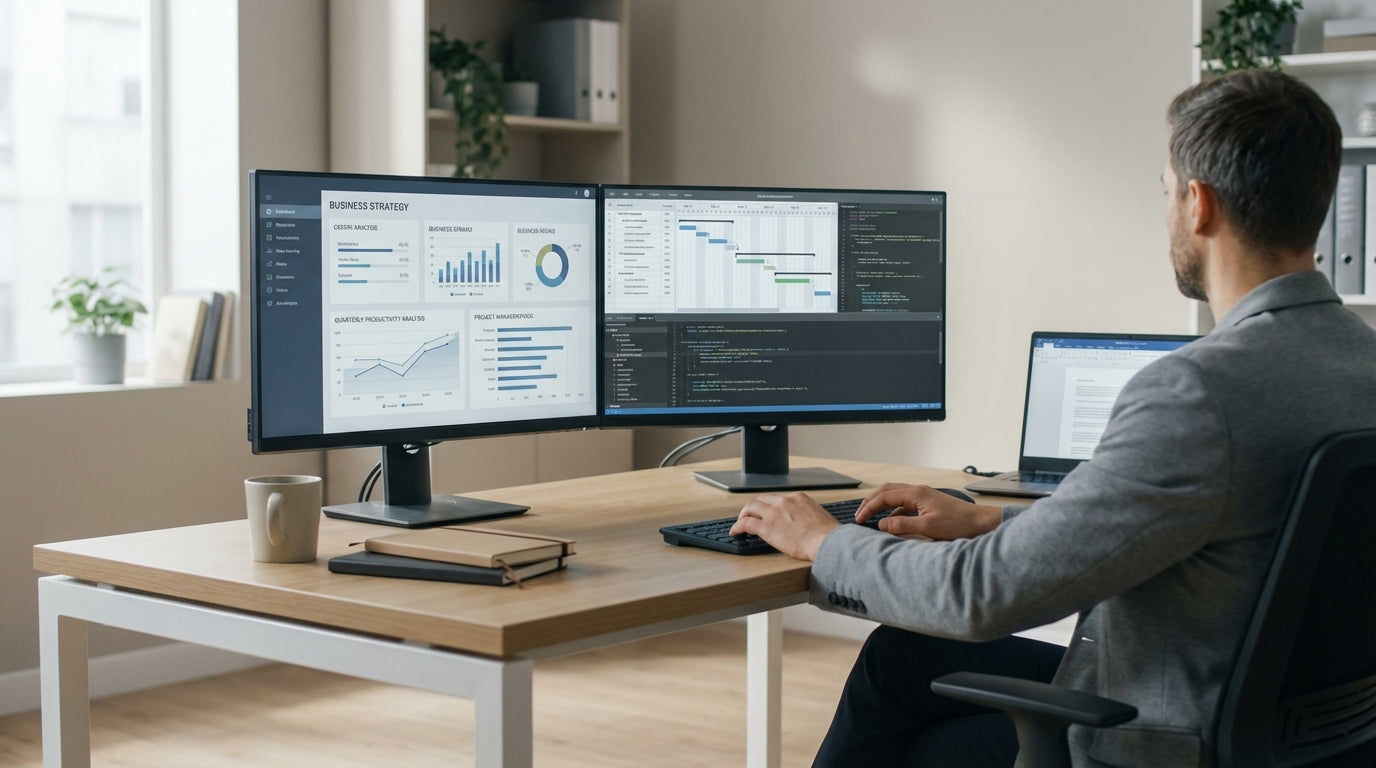
Key dimensions to fit dual monitors comfortably
Getting the right desk size is crucial when you’re running two screens all day. You want enough depth so monitors aren’t in your face, and enough width for spacing, a keyboard, and paperwork.
For most 24–27 inch monitors, aim for at least 140–160 cm of usable length on the main side of the desk. This gives you space to angle both screens slightly without them hanging over the edges. Desk depth matters just as much: around 70–80 cm deep lets you set monitors at a comfortable viewing distance of about an arm’s length, while still leaving room for your keyboard, mouse, and a bit of writing space in front.
If you’re using larger 32 inch screens or ultra-wide monitors, consider stepping up to 180 cm or more on the primary run. This is where a well-sized L-Shaped Desks range can help, as it gives you an extended return side to spread out hardware and documents without crowding your main working area.
Corner layouts can also make good use of smaller rooms. A compact option within the Corner Office Desks category still offers space for two screens, as long as you keep an eye on depth and not just the overall width quoted in the specs.
Choosing between compact and spacious corner setups
Your room size and work style will decide whether you go for a compact footprint or a more generous workstation. Both can support dual monitors if you plan the layout properly.
In tight studies or bedrooms, a smaller unit around 120–140 cm on the main side can still work with two screens, especially when you pair it with Monitor Arms. Arms let you float the monitors off the desk, reclaiming surface area for notebooks and accessories. This style is common in modern Home Office Desks, where every centimetre counts but you still need a productive dual-screen setup.
If you have a dedicated room or a shared office, a more generous corner layout gives you a lot more flexibility. Designs in the Corner Workstations collection often provide a longer return side, perfect for placing a laptop dock, phone, or reference documents away from the main typing zone. This means your monitors stay centred and ergonomically aligned, while secondary items move to the side arm of the desk instead of cluttering your main space.
Single-user offices can strike a balance by using Single Person Workstations that are shaped to sit neatly into a corner. These maintain a focused footprint while still letting you run dual displays, speakers, and a compact document area without feeling cramped.
Ergonomic depth, height, and screen placement
Desk size isn’t just about fitting gear; it also affects posture, eye strain, and long-term comfort. Proper depth and monitor height are essential when you’re using two screens for hours.
A depth of around 70–80 cm gives you enough room to keep monitors roughly an arm’s distance away, reducing neck and eye fatigue. If your space only allows a shallower depth, Monitor Arms become almost essential, as they let you push screens closer to the back edge and fine-tune their height. Pairing this with a desk from the Height Adjustable Workstations range lets you alternate between sitting and standing, keeping your body in a better position relative to the monitors throughout the day.
Height adjustment is particularly important with two monitors because you want the top edges at or just below eye level, and the main screen centred in front of you. With a fixed-height surface, people often stack monitors on stands or books, which eats into your available workspace. Using adjustable arms over a stable corner frame, as seen in many Corner Workstations, solves this by lifting the monitors off the surface entirely while still allowing rotation, tilt, and side-to-side adjustment.
Desk-mounted screening can further improve ergonomics and focus. Adding Desk Mounted Partitions to the rear edge of a corner unit reduces visual distractions and clearly defines your work zone, which is handy in shared or open-plan spaces where your dual-monitor setup might otherwise dominate the room.
Cable management and workspace organisation
Two screens mean more cables, chargers, and accessories. Without a plan, even a generously sized desk can quickly feel cluttered.
When you’re comparing models, check for built-in grommet holes and under-desk channels designed for Cable Management. These keep power leads, HDMI cables, and USB hubs tucked neatly out of the way, freeing up surface area and reducing the chance of accidentally unplugging something when you move equipment around. Many modern L-Shaped Desks and Corner Office Desks are built with this in mind, giving you access points exactly where monitors and laptops typically sit.
Mounting your screens on Monitor Arms also tidies things dramatically by routing cables along the arm structure. This not only clears visual clutter but also makes cleaning and reconfiguring your layout far easier. Pair that with quality Cable Management under the desktop and you can keep a dual-monitor workstation looking streamlined, even when you add extras like docking stations or speakers.
If you’re working from a compact study or spare room, organisation is what allows a smaller unit from the Home Office Desks collection to compete with larger corporate setups. With smart routing, a few clips and trays, and a dedicated area on the return for charging devices, you can maintain a clean, professional surface that doesn’t feel cramped despite housing two full-sized screens.
Matching desk size to room layout and work style
The best dimensions for a dual-monitor corner desk depend on how you use your space day to day. It’s about fitting the room, your equipment, and your habits in one coherent layout.
If you mainly type, browse, and handle light admin, you can prioritise a modest primary length with a shorter return, focusing on good depth and clear central space for the keyboard and mouse. Compact corner units from Single Person Workstations are ideal here, as they centre your monitors while still offering side space for occasional paperwork. For design, editing, or trading work where you’re constantly referencing multiple windows, consider a larger footprint from the Corner Workstations range so you can angle two or even three screens without crowding.
Room layout also matters: measure skirting boards, power points, and door swings before you decide on final dimensions. Many Corner Office Desks and L-Shaped Desks come in left- and right-hand configurations, so you can position the return side away from walkways while still keeping both monitors within a natural reach zone. In smaller homes, pairing a compact unit from the Home Office Desks selection with a Height Adjustable Workstations frame lets you maximise both flexibility and usable area without overwhelming the room.
Where you share space with colleagues or family members, consider how visual and acoustic separation will affect your focus. Adding Desk Mounted Partitions to a corner or height-adjustable frame defines a personal zone around your dual monitors, helping you stay on task even when others are nearby. Combined with smart planning of width, depth, and return length, this ensures your workstation feels tailored to the way you actually work, not just to the size of your screens.


