

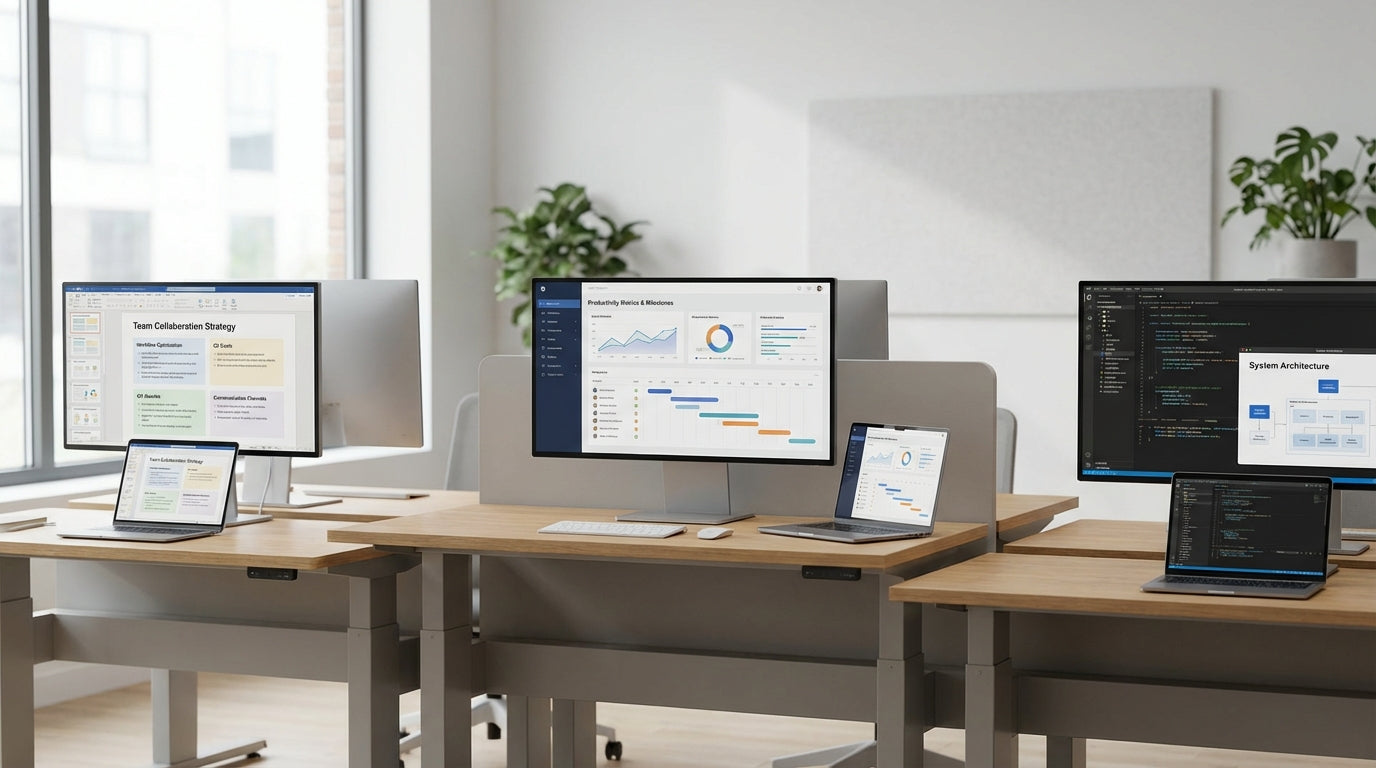
Understanding 3-Person Team Workstations
Three-person workstations are ideal for small teams that need to collaborate closely without losing individual focus. The way you position desks, chairs and partitions can dramatically affect productivity and communication.
In many modern offices, a triple workstation is the core unit of a project team or pod. Unlike hot-desking, these layouts give staff a consistent home base while still encouraging regular interaction. By planning the arrangement carefully, you can support teamwork, privacy, and ergonomic comfort in a relatively compact footprint.
Pre-configured 3 Person Workstations are designed with shared spaces in mind, reducing guesswork around dimensions and clearances. They typically consider cable routing, screens, and storage so your layout feels cohesive rather than cobbled together. When combined with suitable Task Chairs, these clusters can accommodate different working styles within the same team.
At a basic level, your three-person station needs enough surface area, leg room and comfortable reach zones for each user. Add to that the right acoustic and visual separation, and you create a space where people can talk freely without disturbing the broader office. Getting these fundamentals right is the foundation of any effective team-based workstation design.
Choosing the Best Layout Shape for Your Team
The physical arrangement of three desks shapes how people communicate and how easily they can concentrate. Common options include linear, T-shape and triangular layouts.
A linear row suits teams who need to face the same direction, such as sales or support roles that are often on calls. This style works particularly well with Partition Workstations, where desk-mounted or floor-based screens provide some privacy between users. It also makes it simple to add more staff along the same line as the team grows, keeping expansion straightforward.
For balanced collaboration, a T-shaped or Y-shaped cluster lets two staff face each other while a third sits perpendicular. This brings everyone within talking distance without constant eye contact, reducing distraction for focused tasks. Triangular pods, where each person faces outward with shared central services, are another efficient way to keep communication close while minimising visual interruptions.
When space is tight or teams change frequently, look at modular Workstation Components. Sliding returns, shared central storage and removable screens allow you to reconfigure layouts as projects evolve. Combining modular frames with Height Adjustable Workstations also means different users can choose to sit or stand without altering the footprint of the overall pod.
Balancing Collaboration and Privacy with Screens
Team clusters still need boundaries so people can focus. Smart use of partitions and screens helps manage sound, sightlines and movement.
Desk Mounted Partitions are ideal when you want team members to share a bench but have a defined personal zone. These low to mid-height screens block direct eye contact and some noise while keeping voices audible for quick questions. For teams that handle sensitive information, higher screens can protect on-screen content without fully cutting staff off from each other.
Larger shared areas sometimes benefit from adding Floor Partitions around the perimeter of a three-person pod. These create a semi-enclosed bay that reduces traffic passing directly behind users and dampens ambient sound from meeting rooms or reception. Where flexibility is important, Mobile Partitions let you open or close off zones for workshops, stand-ups or periods of concentrated work.
Many triple workstations are sold as complete Partition Workstations, integrating screens, cable access and storage into a unified system. This can be more cost-effective than buying elements separately and helps maintain consistent heights and finishes across the floor. Choosing upholstered or acoustic panels can further improve sound absorption, especially in open-plan spaces with hard surfaces.
Ergonomics, Comfort and Healthy Movement
Comfortable staff collaborate better. An ergonomic three-person setup reduces fatigue, aches and the temptation to work elsewhere.
Start with supportive Task Chairs that offer adjustable height, lumbar support and seat depth. When each person in the cluster can fine-tune their seating position, they are less likely to encroach on shared areas or store items under the desk that block legroom. Encourage staff to position monitors at eye height and keep keyboards close to prevent overreaching across the shared surface.
Integrating Height Adjustable Workstations into a three-person pod supports movement throughout the day. Some systems raise and lower as a group, keeping sightlines and cable routing tidy, while others give each user individual control. Either way, offering sit-stand options can improve comfort during longer collaboration sessions and reduce the strain of back-to-back meetings at the desk.
Cable clutter is both a safety hazard and a visual distraction in tight team clusters. Use dedicated Cable Management solutions such as cable trays, umbilicals and grommets to keep power and data leads off the floor and out of leg space. Many Workstation Components include integrated power rails and monitor arms, freeing up more desk surface for shared documents and equipment.
Practical Tips for Planning and Scaling Your Pods
Good planning ensures three-person stations fit your space, culture and growth plans. A little measuring upfront prevents headaches later.
Begin by mapping the traffic flow around each pod, including access to meeting rooms, printers and storage. Aim to keep walkways behind users at least chair-depth plus clearance so people can move without bumping into colleagues. Locating pods near natural light and away from constant through-traffic improves both wellbeing and concentration for the whole team.
If your organisation is project-based, consider how easily the workstation layout can be reconfigured as teams form and disband. Selecting modular 3 Person Workstations and complementary Workstation Components lets you scale from three to six or nine users in a consistent grid. Adding or removing Desk Mounted Partitions and Mobile Partitions allows each pod to adapt as work becomes more collaborative or more focus-heavy.
Finally, involve staff in fine-tuning the setup once the furniture is in place. Simple adjustments like shifting screens, upgrading Task Chairs, or improving Cable Management can transform how a three-person cluster feels to use every day. By combining considered layouts with flexible products like Partition Workstations and Height Adjustable Workstations, you create team spaces that stay effective as your business and people change.


