

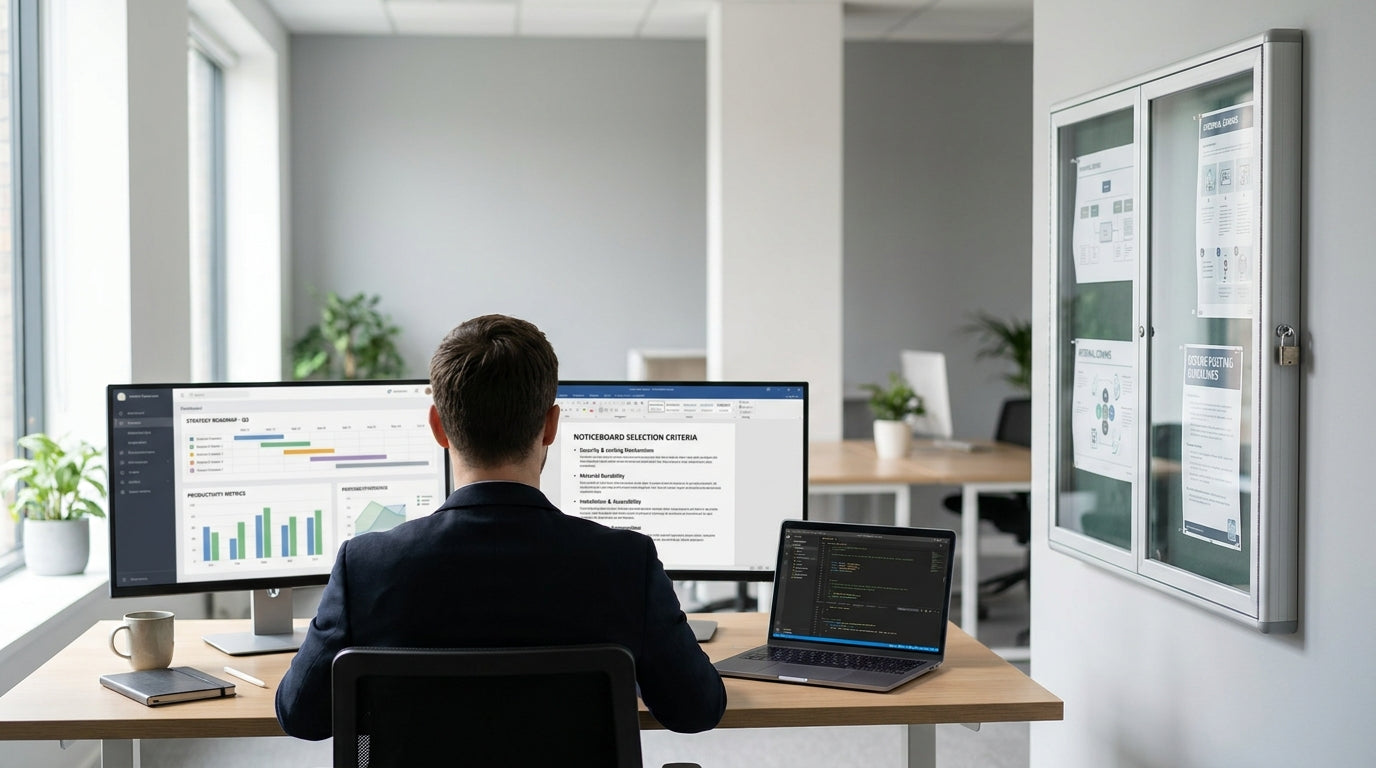
Why Lockable Noticeboards Are Worth the Investment
Lockable noticeboards give you control over what’s displayed and who can access it. They’re ideal for workplaces, schools, health facilities, and strata buildings where information must stay secure and up to date.
The main benefit is protection from tampering, vandalism, and accidental removal of important documents. When policies, safety procedures or legal notices must remain visible, a lockable cabinet-style board makes compliance much easier. This is particularly useful in shared spaces like corridors, lunchrooms and reception areas where many people pass through every day.
A secure board also helps keep your communications looking professional. Posters stay flat, aligned and clean behind a clear cover instead of curling or being layered over each other. Pairing a lockable board with open pinboards & corkboards or magnetic whiteboards lets you separate official notices from more casual messages, so staff and visitors know exactly where to look for critical information.
For organisations that already use display cabinets or noticeboards & display cases, adding a lockable option can create a layered communication system: locked areas for mandatory content and open surfaces for daily updates, brainstorming and reminders.
Choosing the Right Surface: Cork, Fabric, Magnetic and More
The surface you choose affects how easy the board is to use and how long it lasts. Different materials suit different environments and types of content.
Traditional cork and fabric pin surfaces are popular because they’re simple and forgiving. You can pin paper, posters and lightweight signage anywhere on the board, and reposition them quickly. Cork tends to suit more casual or frequently changing notices, while fabric surfaces often look more polished and reduce visible pin holes over time. If you want a cohesive look across your workspace, you can coordinate a lockable unit with open-style pinboards & corkboards elsewhere in the office.
Magnetic surfaces provide extra flexibility, especially in offices and education settings. You can use magnets instead of pins, which avoids damage to documents and is faster when you need to rotate content often. Many magnetic units also double as write-on surfaces, similar to magnetic whiteboards, which is handy for short messages or headings. If you’re after a very durable writing surface that’s easy to clean, consider pairing your noticeboard setup with nearby porcelain whiteboards or glass whiteboards.
Think about visibility too. Glossy surfaces behind glass can create glare under strong lighting, making notices hard to read. In bright corridors or near windows, a matte fabric or cork background can improve readability. Where you run presentations or training sessions, you might also want to add compatible projection boards & presentation accessories in the same area so your display tools work together effectively.
Indoor vs Outdoor Use and Location Planning
Where you install your board will determine the level of protection and durability you need. Indoor corridor use is very different to outdoor public access areas.
For indoor spaces such as offices, classrooms, clinics and community centres, standard lockable units are usually sufficient. Focus on a frame and door that will cope with everyday bumps, cleaning and regular opening. In busy shared areas, consider how people move through the space so the door can open safely without blocking walkways or accessibility routes. You might place a secure unit near open collaboration tools like mobile whiteboards so staff can brainstorm on the whiteboard, then lock in the final version of key messages on the noticeboard.
Outdoor or semi-outdoor locations demand more robust construction. Look for weather-resistant frames, sealed doors and backing materials that won’t warp with moisture. UV-resistant clear panels help prevent yellowing and keep content readable in sunlight. In areas exposed to the public, a sturdy lock and vandal-resistant hardware are essential to protect both the board and what’s inside.
Also think about how the board fits into the overall layout of your workplace communication zones. In open-plan offices, secure noticeboards can be placed alongside desk mounted partitions, floor partitions and mobile partitions to create quiet information hubs away from high-traffic noise. In reception areas, combining a lockable board with glass writing panels or a neat noticeboards & display cases setup can make a strong first impression for visitors.
Size, Capacity and Viewing Distance
The right size will depend on how much information you need to display and how far away people will stand when reading it. Oversized or undersized boards are both hard to use effectively.
Start by listing what must be displayed permanently (such as safety rules, compliance posters or emergency contacts) versus what will change regularly. This helps you estimate minimum capacity. If you tend to add seasonal notices or event posters, allow extra space so the board doesn’t become cluttered. In workplaces with multiple departments, it can be more effective to install several modestly sized boards than one huge unit that everyone competes for.
Viewing distance is often overlooked. In wide corridors or large open spaces, text has to be large enough to read from several metres away, which means you need more surface area to keep everything legible. In compact offices or staff rooms, a smaller board can work because people stand closer to read. If you also use large-format content on projection boards & presentation accessories during meetings, you might mirror key points on a nearby secure noticeboard so staff can refer back to them later.
Think ahead about future growth. As teams expand or policies change, the volume of mandatory information can increase. Matching your secure board with nearby open surfaces like magnetic whiteboards or mobile whiteboards provides overflow space for drafts and temporary updates, while the locked area remains reserved for core, long-term content.
Security, Accessibility and Maintenance Tips
A good lock is only one part of an effective secure noticeboard. You also need to consider who can access it, and how easy it is to keep clean and organised.
Choose a lock mechanism that suits your environment. Standard key locks are common, but they rely on careful key management; in busy workplaces, allocating a small group of authorised staff reduces the risk of misplaced keys. In higher-security settings, you may prefer more robust locks or a system that pairs with other controlled storage. Align your secure noticeboard policy with how you handle locked cabinets, display cases and sensitive files so staff understand the rules clearly.
Accessibility is equally important. Install the board at a height that allows a clear viewing line for most users, keeping in mind wheelchair access and children if they’re part of your audience. Position handles and locks where they can be reached comfortably without stretching. For teams that rely heavily on visual tools like porcelain whiteboards and glass whiteboards, keep your secure board close by so updating information is convenient and doesn’t get forgotten.
Plan a simple maintenance routine. Regularly clean the clear door or panel to remove fingerprints and dust, and check hinges, locks and fixings for wear. Replace worn pins or magnets and remove out-of-date notices so the board stays tidy and trustworthy. When combined with well-maintained pinboards & corkboards, partitions and other visual tools, a clean, secure noticeboard sends a clear message that your organisation values clear communication and attention to detail.


