

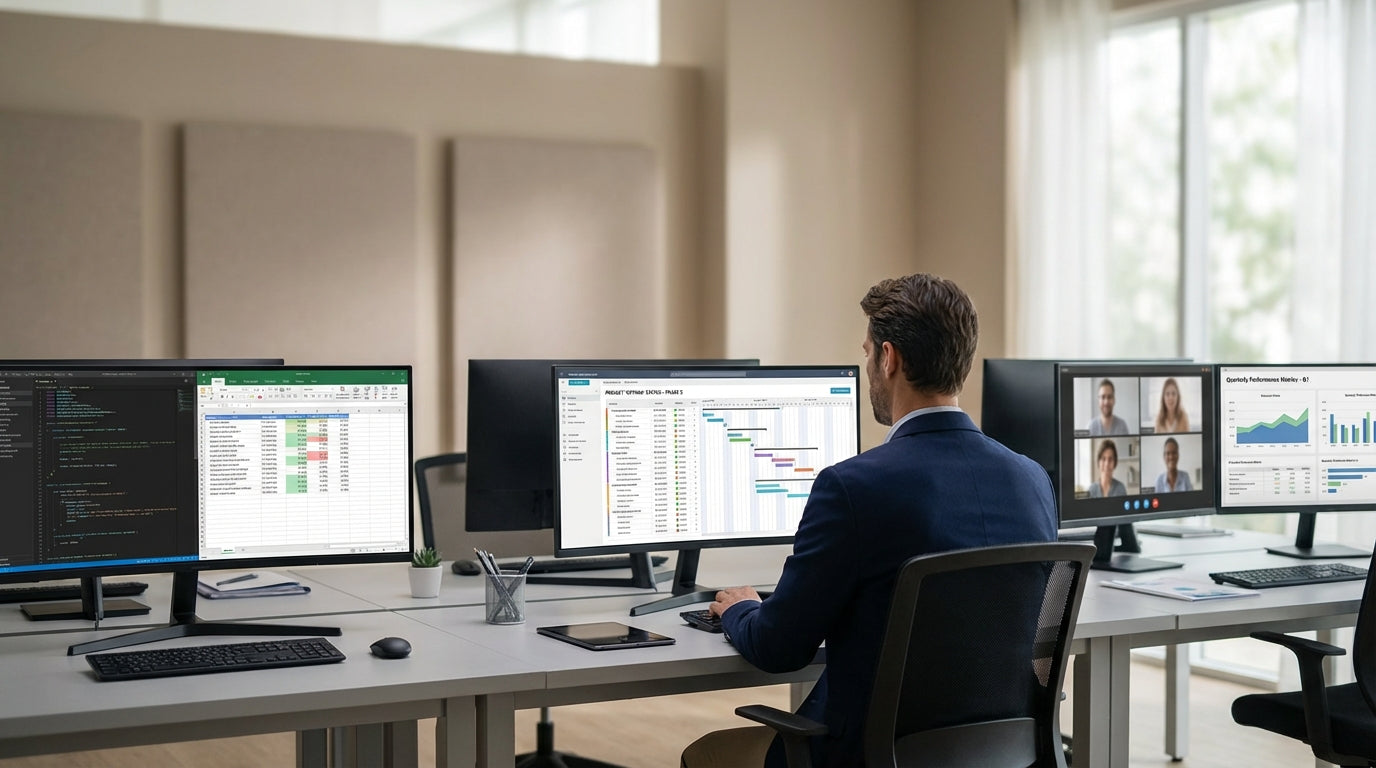
Planning Your Five-Desk Layout for Space and Flow
Getting a shared workstation right starts with smart planning. Before buying desks, take time to map out how five people will actually use the space day to day.
Start by measuring your office and sketching a rough floor plan, including windows, doors, and power points. This helps you decide whether a linear row, cluster pod, or U-shaped configuration will work best. A dedicated cluster of 5 Person Workstations can make planning easier, as dimensions are designed to suit most commercial office spaces and Australian building standards.
Think about traffic flow so people can move freely without squeezing past chairs or bumping into each other. Aim for wide walkways between the workstation and walls or storage, and keep frequent paths to printers and meeting rooms clear. If you anticipate growth, choose modular systems that can pair with 2 Person Workstations or 3 Person Workstations later, allowing you to expand without a complete redesign.
Noise and collaboration should also guide your layout. Place quieter roles or phone-heavy jobs at the ends of pods, and keep collaborative staff closer together so they can chat without disturbing others. If you need more privacy between teams, blending pods with nearby Single Person Workstations can create a mix of focus and shared areas in the same open-plan office.
Choosing Desks, Screens, and Core Components
Once you know the layout, the next step is choosing the right hardware. The core pieces are desks, screens, frames, and accessories that support daily work.
Look for workstation systems that come with integrated frames and matching tops so alignment and cable pathways are consistent. A dedicated range of Workstation Components lets you add modesty panels, extra legs, and return tops without mixing mismatched products. This is especially useful when you’re building a pod of five around a central spine or shared frame, where stability and even weight distribution really matter.
Desk-mounted screens or acoustic panels help define each person’s area and reduce visual distractions. If you need more privacy or sound absorption, consider a bank of Partition Workstations that combine panels and desks in one system. These partitions can also double as pinboards for notes and calendars, keeping paperwork off the desktop.
Don’t overlook future-proofing. If there’s a chance you’ll reconfigure from five to four or six seats, it’s safer to invest in modular frames and universal tops from the same workstation family. That way, you can easily re-use components with 4 Person Workstations or corner units without sending old furniture to landfill. Standardised components simplify maintenance and make your workstation configuration more sustainable and budget-friendly over time.
Balancing Collaboration and Privacy for Five Users
A shared workstation for five people must balance teamwork with individual focus. The arrangement of desks, partitions, and shared surfaces has a big impact on how people interact.
For highly collaborative teams, consider a central hub layout where all users face the middle, allowing easy conversation and eye contact. Pairing this type of pod with low-height partitions from Partition Workstations can maintain some separation for concentration while still supporting quick chats. If your team handles confidential calls, mix in higher screens along specific sides to block sound and lines of sight from neighbouring zones.
Task variety also matters. Staff who spend long hours on the phone may benefit from a semi-enclosed side seat, while staff who mostly email or work on documents can sit in more open positions. Where possible, give each person at least one “quiet edge” such as a panel, wall, or storage unit beside them. If you already use Single Person Workstations for private tasks, locate your five-desk cluster nearby so team members can easily move between shared and solo spaces.
Think vertically as well as horizontally. Desk screens, overhead shelves, and pinboards create subtle boundaries and help individuals personalise their spots without eating into floor space. When laid out carefully, a pod of five can function like a mini neighbourhood inside a larger open office, improving communication within the group while minimising disruption for others around them.
Ergonomics, Adjustability, and Corner Solutions
Comfort and ergonomics are vital when five people share a workstation zone all day. Good design can reduce fatigue, strain, and long-term injuries.
Height adjustment is one of the most effective ways to support different body types and working styles. Incorporating Height Adjustable Workstations into your five-person cluster lets staff alternate between sitting and standing, improving circulation and posture. Even if your budget doesn’t stretch to full electric height adjustment for every desk, consider a few sit–stand positions within the pod so team members can rotate as needed.
For corners or awkward rooms, a mix of straight and corner desks often works best. Corner Workstations make excellent anchor points at the ends of a five-desk run, offering extra depth for dual monitors or large paperwork. This can be ideal for staff who need more screen real estate, such as designers or analysts, while central spots are reserved for roles with lighter equipment needs.
Check that each person has adequate legroom, an adjustable chair, and that monitors are at eye level with keyboards positioned to keep wrists straight. Use modular accessories from your chosen Workstation Components range—such as monitor arms and CPU holders—to keep surfaces clear. When ergonomics are properly addressed across all five seats, you create a more consistent, healthy experience for the entire team.
Power, Data, and Cable Management for a Clean Setup
A five-person desk pod needs reliable power, data, and tidy cabling. Poor planning here leads to clutter, safety risks, and frustrated staff.
Start by listing every device each person uses—laptops, monitors, phone chargers, and docking stations—then add shared equipment like label printers or scanners. This helps you determine how many power points and data outlets you need at the workstation. Modern pods are often designed with central power rails and under-desk channels, and you can fine-tune these using specialised Cable Management solutions to keep leads secured and off the floor.
Use cable baskets, clips, and vertical umbilicals so wires can drop neatly from the ceiling or rise from floor boxes straight into the workstation frame. When combined with a system of Height Adjustable Workstations, flexible cabling ensures there’s enough slack for desks to move without pulling on plugs or data ports. This reduces trip hazards and makes it easier to clean around your five-desk cluster.
If you expect to reconfigure teams frequently, keep your workstation on or near a central power spine so you can add or remove desks with minimal disruption. Pods that align with nearby 2 Person Workstations or 4 Person Workstations can share the same power source, creating a tidy, scalable grid across the office. With thoughtful planning and the right Cable Management accessories, your five-person configuration will look professional, stay safe, and support the technology your team relies on every day.


