

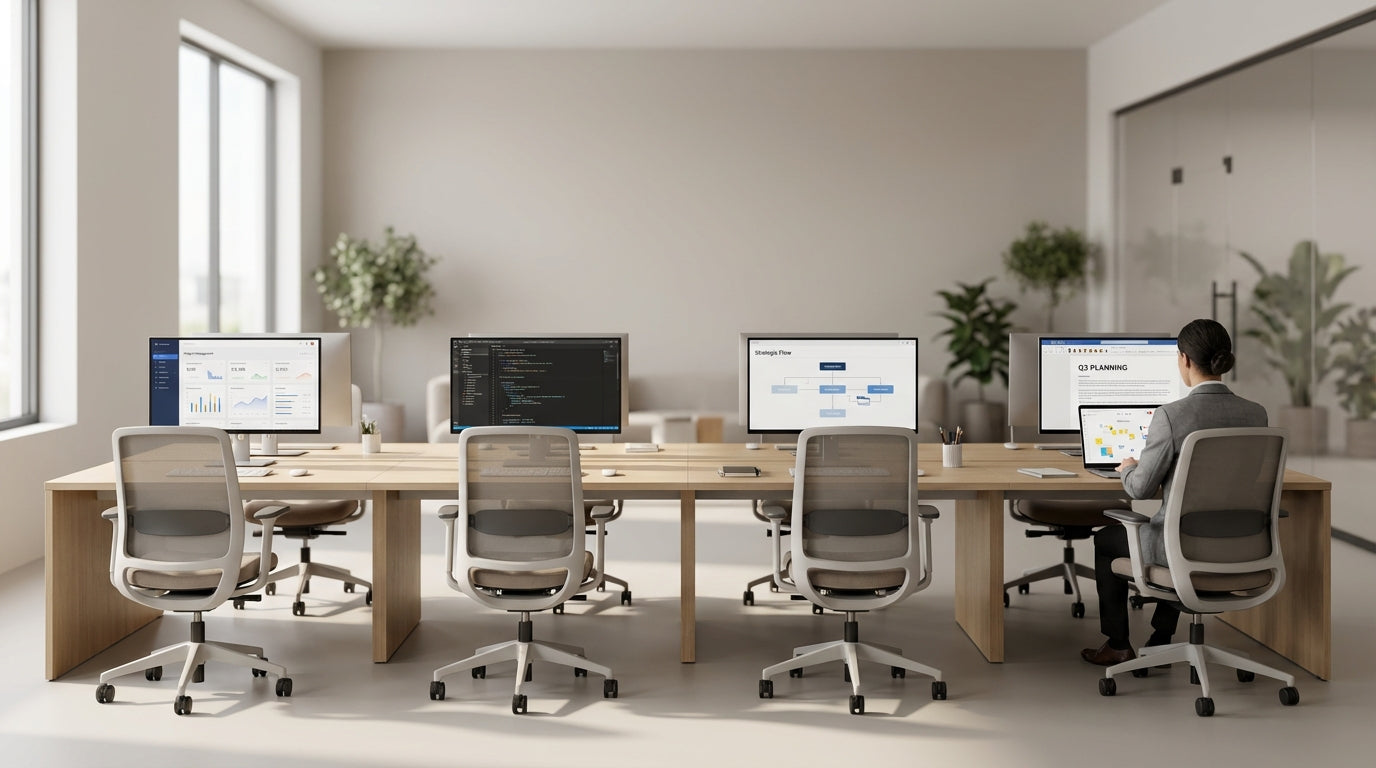
Planning the layout for a six-person pod
A successful team workstation starts with smart space planning. Before buying furniture, map out how people will move, meet and focus in the area.
Begin by confirming your floor measurements and allowing generous circulation space around the pod so people can move without bumping chairs or cutting across others’ screens. A good rule of thumb is to keep at least 900–1200 mm clear around the perimeter for walkways and access. From there, decide whether a linear, back-to-back bench, or a U-shaped layout best suits your team’s workflow and the shape of the room.
For most open-plan offices, a back-to-back cluster from a dedicated range of 6 Person Workstations strikes a balance between collaboration and efficient use of space. These systems are designed with shared frames and consistent depths, making it much easier to line up power, data and cabling neatly. When you choose modular frames, you also keep the option to expand to eight or more seats later without reconfiguring the entire office.
Think about who will sit where within the pod. Seat team members who need regular interaction opposite or beside each other, and place those doing high-concentration work at the ends or furthest from high-traffic areas. If your team includes a mix of standing and seated workers, factor in access to shared storage and ensure any higher surfaces don’t block sightlines across the pod.
Choosing the right workstation system and components
The furniture you choose will determine how flexible and comfortable the pod is. Look for a system that supports both current needs and future team changes.
Start with a solid workstation frame and top that can handle daily use and reconfiguration. Purpose-built 6 Person Workstations usually include shared legs and beams, which reduce clutter under the desk and keep the footprint compact. Consider finishes that match your existing fitout, but also think practically: lighter tops can brighten darker spaces, while timber tones add warmth to otherwise clinical offices.
If your team spends long hours at the desk, adding a mix of Height Adjustable Workstations within the pod can significantly improve comfort. Sit-stand desks allow people to vary posture during the day, which can reduce fatigue and support better ergonomics. You can either specify all six positions as height adjustable, or nominate a few spots for those with specific ergonomic needs while keeping the rest fixed-height.
Don’t overlook the smaller Workstation Components that complete the setup. Under-desk storage, mobile pedestals, power rails, and document trays help each person stay organised without eating into valuable desktop space. When you select components from the same system, you get consistent sizing and finishes, making the pod look intentional rather than pieced together.
Balancing collaboration with privacy and acoustics
Open pods work best when people can collaborate easily without disturbing the whole office. The key is adding just enough separation to control noise and visual distractions.
Desk screens and partitions are a simple way to give each person a sense of territory. Systems built around Partition Workstations allow you to specify different screen heights and materials to suit your space. Lower screens support quick, informal chats across the desk, while higher panels help reduce eye-line distractions in noisier areas or near corridors.
For finer control, consider integrating Desk Mounted Partitions along the centre or between facing users. These panels are fixed directly to the desktop, which makes them stable and easier to retrofit to an existing pod. Choose fabric or acoustic options where possible, as they absorb sound better than hard laminate or glass and can double as pinboards for team notes and schedules.
Think about how sound carries around the pod as well. Position the workstation away from printers, kitchens and meeting-room doors to reduce background noise. If your team regularly jumps on video calls, combining partitions with simple headset policies can prevent the workstation from becoming a noisy hotspot, while still allowing people to turn and speak to each other when they need quick input.
Ergonomic seating and screen setup for six people
Ergonomics is about fitting the workstation to the person, not the other way around. In a shared pod, this becomes even more important because minor issues can affect six people at once.
Start with supportive seating for every spot. Adjustable Task Chairs let each person fine-tune seat height, backrest angle and lumbar support to suit their body. For warmer Australian offices or spaces without strong air conditioning, breathable Mesh Office Chairs can improve comfort over long days, reducing heat build-up and helping people stay focused.
Next, ensure screens are positioned correctly to avoid neck and eye strain. A set of quality Monitor Arms for each workstation makes it easy to raise, tilt and swivel screens to the right height. This is especially useful in a six-person pod where users might be different heights or work with dual monitors. With arms, you can also free up desk space underneath for documents, notebooks and docking stations.
Encourage staff to keep keyboards and mice close to the edge of the desk, with elbows at roughly 90 degrees and feet flat on the floor. When combined with height-adjustable desks, this setup allows for smooth transitions between sitting and standing while maintaining a healthy posture. Over time, these small ergonomic details can significantly reduce discomfort, absenteeism and the risk of repetitive strain injuries across the team.
Managing power, data and daily desk organisation
A six-person cluster can quickly become messy if power and cabling aren’t planned. Clean wiring and smart storage make the pod safer, easier to clean and more pleasant to work at.
Before installation, map out how many power points, data ports and chargers each person needs, then centralise supply along the workstation spine where possible. Investing in dedicated Cable Management solutions, such as trays, vertical umbilicals and clips, keeps cords off the floor and away from chair castors. This not only reduces trip hazards but also makes it much quicker to add or replace equipment without tracing tangled leads.
Use desk cut-outs or integrated power rails along the centre of the pod to keep plugs within reach without cluttering the work surface. When combined with well-routed cables and hidden power boards, the workstation looks tidy from every angle, which is important in open-plan areas visible to visitors or clients. Labelled power and data points can help your IT team quickly diagnose issues or reassign desks when staff move.
Finally, build in habits and tools that support daily organisation. Provide each user with modest storage from the same Workstation Components range, such as mobile drawers or personal caddies, so paperwork and personal items don’t spread across shared surfaces. With a clear place for everything, the six-person pod stays functional, professional and ready for impromptu collaboration throughout the day.


