

Understanding Pods in Open-Plan Offices
Enclosed pods are becoming a go-to solution for noisy, distraction-heavy open offices across Australia. They create private, functional spaces without a full office fit-out.
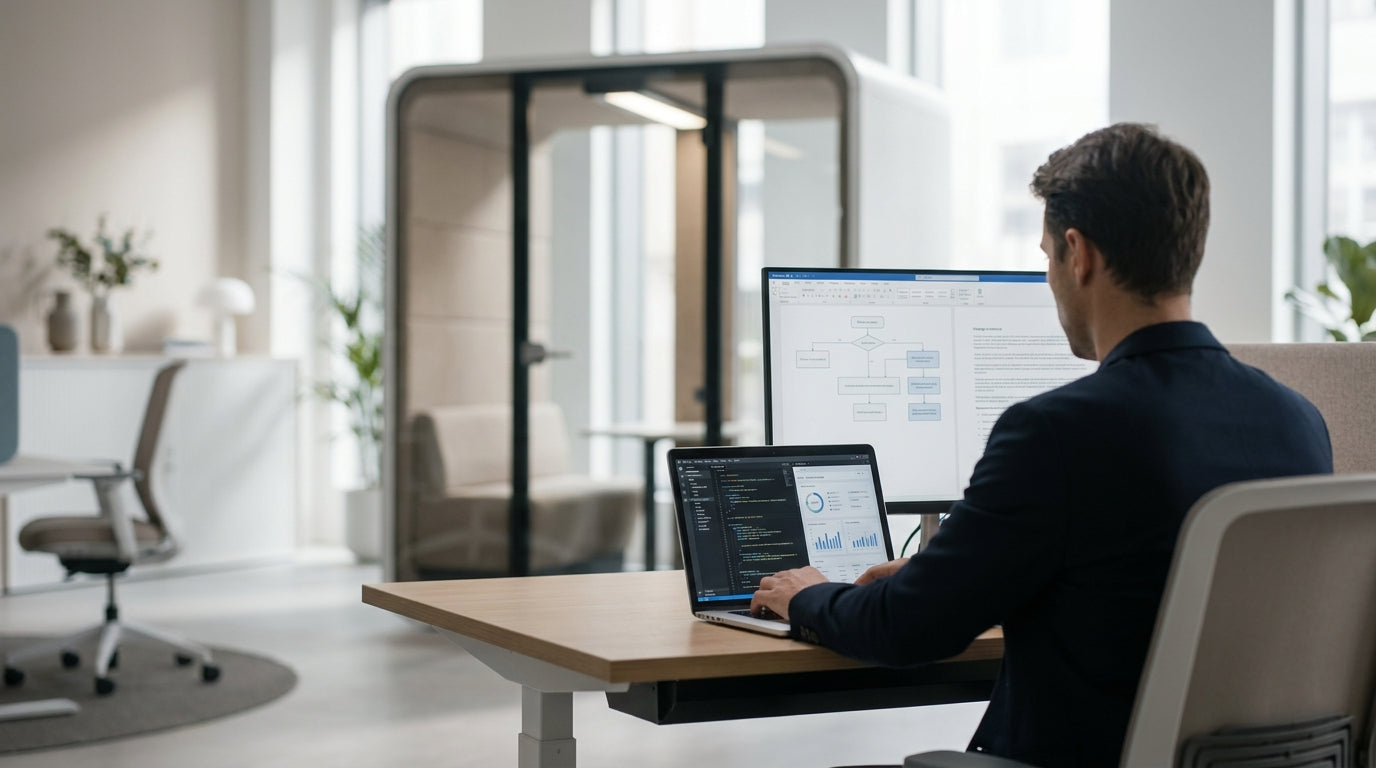
Modern Office Pods are self-contained rooms that can sit within an open-plan floor, giving staff somewhere quiet for calls, deep-focus work, or small meetings. They often include lighting, power points, ventilation and sound-absorbing materials, so they feel like mini offices. Because they are usually modular, they can be moved or reconfigured as your team changes.
Pods work best when they’re part of a broader zoning strategy. Combine them with focused areas using Single Person Workstations and shared areas with 2 Person Workstations to support different work styles. This mix helps employees choose between quiet concentration, quick collaboration, and informal chats, all on the same floor.
Not every pod needs to be a full enclosed room. You can create semi-private nooks using Partition Workstations or compact touchdown spots with Height Adjustable Workstations. Together, these solutions make it easier to manage noise, privacy and productivity without giving up the benefits of an open layout.
Planning Your Layout for Pods and Privacy Zones
Good planning stops pods from feeling like afterthoughts dropped onto the floor. Start by mapping how your team actually works day to day.
Walk the space and note high-traffic paths, noisy zones and areas that naturally stay quiet. Place enclosed pods away from busy thoroughfares so people inside aren’t constantly disturbed. At the same time, keep them close enough to main work areas that staff are comfortable using them for quick calls or 30-minute focus sessions rather than long bookings only.
Think in “zones” rather than isolated pieces of furniture. For example, you could group a bank of focus pods beside a row of Single Person Workstations to create a quiet wing of the office. Collaborative pods can sit closer to banks of 2 Person Workstations, where people naturally pair up and discuss projects.
Circulation is critical. Ensure there is enough space around pods so people can move freely and meet safety requirements, especially in shared, flexible areas that use Mobile Partitions. Use more permanent Floor Partitions to subtly signal quiet and active zones, helping staff understand where phone calls, stand-ups and deep work should happen without adding rigid walls.
Managing Noise with Acoustic Solutions
Noise is the main complaint in open-plan offices, so sound control has to be built into your pod strategy. Aim to reduce both overall volume and distracting echoes.
Pods with built-in acoustic panels help stop sound travelling in and out, making them ideal for video calls and confidential chats. Pair these with dedicated Acoustic Pods for high-noise tasks such as sales calls or team huddles. By concentrating loud activities into better-controlled spaces, you make the wider office noticeably calmer.
Managing noise isn’t just about enclosed rooms. Use Desk Mounted Partitions around open desks to break up sound paths and reduce direct line-of-sight between people, which can lower perceived noise. For shared project areas or temporary teams, Mobile Partitions let you create ad-hoc acoustic barriers that can be moved as projects change.
Larger, fixed Floor Partitions are useful to separate noisy communal spaces like kitchens or breakout zones from concentration areas and pod clusters. When you combine these elements—pods, desk screens and partitions—you get layered sound control that addresses background chatter, phone calls, and the occasional loud meeting without needing a full office rebuild.
Choosing the Right Pods and Workstations
The best setup balances private pods with ergonomic, flexible workstations. Begin by matching solutions to tasks rather than just counting heads.
For team members who need frequent quiet time but still move around, pairing pods with Height Adjustable Workstations works well. Staff can switch between sitting, standing and stepping into a pod for deep-focus blocks. Those doing focus-heavy work all day may benefit from Partition Workstations, which offer built-in screens plus occasional access to pods for confidential calls.
Look closely at pod size and configuration. Single-occupant units suit focused work and one-on-one calls, while larger Office Pods handle project meetings and hybrid collaboration. Many organisations mix compact phone-booth-style pods with small meeting pods to avoid bottlenecks where everyone competes for the same type of space.
Don’t overlook the open desk areas around pods. Use Single Person Workstations to create library-style quiet rows and 2 Person Workstations in zones designed for pairing and mentoring. Adding Desk Mounted Partitions in the right spots offers extra privacy and makes the transition between open desks and enclosed pods feel smoother.
Implementation, Guidelines and Ongoing Adjustments
Once you’ve chosen your pods and layout, focus on rollout and everyday use. Clear guidelines help staff feel confident about when and how to use the new spaces.
Before installation, share simple rules around booking, noise and etiquette. For example, keep calls inside pods short unless you’re in designated Acoustic Pods, and avoid using pods as personal offices for the whole day. Encourage teams to combine pods with quieter desk zones created using Floor Partitions or Mobile Partitions, so everyone has fair access to private space.
Stagger the setup if you’re unsure of the perfect configuration. Start with a mix of enclosed Office Pods and a few focused clusters using Partition Workstations. After a few weeks, review usage data and feedback: Are some pods always booked? Are certain desks sitting empty? Use this information to move units, add Desk Mounted Partitions, or swap in more Single Person Workstations where people need more quiet.
Finally, treat your layout as a living system. As teams grow, roles shift, or hybrid work patterns change, you can re-balance with extra Height Adjustable Workstations, additional pods, or reconfigured Mobile Partitions. Regular check-ins with staff will keep your open workspace practical, comfortable and productive over the long term.


