

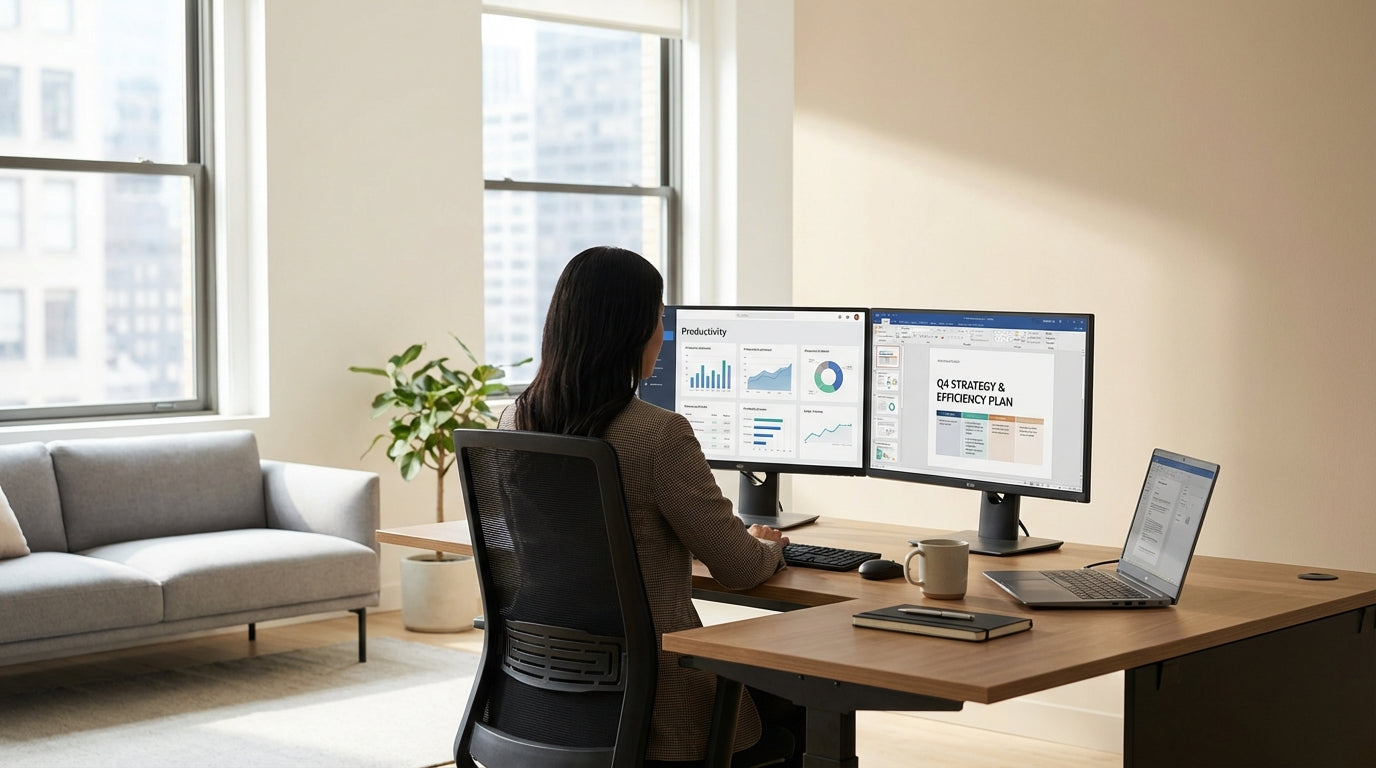
Understanding Corner Workstation Sizes
Choosing the right-sized corner workstation starts with knowing how much room you actually have. Measurements matter more than guesswork, especially in compact Australian homes and offices.
Begin by measuring wall-to-wall distance along both sides of the corner, noting any skirting boards, windows, or power points that could get in the way. Compare this with the overall footprint of different Corner Workstations, including the depth of each return (the two sides of the desk). A common sweet spot for small offices is around 1500–1600 mm on each side, while more generous rooms can easily take 1800–2100 mm returns without feeling cramped.
Depth is just as important as length. A front-to-back depth of 600–700 mm suits laptops and light paperwork, while 750–800 mm is more comfortable for dual monitors and reference documents. If you’re comparing L-Shaped Desks, check that the deeper end sits on the side where you need the most workspace, such as under your main monitor setup.
Finally, factor in chair clearance and movement space. You’ll generally want at least 900 mm behind your chair so you can stand up, turn, and move around without bumping into storage or walls. Measuring this zone before ordering will prevent that “desk fits, but I don’t” problem that plagues many home and small-business offices.
Matching Desk Dimensions to Room Size
The best workstation size will change depending on whether you’re fitting out a spare bedroom, shared office, or open-plan workspace. Think in terms of available floor area per person, not just total room size.
In a compact home office of 2.4 m x 3 m, a workstation with one return around 1500 mm and the other 1200–1500 mm usually leaves enough room for a filing cabinet or printer stand. Pairing a smaller footprint with streamlined Home Office Desks elsewhere in the room can create a flexible layout without overcrowding. If you’re fitting out a multi-person office, you might combine corner units with straight Single Person Workstations to keep walkways clear.
Medium-sized offices can typically support a more generous configuration. A 1800 x 1800 mm corner setup allows space for dual monitors, paperwork, and peripherals, with the option to add Workstation Components like under-desk storage or return-mounted shelves. Where sound and privacy are concerns, consider adding Desk Mounted Partitions between adjacent workstations, but remember to leave space for cable routing and monitor arms.
For executive or client-facing spaces, larger Corner Office Desks in the 1800–2100 mm range can double as meeting surfaces, saving the need for a separate table. Just ensure visitors have at least 900–1000 mm of clear space on their side of the desk so chairs can slide in and out comfortably. In open-plan layouts, it’s often better to slightly downsize each corner workstation so you can maintain consistent circulation paths throughout the floor.
Depth, Ergonomics, and Monitor Setup
Getting the depth right is crucial for comfort, especially if you use multiple screens. Ergonomic spacing affects both posture and how much of the desk surface you can actually use.
Ideally, you want your monitor about an arm’s length away, with the top of the screen near eye level. This typically works best with desk depths of at least 700 mm, especially once you allow for a keyboard and some forearm support. If your space only allows for shallower desks, adding Monitor Arms lets you push screens further back while keeping the desk surface usable for writing and documents.
Height flexibility is another way to offset limited depth. Height Adjustable Workstations allow you to fine-tune elbow angle, viewing height, and reach distance, which can make a slightly smaller footprint feel much more spacious in practice. When planning overall size, consider that sit-stand mechanisms and cable trays may need a little extra clearance against walls or partitions.
If you rely on reference material, sketching, or large plans, consider asymmetrical layouts: a deeper main side for screens and a slightly shallower return for writing and storage. Many L-Shaped Desks offer this kind of configuration, giving you a focused “tech zone” and a separate “paperwork zone” without expanding the total width too much. This deliberate zoning helps you use every square centimetre efficiently instead of ending up with random piles in unused corners.
Choosing Layouts for Different Workstyles
The ideal footprint depends heavily on what you actually do at the desk. Matching size and layout to workstyle can free up space without sacrificing function.
For focused, individual tasks such as coding, writing, or data analysis, compact Single Person Workstations with one longer side (1600–1800 mm) and a shorter return (1200–1400 mm) often provide all the space needed. The longer run can host monitors and a keyboard, while the smaller return keeps essential items like notepads, docking stations, or a printer within easy reach. This setup keeps your primary working zone clear while still using the corner efficiently.
Creative roles or jobs that juggle digital and physical materials may need a slightly larger L-shape to spread out sketches, samples, or reference books. Here, larger Corner Workstations in the 1800 x 1800 mm range can prevent clutter from creeping into your keyboard and mouse area. Adding modular Workstation Components such as mobile pedestals or overhead shelves means you can reconfigure as projects change rather than upgrading the whole desk.
In shared or hot-desking environments, a slimmer footprint paired with thoughtful accessories often maximises space. Combining slightly smaller Home Office Desks or corner units with Desk Mounted Partitions creates visual separation without needing bulky screens or fixed walls. This allows more people to work comfortably in the same floor area while maintaining privacy and acoustic control.
Practical Tips for Measuring and Planning
A little planning on paper can prevent expensive mistakes when you order your workstation. Use a tape measure, a simple sketch, and a few practical rules of thumb.
Start by marking out the desk footprint on the floor with masking tape, using the actual dimensions of the corner unit or Corner Office Desks you’re considering. Sit a chair inside the taped area and check that you can move, swivel, and stand without hitting walls, storage, or doors. Remember to allow space for drawers or cupboard doors to open fully, and for any future additions like CPU holders or mobile pedestals from the Workstation Components range.
Next, think vertically, not just horizontally. If you’re planning to mount screens using Monitor Arms or add Desk Mounted Partitions, ensure there’s sufficient clearance below windowsills, shelves, and wall cabinets. For Height Adjustable Workstations, check that power and data cables have enough slack to move with the desk without snagging.
Finally, balance future growth against current needs. It can be tempting to choose the largest possible desk, but smarter sizing often means pairing a moderate corner unit with additional L-Shaped Desks or compact Home Office Desks as your needs change. By planning circulation space, storage zones, and access to natural light from the outset, you’ll end up with a workstation that feels spacious and efficient, not just big.


